.png)
 12 hours ago
10
12 hours ago
10
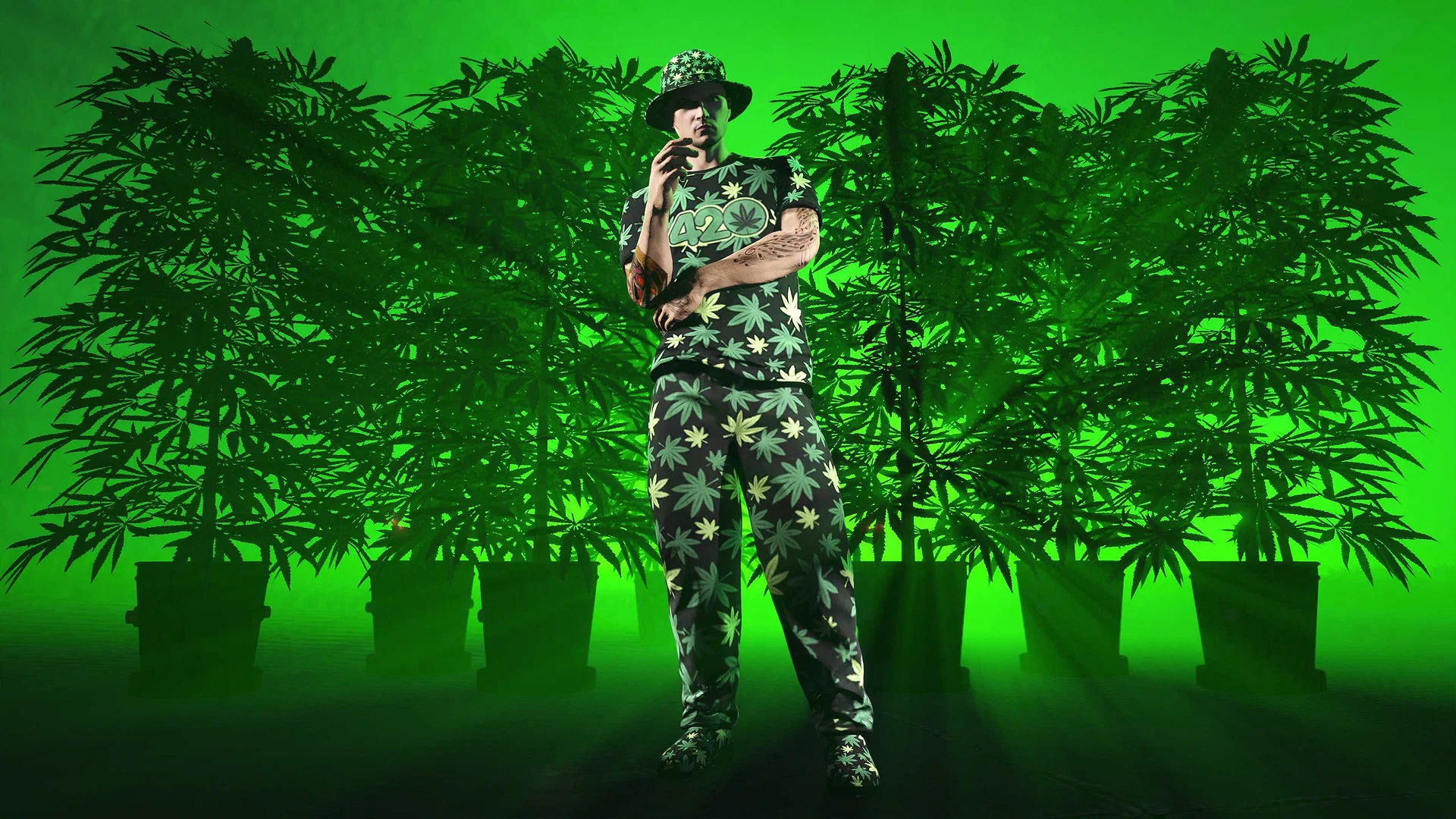
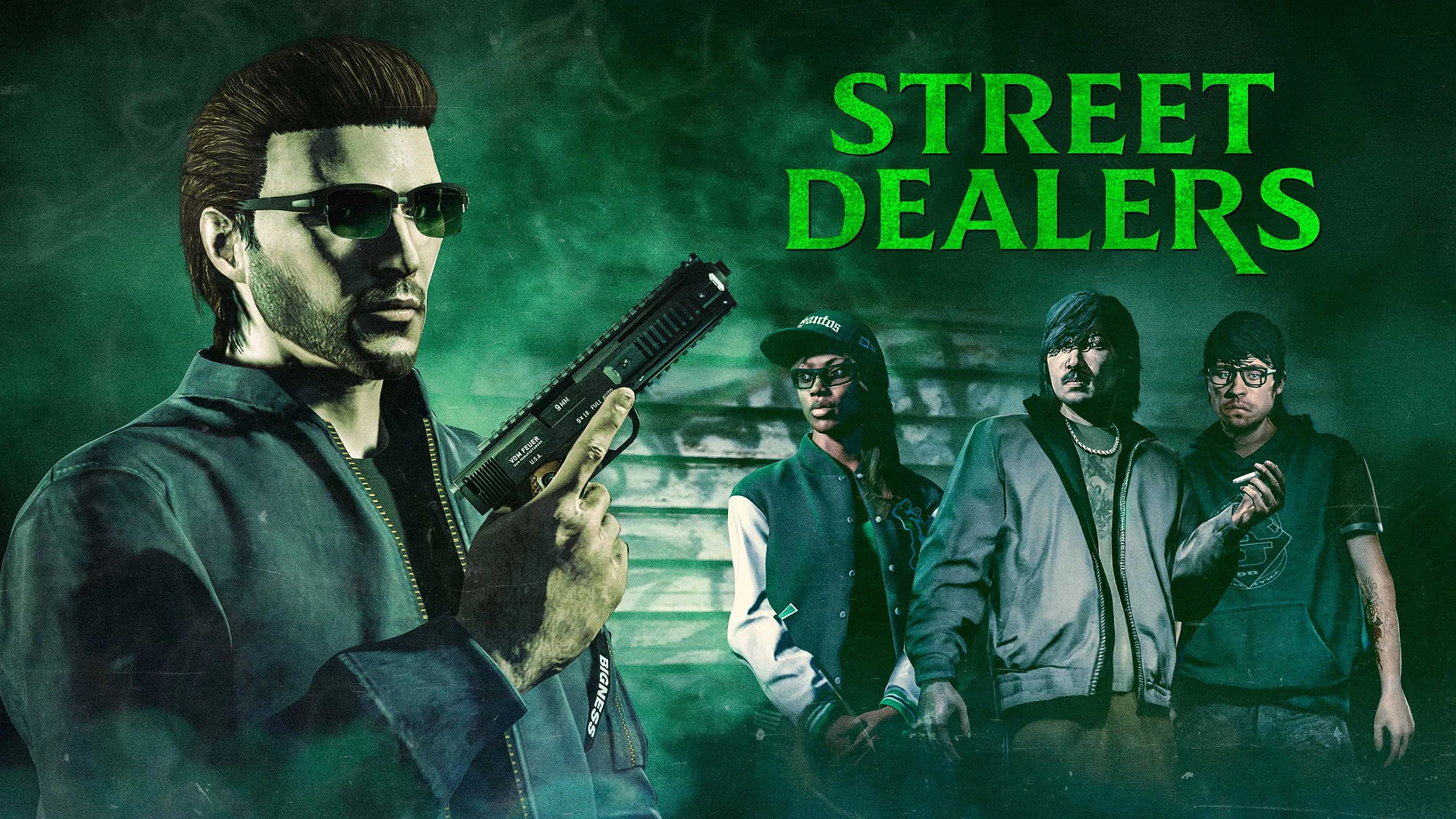
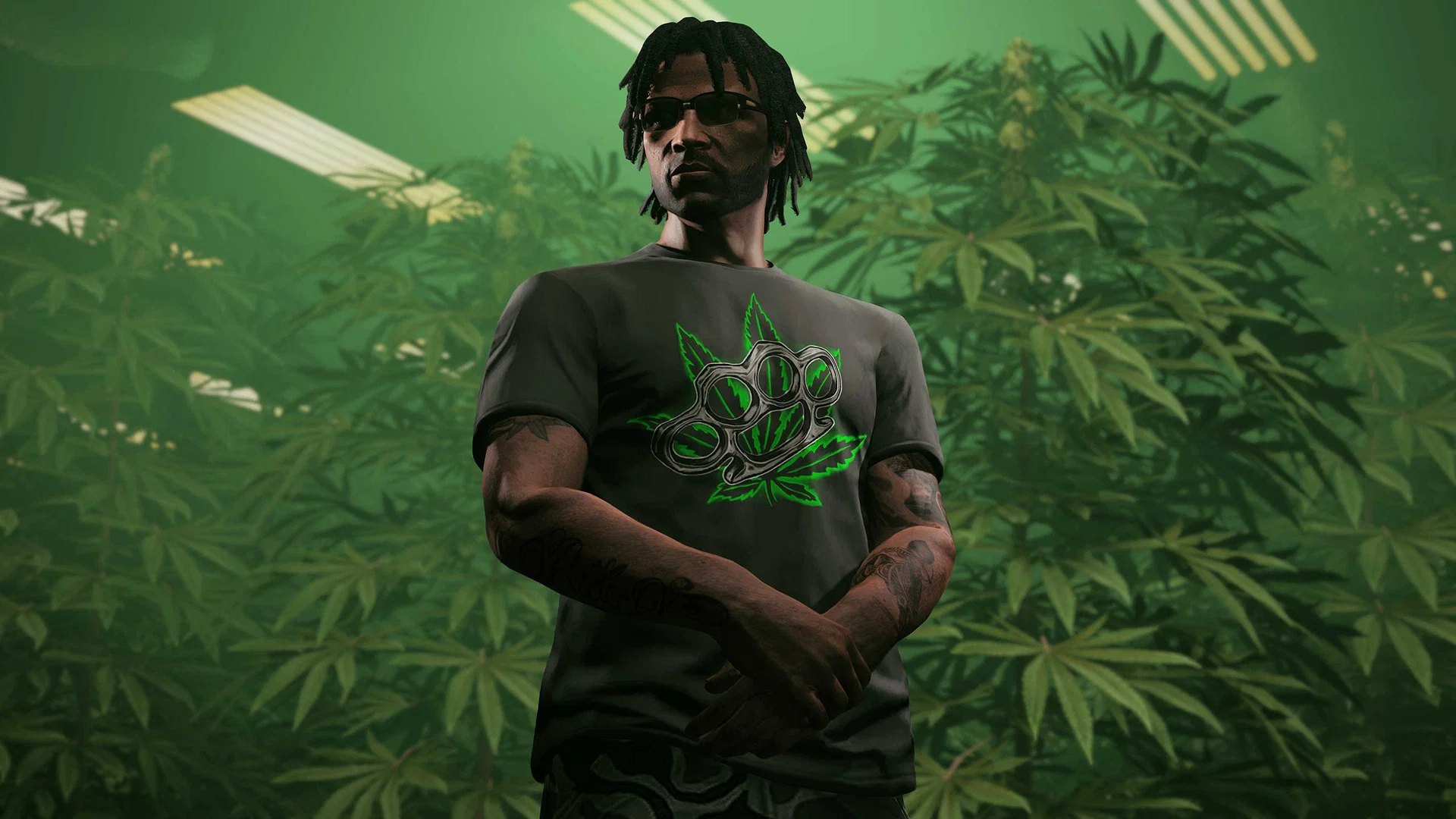
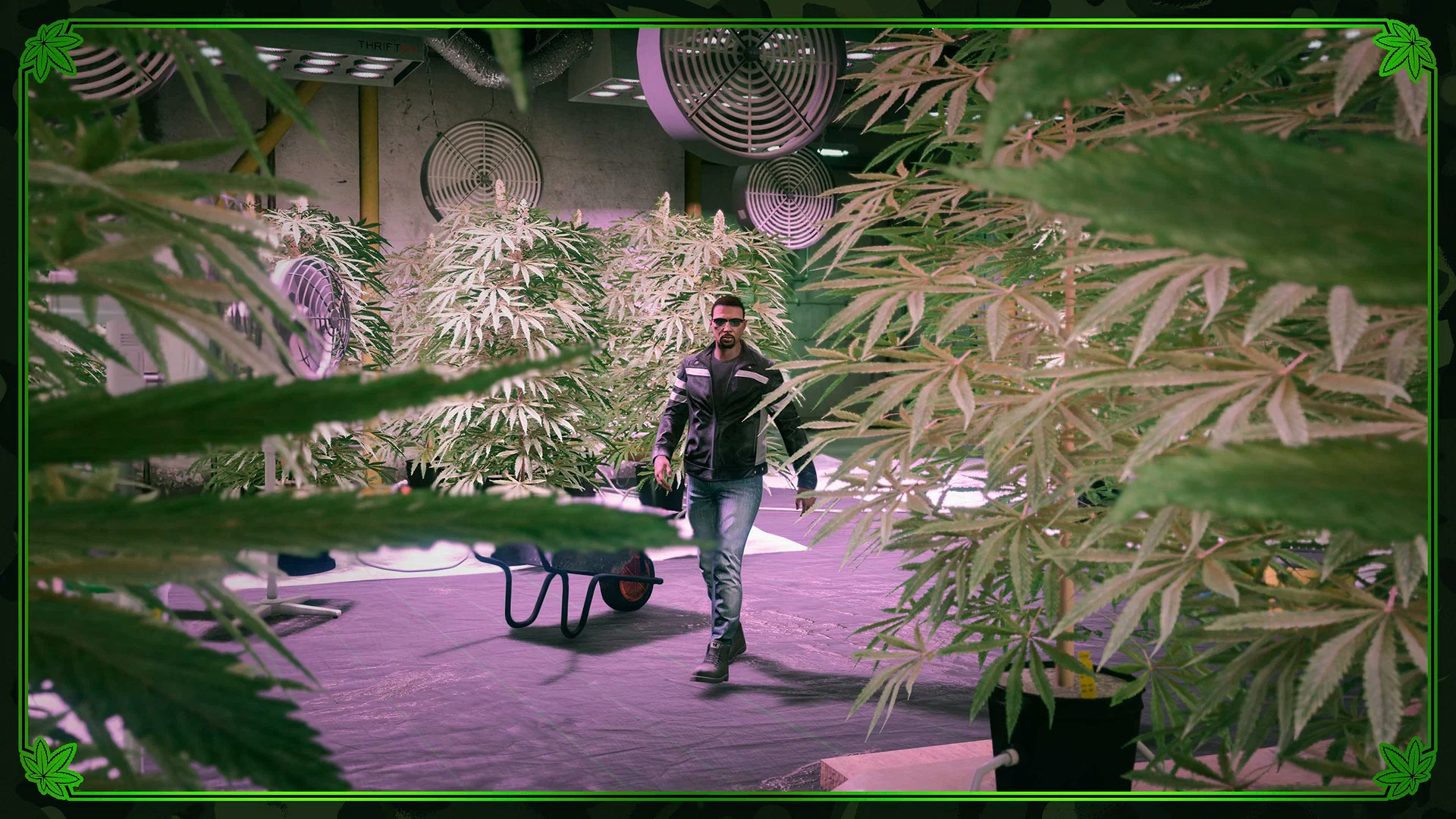
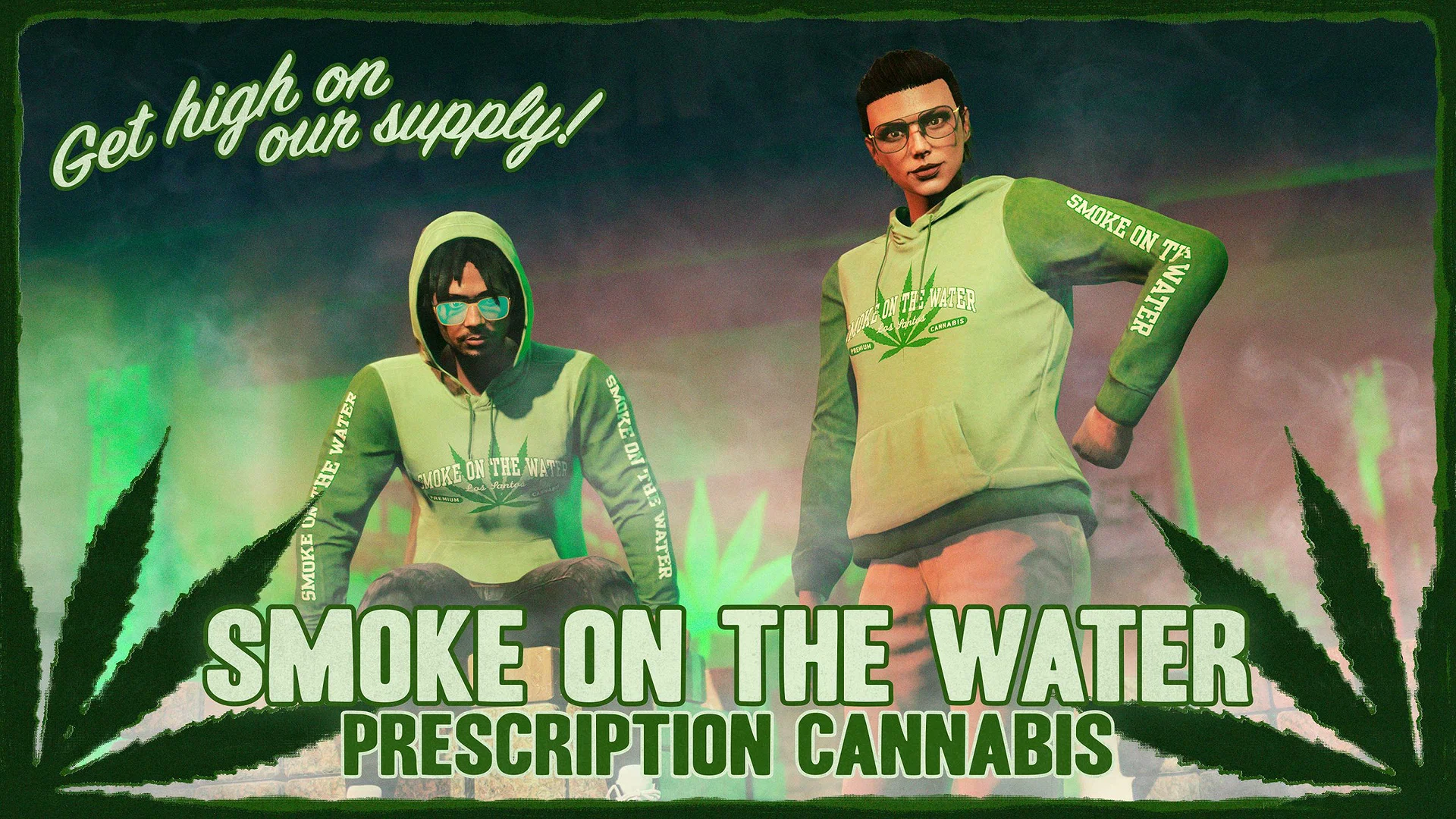
The infamous Halloween Filter has officially returned in GTA Online to celebrate the new LD Organics Presents: The 420 Event, casting a muted greenish-orange tint over the usually vibrant streets of Los Santos and bringing continuous rainfall. Thanks to this filter, not only is visibility a major issue, but the gorgeous map of Los Santos looks visually unappealing.
However, there are multiple methods to remove the orange Halloween Filter and return to normal weather with clear visuals in GTA Online. Here’s how to do it.
Methods to Remove the Halloween Filter in GTA Online

Credits: Rockstar Games
⛶
Credits: Rockstar Games
⛶
Credits: Rockstar Games
⛶
Credits: Rockstar Games
⛶
Credits: Rockstar Games
⛶
×
Credits: Rockstar Games
Credits: Rockstar Games
Credits: Rockstar Games
Credits: Rockstar Games
Credits: Rockstar Games
Removing the Halloween Filter in GTA Online is extremely straightforward, and here are all the known solutions:
- Entering an apartment building’s garage and taking the elevator up will remove the Halloween Filter. This works with any apartment building with a garage. It’s also worth noting that your apartment building doesn’t need to have an elevator for this trick to work. Simply walking into any apartment from the garage will remove the filter. Once you exit the building, the weather and visuals in GTA Online will return to normal for that session.
- Beginning a game of QUB3D, waiting a few seconds, and exiting will also remove the Halloween Filter from the game for that session. You don’t need to keep playing, just start, wait, then exit to see Los Santos in all its vibrant glory.
- If you’re inside a Mansion in GTA Online, working out with the gym equipment will do the trick and clear the air, literally.
Once you remove the Halloween Filter, it’ll be gone for you only and not for any other player in the lobby, so you’ll have an advantage for a duration. However, it’s worth remembering that you must use the methods mentioned above every in-game day to clear the filter daily, and if you change sessions, the greenish-orange tint and the non-stop downpour will return.
The Halloween Filter and weather unexpectedly returned for the 420 celebrations in GTA Online, and unfortunately, there’s no option to turn it off manually at the moment. The filter makes everything look dull and drab, so players who aren’t fans need to use the methods mentioned above every in-game day to restore the weather and visuals in Los Santos to normal.
When Will the 420 Event in GTA Online End?
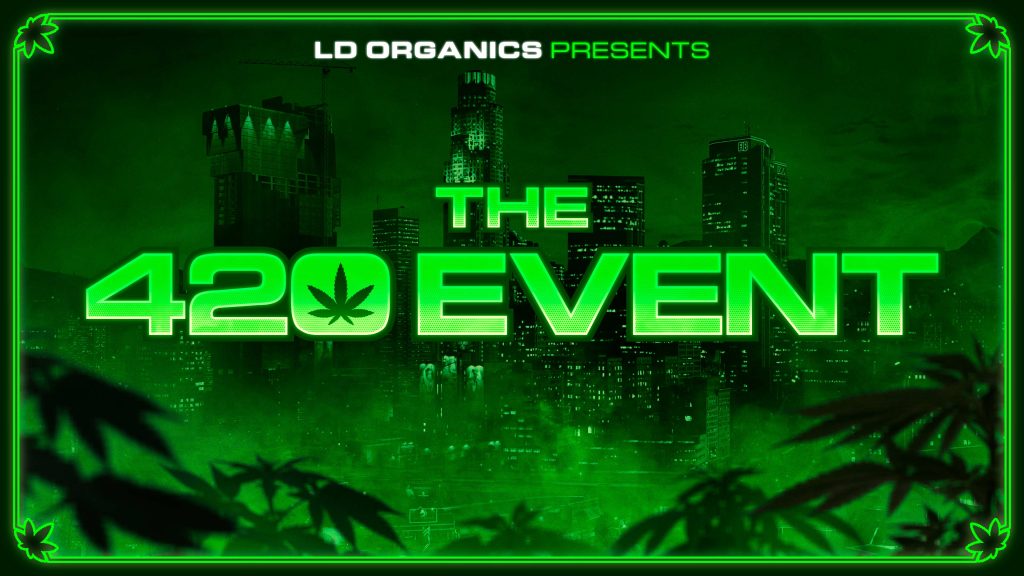 The 420 Event is here to stay for two weeks! | Credits: Rockstar Games
According to the previous week’s GTA Online update, the LD Organics Presents: The 420 Event runs for two weeks and is scheduled to continue until April 29, after which a new update will arrive. So, it’s safe to assume that the Halloween Filter will also remain for the duration of the 420 celebrations, which introduced the new Stoner Survival mode.
So, whenever you log in during the event’s duration, you’ll always load into the lobby with the green tint and the rainy atmosphere. Since the fixes mentioned above are temporary, you need to repeat them every time the filter returns unceremoniously. Reports from players also suggest that dopplegangers and The Gooch are currently running around in Los Santos, so maybe the Halloween Filter isn’t that off-season after all.
| Game | GTA Online |
| Developer | Rockstar Games |
| Release Date | October 1, 2013 |
| Platforms | PS3, PS4, PS5, Xbox 360, Xbox One, Xbox Series X|S, and PC |
So, what do you think about the return of the Halloween Filter in GTA Online? Are you a fan, or will you disable it? Let us know your thoughts and opinions on it in the comments section below.

























 Bengali (BD) ·
  English (US) ·