.png)
 1 week ago
5
1 week ago
5
Star Wars Zero Company is finally here, with Bit Reactor’s turn-based tactical RPG launching on PC, PlayStation 5, and Xbox Series X|S today. Set during the final stages of the Clone Wars, the game is a mix of the Star Wars universe with tactical combat inspired by the developers’ previous work on the XCOM series.
— EA Star Wars (@EAStarWars) August 17, 2026For PC players, however, you might be wondering whether your hardware can handle this ambitious new title. Built using Unreal Engine 5, Star Wars Zero Company has relatively modest CPU requirements at minimum settings, but you’ll need a decently beefy PC if you want to play at 1440p or 4K at 60 FPS.
Star Wars Zero Company PC System Requirements
-

Image Credit: Electronic Arts
-

Image Credit: Electronic Arts
-

Image Credit: Electronic Arts
-

Image Credit: Electronic Arts
-

Image Credit: Electronic Arts


The minimum specifications set by the developers target 1080p at 30 FPS on Low settings, while the recommended settings are for 1440p at 60 FPS on High settings. Both targets are based on native resolution, meaning technologies such as DLSS, FSR, and XeSS can potentially provide additional performance.
Here are the official requirements:
Minimum Requirements
- OS: 64-bit Windows 10/11 (Windows 11 recommended)
- CPU: Intel Core i5-8400 or AMD Ryzen 5 2600X
- RAM: 16 GB
- GPU: Nvidia GeForce GTX 1080, AMD Radeon RX 5600 XT, or Intel Arc B580
- DirectX: Version 12
- Storage: 50 GB available space
- Target: 1080p, 30 FPS, Low settings
Recommended Requirements
- OS: 64-bit Windows 10/11 (Windows 11 recommended)
- CPU: Intel Core i7-10700K or AMD Ryzen 7 3700X
- RAM: 32 GB
- GPU: Nvidia GeForce RTX 3080 or AMD Radeon RX 7800 XT
- DirectX: Version 12
- Storage: 50 GB available space
- Target: 1440p, 60 FPS, High settings
The 16GB RAM requirement at minimum is fairly standard for a modern PC game, although the jump to 32GB for the recommended configuration is worth noting. The processor requirements are less demanding, with both recommended CPUs dating back several years.
The biggest upgrade comes on the GPU side. An RTX 3080 or RX 7800 XT is substantially more powerful than the minimum GTX 1080 or RX 5600 XT, suggesting that players targeting higher resolutions and settings will need a capable gaming PC.
Can Your PC Run Star Wars Zero Company?
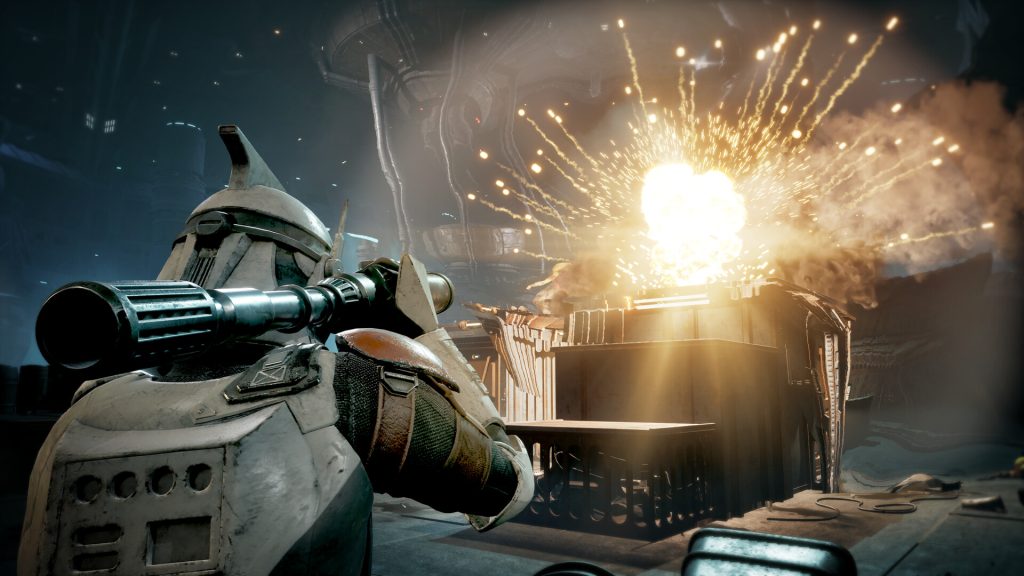 Most current gen PCs should be able to play it easily. | Image Credit: Electronic Arts
If your computer meets the minimum requirements, you should be able to run Star Wars Zero Company at its intended baseline of 1080p and 30 FPS with the Low preset. However, meeting those specifications does not necessarily mean you will get perfectly consistent performance.
Early PC testing has highlighted occasional frame-rate drops, hitches, and crashes, including on considerably more powerful hardware. CPU performance can be particularly important during certain parts of the game, while Unreal Engine 5’s graphical features can put additional pressure on the GPU.
Players with mid-range systems should therefore consider using the game’s upscaling options. DLSS is available for Nvidia GPUs, FSR for AMD hardware, and XeSS for compatible Intel GPUs. At 1080p, a Quality upscaling mode can provide a useful performance boost while maintaining a relatively sharp image. At 1440p, Balanced can be a reasonable compromise.
Will you be playing Star Wars Zero Company at launch? What kind of settings will you be aiming for? Let us know in the comments!






























 Bengali (BD) ·
  English (US) ·