.png)
 1 week ago
11
1 week ago
11
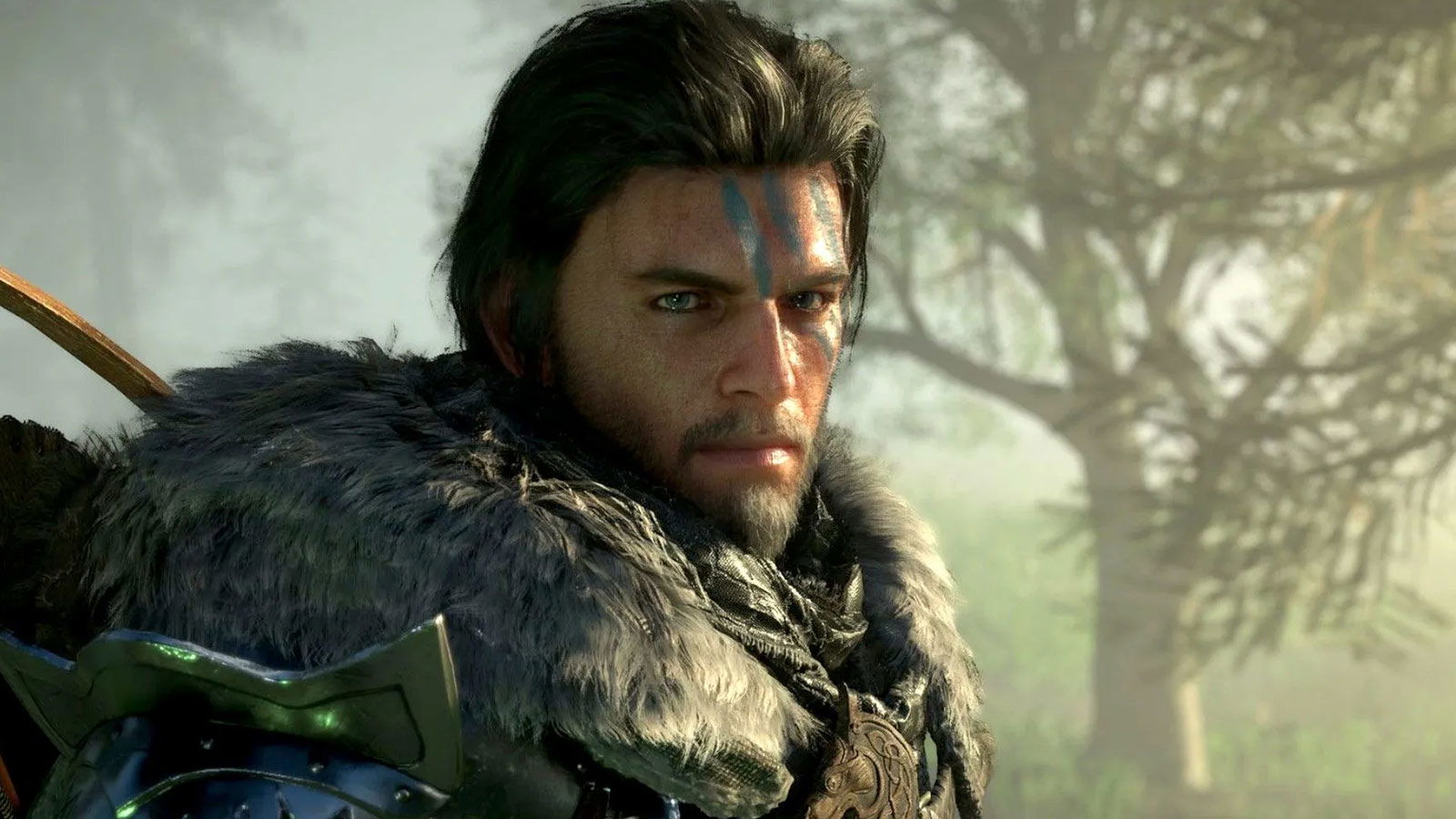
I cannot praise the developers at Pearl Abyss enough because Crimson Desert has just received a third huge update, Version 1.03.00, just a day after the studio announced future plans for additional content. And guess what? They added most of the promised additional content already in this new patch! So let’s get into it.
Greymanes, Patch Version 1.03.00 is rolling out.
This patch adds a weapons display option, new skills for each character, and more.
The patch is available on Steam, PlayStation and EGS. Xbox and Mac will follow at a later time, and we'll provide an update in the notice below… pic.twitter.com/TqSPWQ5p68
Remember all the complaints with moving the Greymane Camp to Pailune, the non-existent support for Intel GPUs, and the fact that you can’t even use the other two playable characters properly? All of that is gone with Version 1.03.00 as we get support for Intel ARC GPUs, and huge quality of life changes to the game. Thanks, Pearl Abyss.
Here are the full official patch notes for Crimson Desert Version 1.03.00.
Crimson Desert Version 1.03.00 Full Patch Notes
Image Credit: Pearl Abyss
⛶
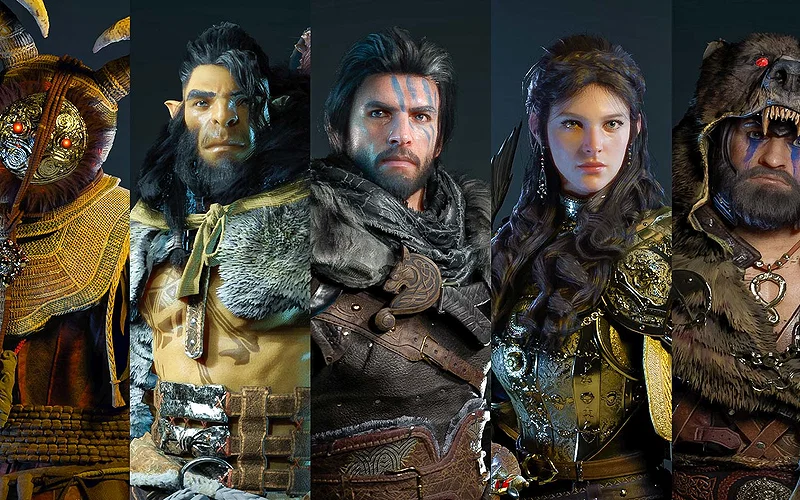
Image Credit: Pearl Abyss
⛶
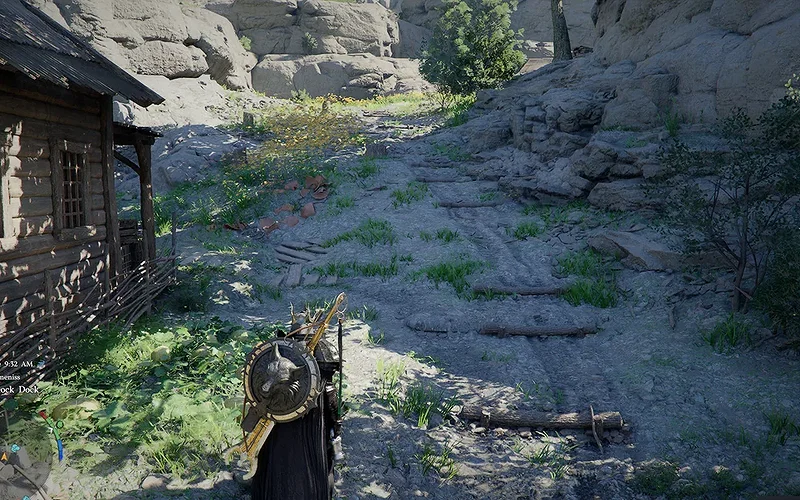
Image Credit: Pearl Abyss
⛶
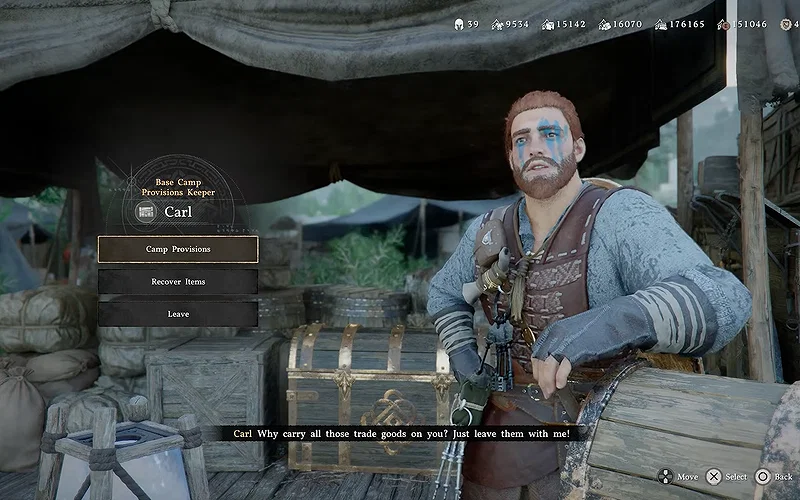
Image Credit: Pearl Abyss
⛶
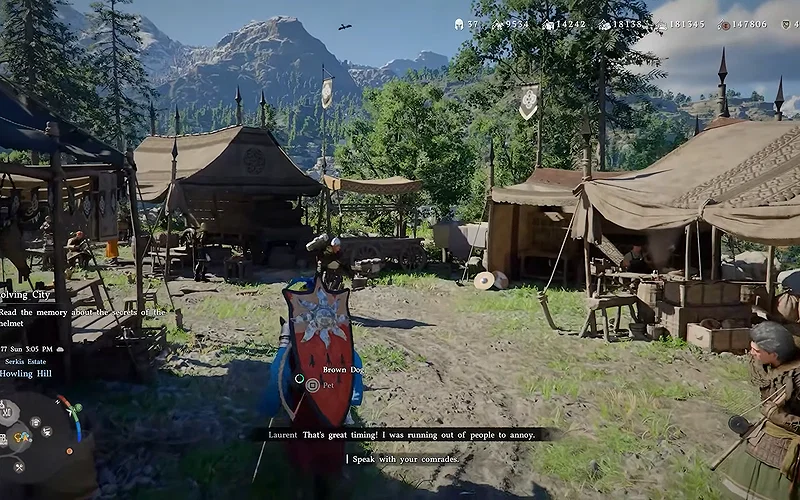
Image Credit: Pearl Abyss
⛶
×
Image Credit: Pearl Abyss

Image Credit: Pearl Abyss
Image Credit: Pearl Abyss
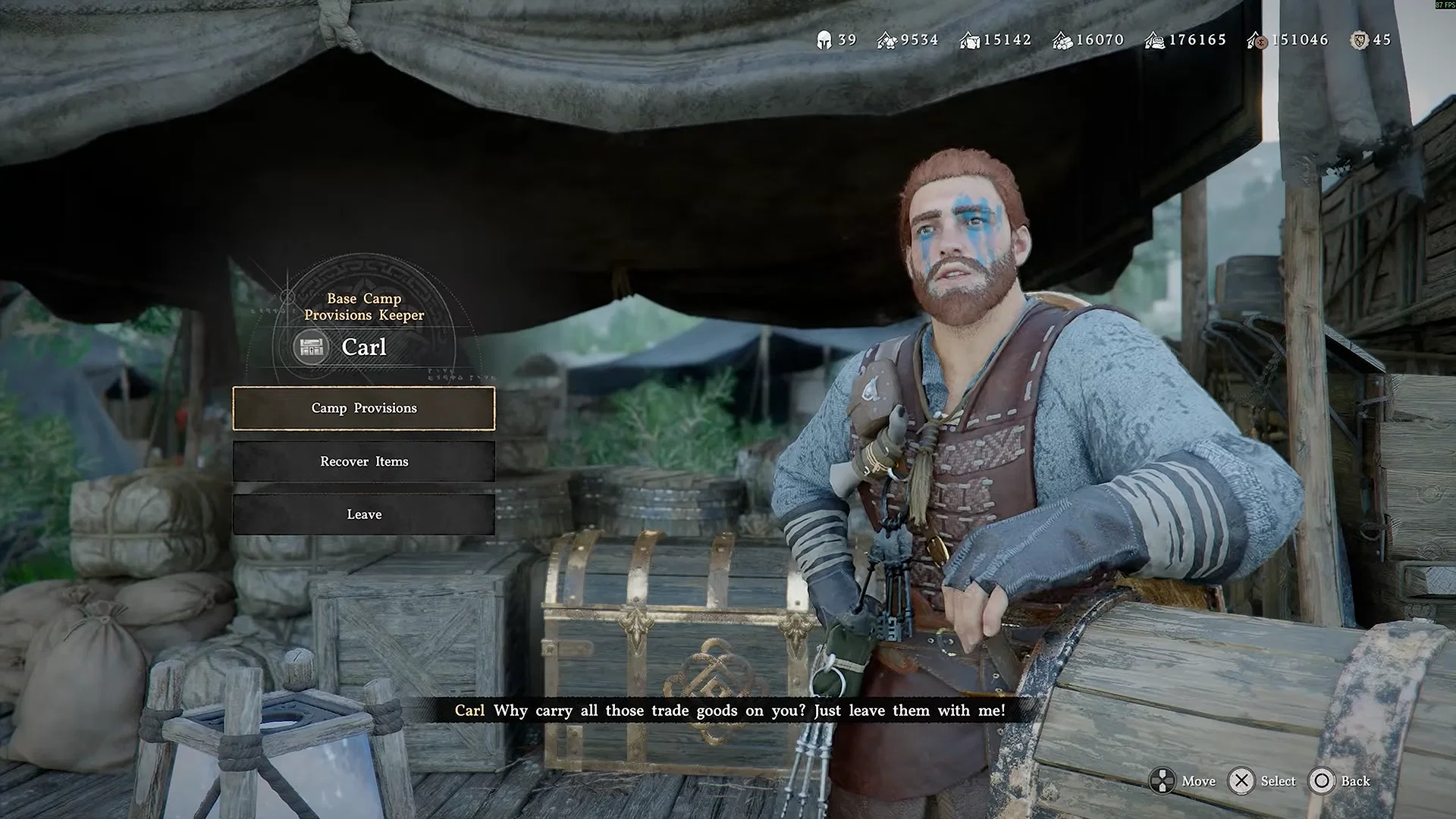
Image Credit: Pearl Abyss
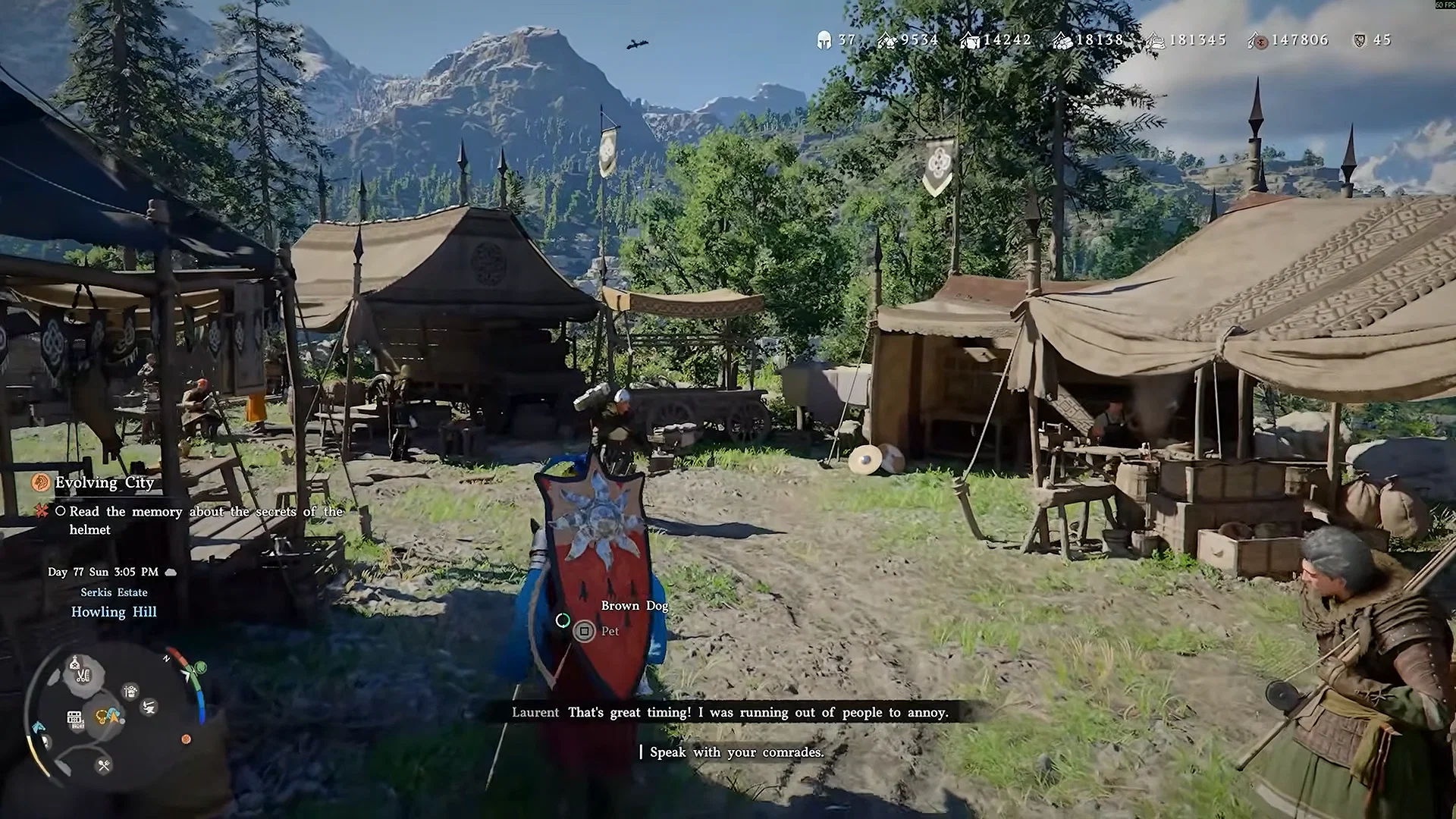
Image Credit: Pearl Abyss
Major Updates
This patch adds the Weapon Display option, new skills for each character, and more. Additionally, further control and UI-related improvements have been applied, including enabling teleportation while mounted, falling, swimming, or climbing walls.
Update Schedule
The patch is rolling out across all platforms.
Please refer to the Updates section below to see the state of the patch for each platform.
Update Steam (PC): Patch available now
Steam (Mac): Patch available at a later time (in-progress)
PlayStation: Patch available now
Xbox: Patch available at a later time (in-progress)
Epic Games Store: Patch available now
Mac App Store: Patch available at a later time (in-progress)
Patch Notes Version 1.03.00
Content
- Improved the usability of the Greymane camp.
- (To avoid spoilers, changes related to this content are listed in the dropdown menu below.)
- Fixed issues that occurred when completing certain requests while being in the ‘wanted’ status.
- (To avoid spoilers, fixes related to this content are listed in the dropdown menu below.)
- Improved standard dialogue scenes without letterboxing so that fast-forwarding is now available.
- Added a Fast Forward Speed option under Other > Language & Gameplay, allowing players to adjust fast-forward speed.
- Improved Abyss Nexuses so that they are easier to discover.
- Improved convenience for certain Abyss puzzles.
- Improved clarity so that it is easier to recognize when certain gimmicks are available to be attached by using ‘Force Palm’.
- Improved lanterns and ‘Blinding Flash’ so that they provide more hints.
- Improved the entrance path to the Spire of Soaring.
- Improved terrain in certain Abyss locations.
- Changed bank functionality while being in the ‘wanted’ status so that bank services remain available, but depositing gold bars and updating investment funds are no longer possible.
- Fixed an issue where requests could not be completed at a certain step when destroying the totems after completing Chapter 9, ‘Sanctum of Mortification’.
- Fixed an issue where certain requests could not be completed if related quest items were obtained before the request was activated.
- Fixed an issue where Gunter (Equipment vendor), Harry (Blacksmith), Bronton (Stablekeep), and Lola (Seamstress) in Pailune would be replaced by different NPCs after a certain quest.
- Added 3 new base music tracks across the continent of Pywel during combat (The Crimson Desert and certain other regions excluded) during [Patch 1.01.00].
- Added 1 new loading screen music track.
Controls & Combat
- Improved teleportation via the Abyss Nexus so that it can now be used while mounted, falling, swimming, or climbing walls.
- Improved the lock-on mechanism during boss battles.
- Improved the hard lock-on against bosses so that it is maintained from further distances.
- Changed the lock-on mechanism so that it no longer applies to certain larger bosses.
- Added the new ability, ‘Focused Aerial Roll’ for Kliff.
- Prerequisite abilities: ‘Focus Lv. 3’, ‘Flight Lv. 2’, and ‘Aerial Roll’.
- The skill can be activated by using ‘Focus’ during flight and then pressing the dodge key.
- Improved Damiane and Oongka so that they have more abilities useful for open-world gameplay.
- Added ‘Axiom Force’, ‘Nature’s Snare’ and related abilities for Damiane and Oongka.
- Improved Damiane’s ‘Shield Toss’ and Oongka’s ‘Scatter Shot’ ability so that they have the same effect as Kliff’s ‘Force Palm’.
- Changed the control inputs for Damiane’s ‘Skystep’ and Oongka’s ‘Vertical Flight’ ability.
- Improved an issue where follow-up attack combos would continue too slowly if the player’s attack was blocked.
- Fixed an issue where the character would occasionally move at an abnormally fast speed during certain ability chained combos.
- Fixed an issue where the ‘Blinding Flash’ ability would not remain active while moving on a mount.
- Fixed an issue where the scythe could not be drawn in safe zones.
- Improved interactions with devices such as walls, buttons, and cranks so that a dedicated animation now plays when they can no longer be pushed.
- [Keyboard/Mouse] Improved the controls for ‘Axiom Force’.
- [Controller] Fixed an issue where ‘Nature’s Snare’ ability would activate during ‘Focus’ by tilting the right stick in one direction.
UI Fixes & Improvements
- Changed the color of faction quest icons.
- Improved the list of Memory Fragments of the Visione so that it only shows the list of currently obtained Fragments.
- Added a function that processes all items at once when grouping or ungrouping items in the bag.
- Improved the UI so that item details can now be viewed in the storage section as well.
- Improved the mercenary list UI so that a check icon is now displayed on the selected mercenary.
- Fixed an issue where the Attack and Critical Rate of certain equipment, such as necklaces and cloaks, were displayed as doubled when viewing character stat details from the inventory or Quick Slots.
- Improved the world map and minimap so that icons for treasure chests already obtained are now displayed differently.
- Improved the world map so that visited and unvisited caves are now displayed with different icons.
- Improved the world map so that restored and unrestored Abyss locations are now displayed with different icons.
- Fixed an issue where markers set on the world map would not be retained upon the first reconnection.
The Graphics and Performance Updates Bring Support For Intel ARC GPUs
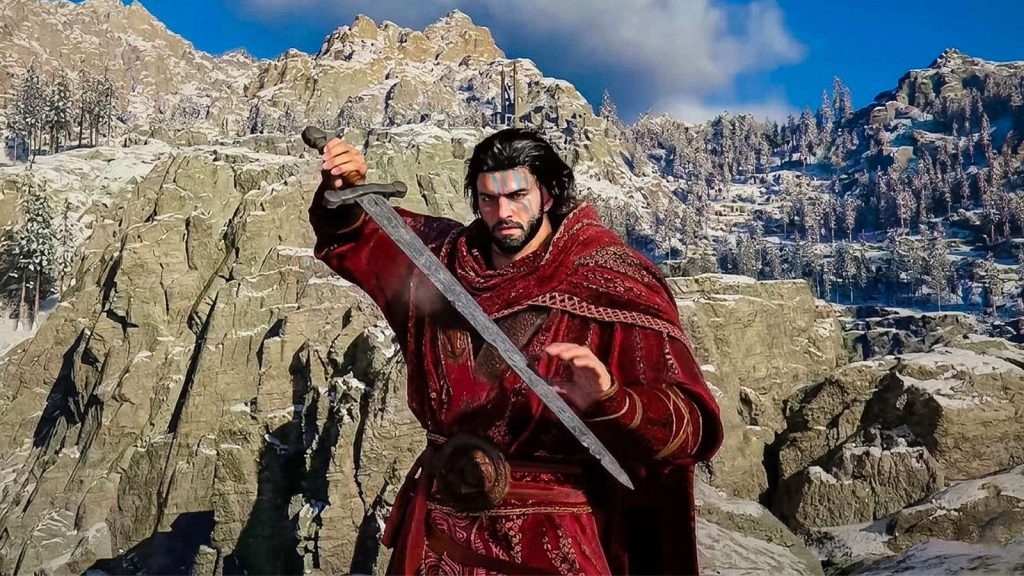 Image Credit: Pearl Abyss
Graphics & Settings
- [PC] Added support for Intel Arc GPUs. Compatibility and performance across various Intel GPUs will continue to be improved over time.
- [PC] Added the ‘Intel XeSS 3.0’ option under Settings > Video > Upscale Mode.
- [PC] Added the ‘Intel XeSS Frame Generation’ option under Settings > Video.
- On Intel Arc A-series GPUs, the screen may not display properly when using ‘Intel XeSS 3.0’ or ‘Intel XeSS Frame Generation’.
- [PC] Added the ‘AMD Radeon™ Anti-Lag 2’ option under Settings > Video.
- [PC] Added the ‘Displacement Scale’ option under Settings > Graphics.
- [PC] Added the ‘Detail Decorative Mesh’ option under Settings > Graphics.
- [PC] Fixed noise that occurred in screen distortion effects when using DLSS-RR.
- [PlayStation 5 Base / Xbox Series X] Added the ‘Enhanced Raytracing’ option under Settings > Video.
- [PlayStation 5 Pro] Added the ‘PSSR Sharpness’ option under Settings > Video.
- [All Platforms] Improved lighting quality in indoor environments.
- [All Platforms] Improved water surface reflections.
- [All Platforms] Fixed an issue where rain appeared excessively bright from certain angles.
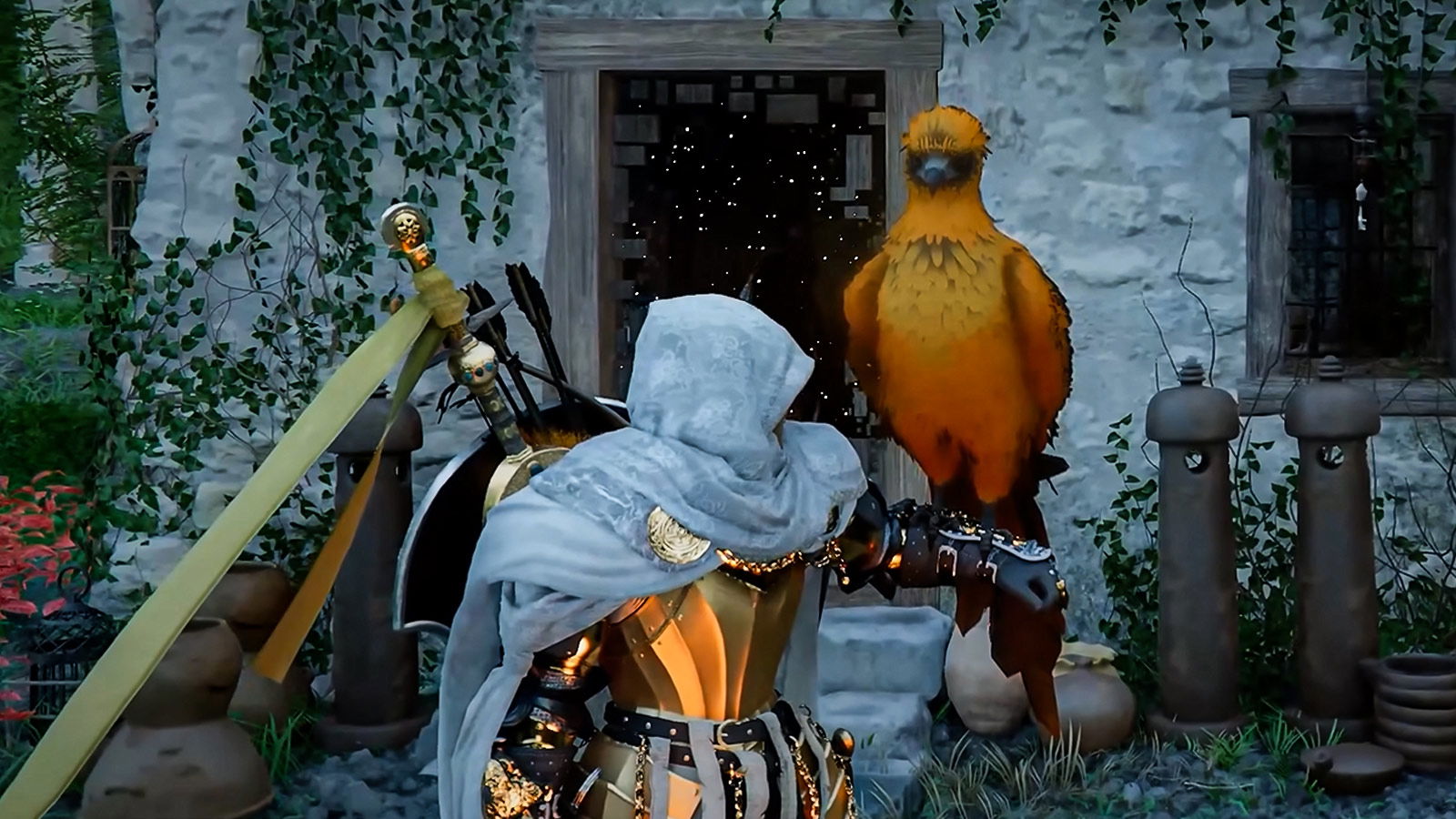
- Added the ‘Weapon Display’ option under Others > Language & Gameplay.
- Display Melee Weapons
- All
- Selected Only
- Display Ranged Weapons
- Always
- Only When Used
- Added the ‘Minimum Font Size’ option under Others > Accessibility.
- This option will take effect after restarting the game.
- Added the ‘Fast Forward Speed’ option under Others > Language & Gameplay.
- Fast Forward speed can be set up to 4x.
- Added the following options under Others > Accessibility.
- Camera Visual Range
- Camera Vertical Offset
- Camera Horizontal Offset
- Camera Auto-follow
- Camera Lookahead
- Display Melee Weapons
Performance, Stability, Gameplay
- Fixed several stability, performance optimization, and crash issues across PC, console, and Mac.
Localization
- Fixed various localization errors and improved localization quality (game advice, etc.) across all languages.
Others
- Fixed an issue where the game would crash when using the Helm of Knowledge as Damiane or Oongka.
- Fixed an issue where corn had no maximum purchase limit at certain vendors.
- Fixed various other in-game issues.
While Crimson Desert certainly had its issues at launch, it’s unheard of for a AAA game to get updates that not only solve those issues but also make the game better in other ways. And if you take into consideration the fact that the game hasn’t even been out for a month, then we really must commend the team at Pearl Abyss.
What are your favorite changes from the latest Crimson Desert update? Let us know in the comments!

















 Bengali (BD) ·
  English (US) ·