.png)
 4 hours ago
9
4 hours ago
9
The Blood of Dawnwalker, the latest vampire RPG everyone is becoming a fan of, doesn’t force everyone into the same fight. Alongside its day-and-night combat system, the game ships with four ready-made difficulty level presets: Story, Fair, Challenging, and Duelist. They are also accompanied by two separate sliders, the RPG Difficulty and Action Difficulty, that let you fine-tune the experience well beyond those presets.
Moreover, none of these touches the game’s 30-day story clock or how the plot plays out; instead, it only changes how much resistance you face in a duel.
The Blood of Dawnwalker: The Four Preset Difficulty Levels Explained
 The game features four difficulty options | Credit: Rebel Wolves
Story
Story keeps combat in the game rather than removing it, only softening the punishment. Enemy attacks in this one land with less force and telegraph earlier, giving you time to react, and Coen gets a noticeable larger stamina pool. That stamina
Fair
This one is the default and balanced setting. With your difficulty set at fair, enemies’ stats and Coen’s stamina stay at their standard values, giving fights enough weight to feel meaningful while you’re still getting comfortable with picking a direction to strike or block rather than mashing a single button.
Challenging
Challenging turns up enemy aggression and tightens your reaction windows, so mistimed or wrong-direction blocks cost you more. It suits players who’ve already spent time with Fair and want duels that punish hesitation without going too hard.
Duelist
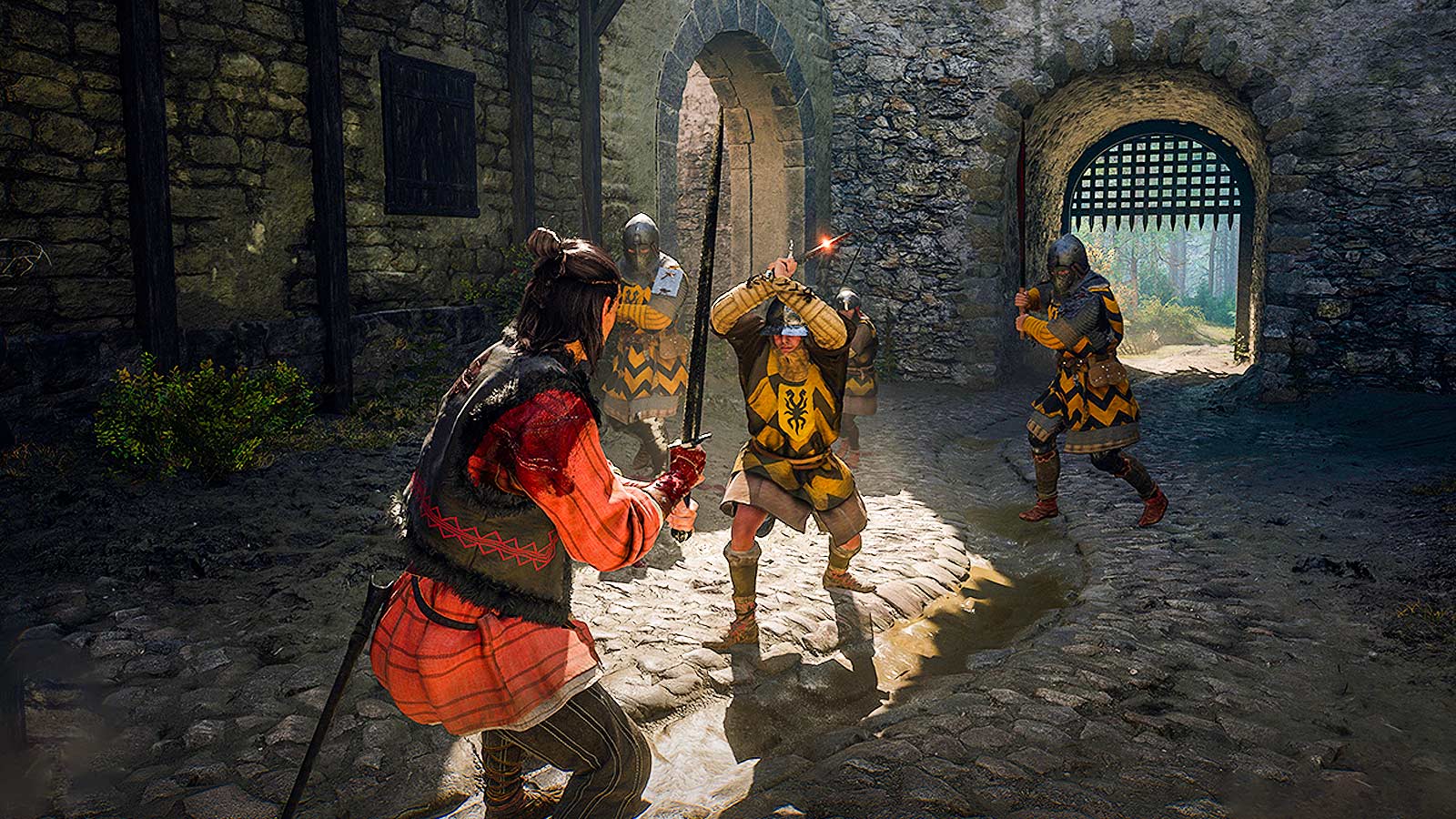
Duelist tops the difficulty list, and the real change isn’t bigger numbers, its that the game stops telling you which way to bloc. With the directional prompts gone, you’re left reading the fight itself.
Custom Sliders and Accessibility Options
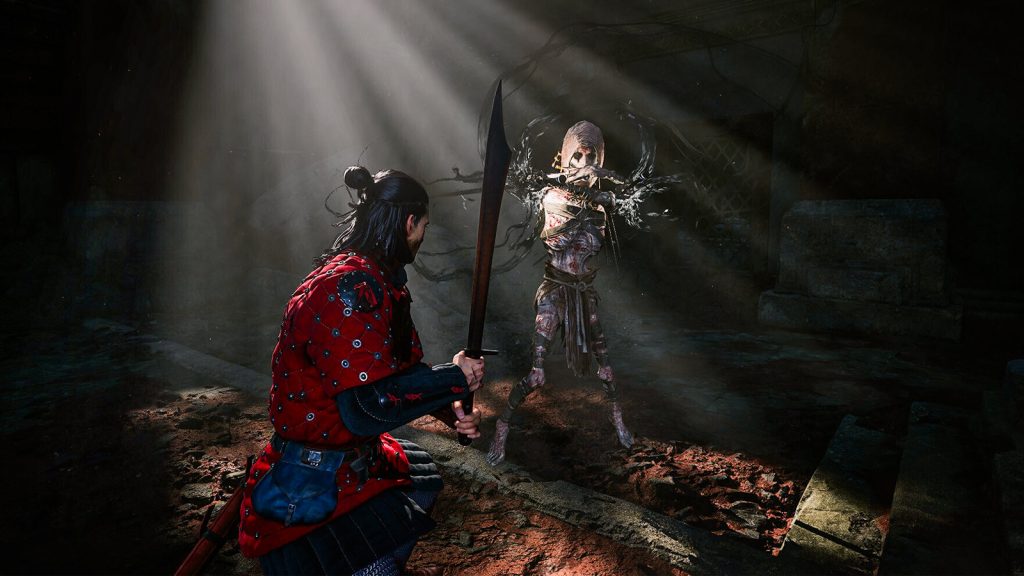 The Blood of Dawnwalker | Credit: Rebel Wolves
Beyond the four presets, the Gameplay menu splits difficulty into two separate categories you can tune independently. RPG Difficulty covers the raw numbers, including enemy health and damage output. Action Difficulty, on the other hand, governs enemy behavior instead, controlling how aggressively they attack, how varied their patterns are, and how generous your timing window is to block or parry.
As soon as either of the sliders is moved away from its default setting, the preset value automatically switches your difficulty label to Custom.
All of these settings, presets included, can be changed at any point in a playthrough through the pause or settings menu. There’s no need to restart a save to try a harder or easier configuration, and switching difficulty has no bearing on story outcomes or the 30-day timer driving the main quest.
For most players, starting on Fair and then fine-tuning the individual sliders themselves once they are familiar with the directional combat should be the way to go. If your priority is enjoying the narrative, Story should be the way to go, and make your way up from there if you want to start enjoying harder combat.
What difficulty preset are you running in your The Blood of Dawnwalker playthrough? Make sure to let us know in the comments below!


























 Bengali (BD) ·
  English (US) ·