.png)
 2 weeks ago
17
2 weeks ago
17
 Credit: Bethesda Game Studios
Starfield is Bethesda Game Studios’ space action-RPG that lets players explore over 1,000 planets, take on quests, and embark on endless adventures across the galaxy. As one of the most expansive RPGs ever made, it can be a bit overwhelming for newcomers, with skills, traits, outposts, and a whole lot more to wrap your head around. So, if you’re ready to make your mark on the Settled Systems, here are the 12 best beginner Starfield tips to give you the strong start you deserve!
1 Make Use of the Companion Inventory
Credits: YouTube The Beard Guys
⛶

Credits: Bethesda Game Studios
⛶

Credits: Bethesda Game Studios
⛶

Credits: Bethesda Game Studios
⛶

Credits: Bethesda Game Studios
⛶
×
Credits: YouTube The Beard Guys

Credits: Bethesda Game Studios

Credits: Bethesda Game Studios

Credits: Bethesda Game Studios

Credits: Bethesda Game Studios
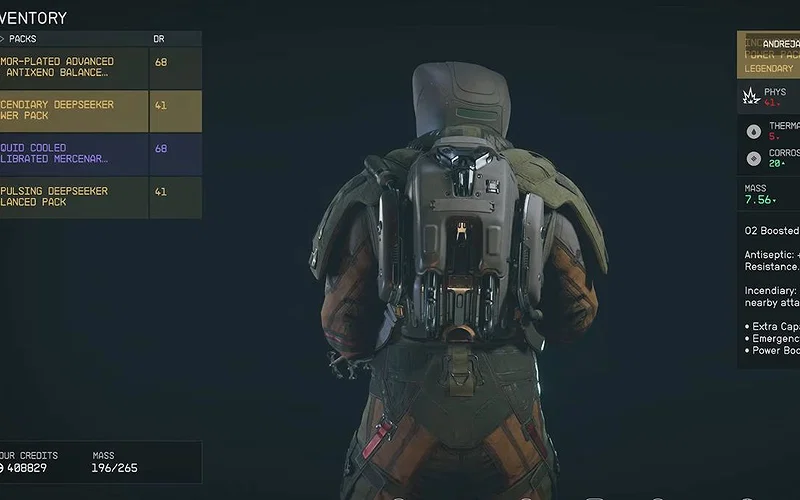
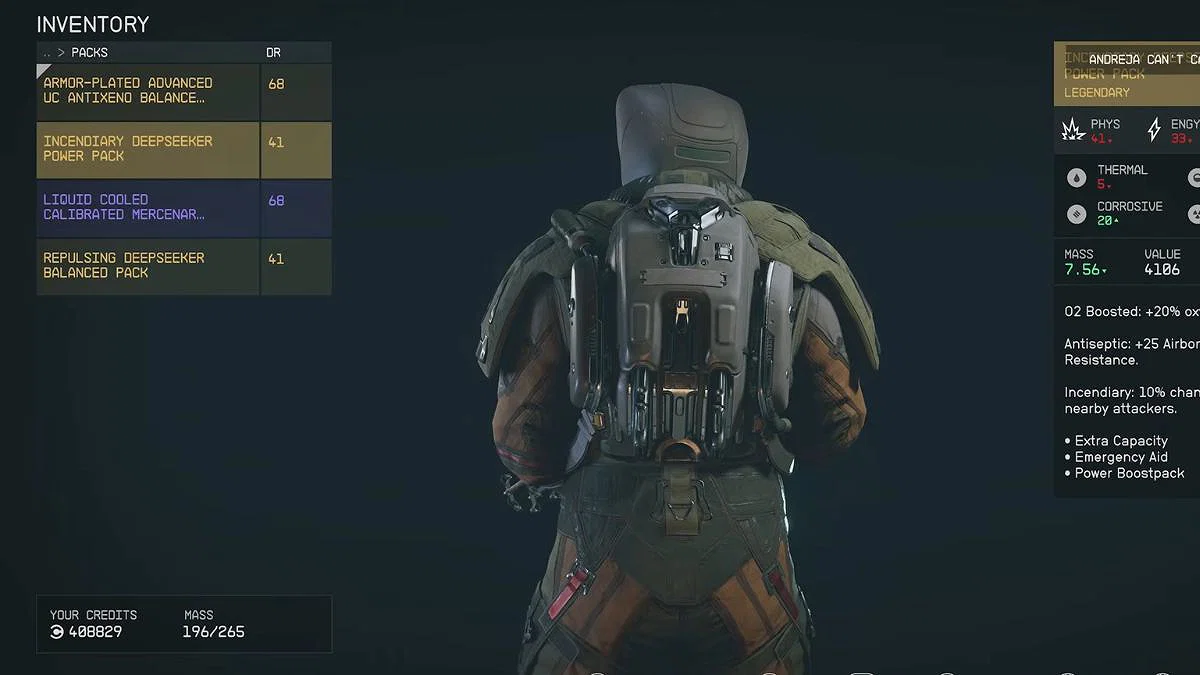
Carry weight is something that’s going to catch you off guard early on in Starfield. If you push past your limit, you will become encumbered, causing your oxygen to deplete faster than usual. If your oxygen completely runs out, and your CO2 bar fills up, you will start taking damage. A simple way to get around this is to offload your excess gear onto your companion. Just speak with your follower, and you will have the option to transfer items to their inventory, letting you dump weapons, valuables, and anything else that might be weighing you down.
2 Stealing Enemy Ships
 Taking down an enemy ship. | Credits: YouTube The Beard Guys
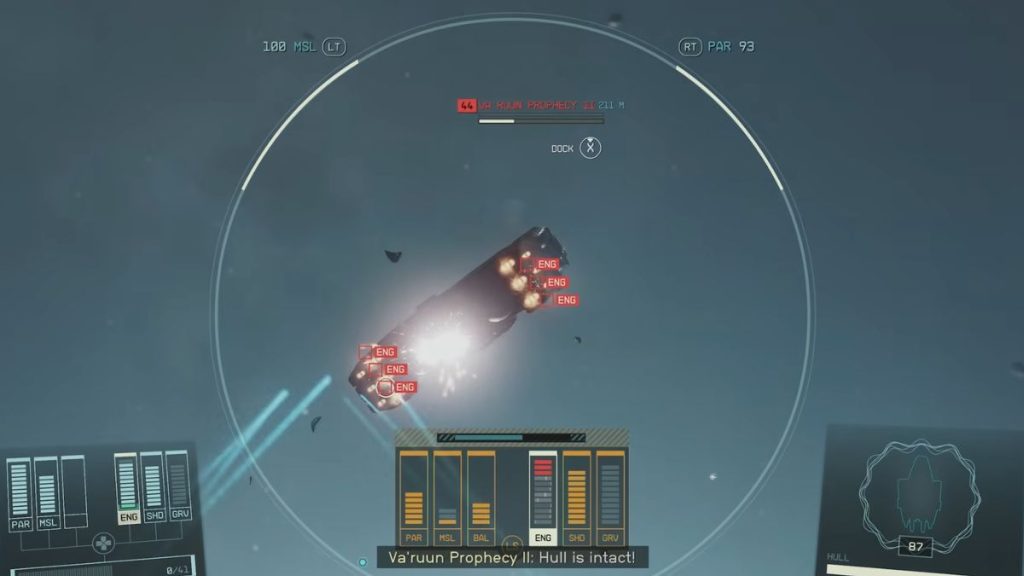
Boarding and stealing enemy ships in Starfield is a great way to earn loot, XP, credits, and even expand your fleet. To board a hostile ship, you first need to disable its engine, which can be done with the help of EM weapons or by targeting the engines with standard weapons. Once aboard, take out all the enemies and take control by sitting in the pilot’s seat, as long as your piloting skills allow you to operate that class of ship. After claiming it, you can add to your fleet, but you will need to register it for a fee before selling it.
3 Skills You Must Level Up
 Skills to level up. | Credits: YouTube Fextralife
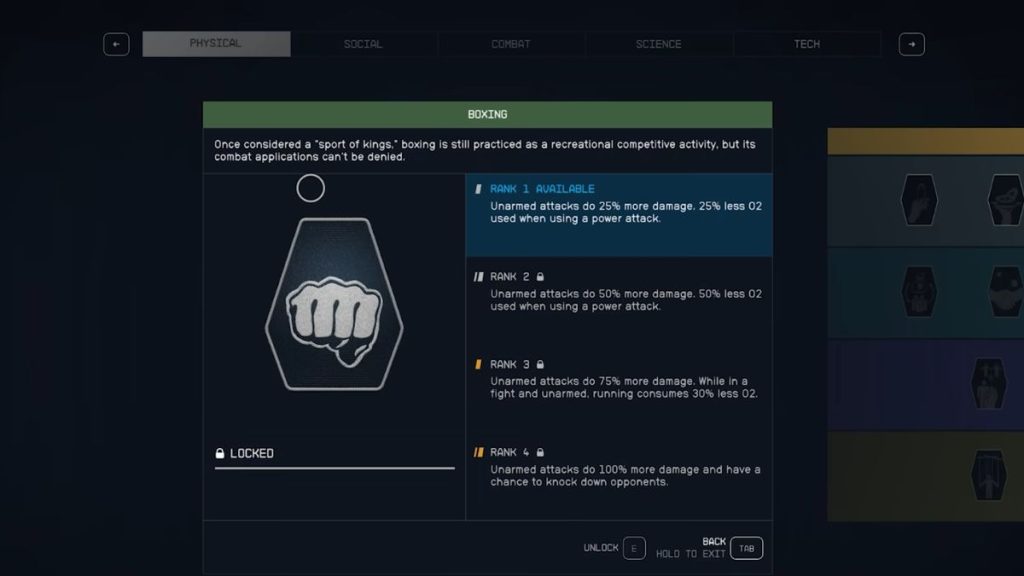
Your background grants you three starting skills, and you earn one skill point with each level up to unlock or upgrade abilities. Leveling these skills requires completing specific challenges, which can be time-consuming, so choosing wisely is crucial. Consider investing in Weight Lifting, Fitness, Strength, and Pain Tolerance for survivability. For combat, go with Ballistics and Rapid Reloading. In the social category, Persuasion, Outpost Management, and Ship Command are strong picks. For science, go with Research Methods, Weapon Engineering, and Astrophysics.
4 Don’t Forget Outposts
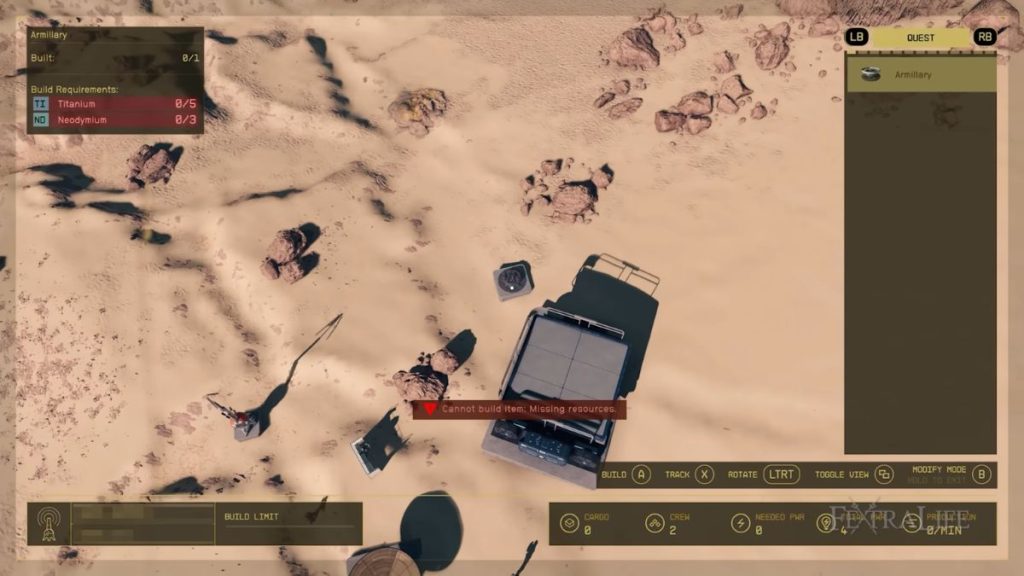 Building Outposts in Starfield. | Credits: YouTube The Beard Guys
Outposts can feel overwhelming at first, so it’s best not to focus on them right away. Take some time to learn the core mechanics and gather resources before diving in. Once you’re ready, you can establish outposts on planets or moons to extract materials. Cargo links allow you to connect these outposts within the same system or even across different systems. You may also encounter missions that require delivering specific cargo to specific locations. To make all of this work, you need to research the right outpost components to generate power, gather materials, and transport them efficiently.
5 Always Get Some Sleep
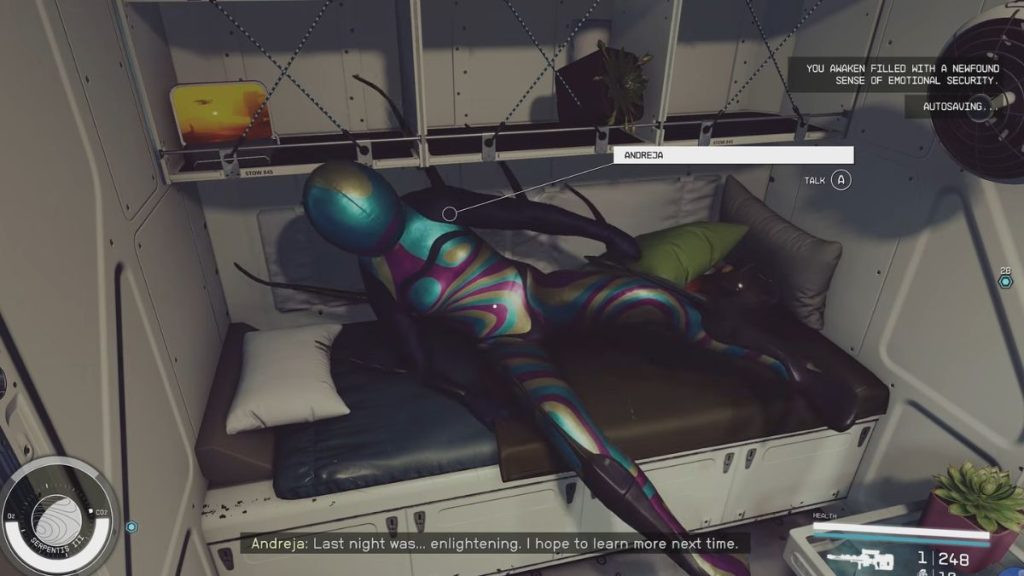 Sleeping is beneficial. | Credits: YouTube The Beard Guys
A quick and easy way to boost XP and HP in Starfield is to make good use of sleeping. Resting in any bed for just one hour grants a 10% increase to XP gains for an entire day while also fully restoring your health. This bonus rises to 15% if you sleep alongside a fully romanced companion. So, make it a habit to sleep regularly, as it’s a simple way to heal up and level up faster.
6 Clean Stolen Goods
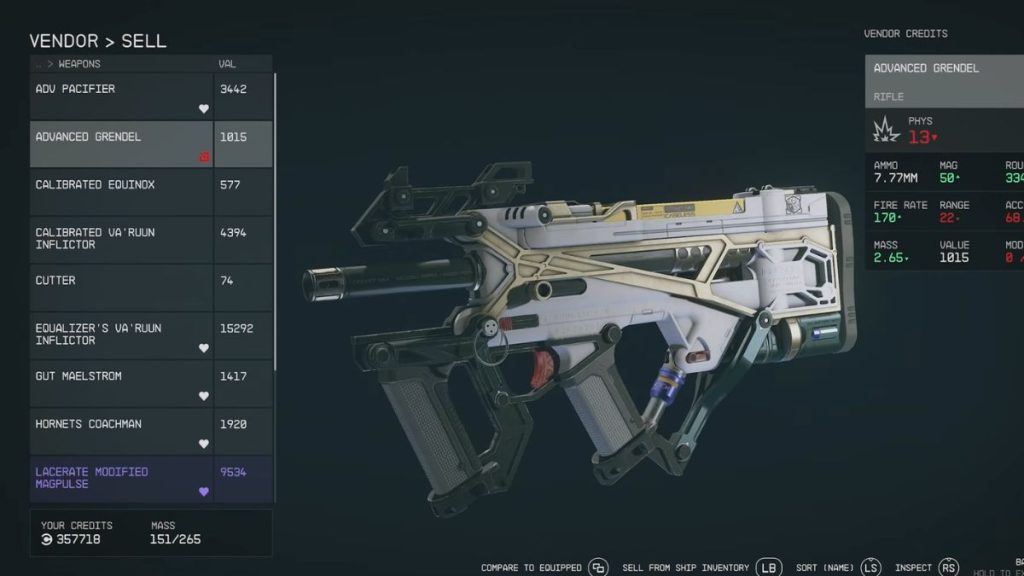 Stolen weapons. | Credits: YouTube The Beard Guys
When you pick up stolen items in Starfield, they’re marked with a red icon and can only be sold to specific vendors, most notably the Trade Authority. If you want to remove that stolen status, there’s a simple trick. All you need to do is sell the items to a vendor, then, before leaving the buy/sell menu, go to the buyback section at the bottom of their inventory and purchase them again. Once you do this, the item loses its stolen tag and can be carried or sold freely across the Settled Systems.
7 Resetting Your Vendors
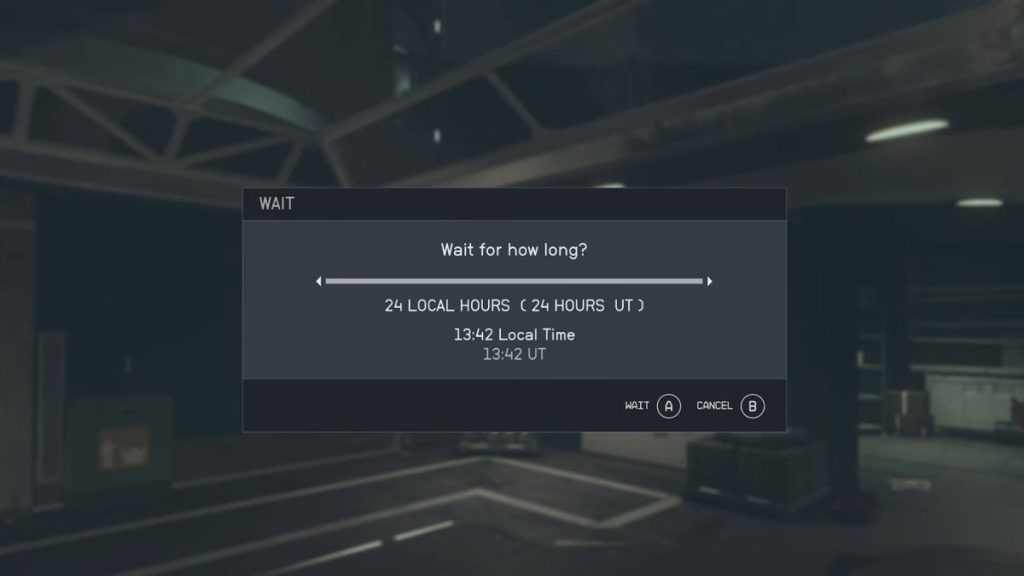 Resetting vendors. | Credits: YouTube The Beard Guys
If your vendors run out of credits, you can refresh both their funds and inventory by letting 48 hours pass in universal time. The easiest way to do this is to sit in a chair or sleep in a bed to fast-forward time. While time in space always follows universal time, planets operate on different local time cycles. As a result, you can often wait fewer local hours to cover the required 48 hours of universal time. For instance, on New Atlantis, waiting for about 24 hours of local time is enough to advance 50 hours in universal time.
8 Things You Need to Purchase
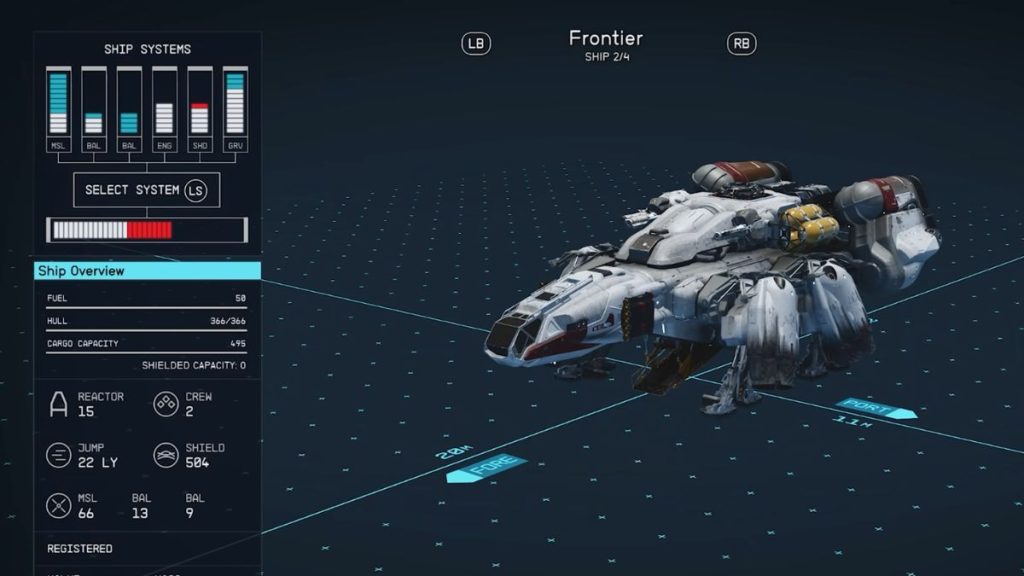 Ship upgrades. | Credits: YouTube Fextralife
Starfield offers a variety of items, but a few should be your top priorities early on. First, upgrade to a larger ship, as the starter ship has limited cargo space and only supports a small crew. Level up your piloting skills quickly so you can access more durable ships with greater storage, like the Marathon, and later expand with additional crew and upgrades. You should also pick up on Digipicks and Med Packs from every vendor you encounter, since you’ll use them frequently. Additionally, consider picking up wine, as it can boost persuasion.
9 Always Use Your Scanner
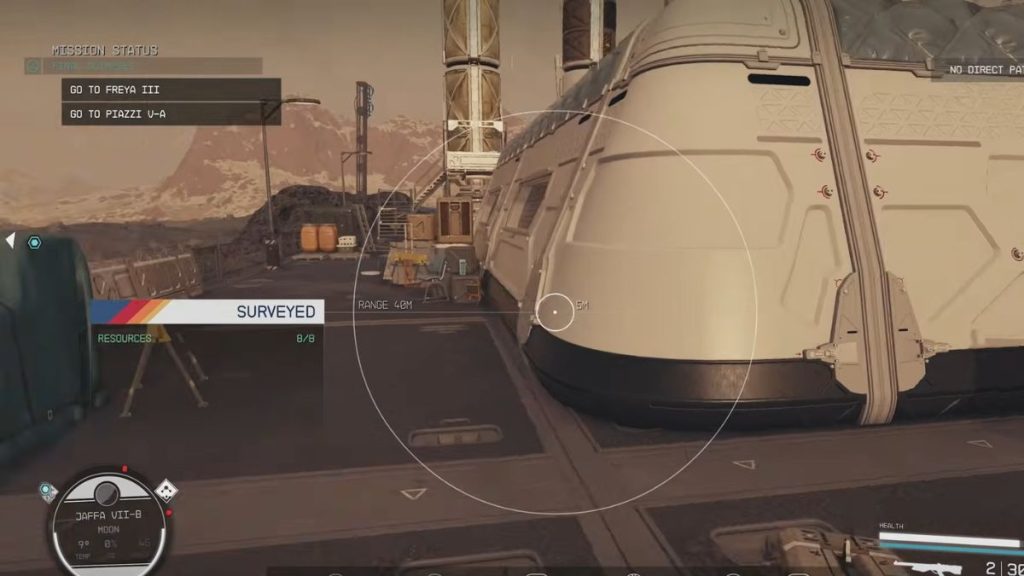 Using a scanner. | Credits: YouTube The Beard Guys
When you’re running around in dungeons or other lootable areas in Starfield, it can be really handy to get in the habit of pulling out your scanner when not fighting anyone. This gadget will highlight items that can be picked up, as well as any nearby containers that can be opened. This will ensure that you don’t miss out on any precious loot in the game.
10 Sign Up to UC Vanguard
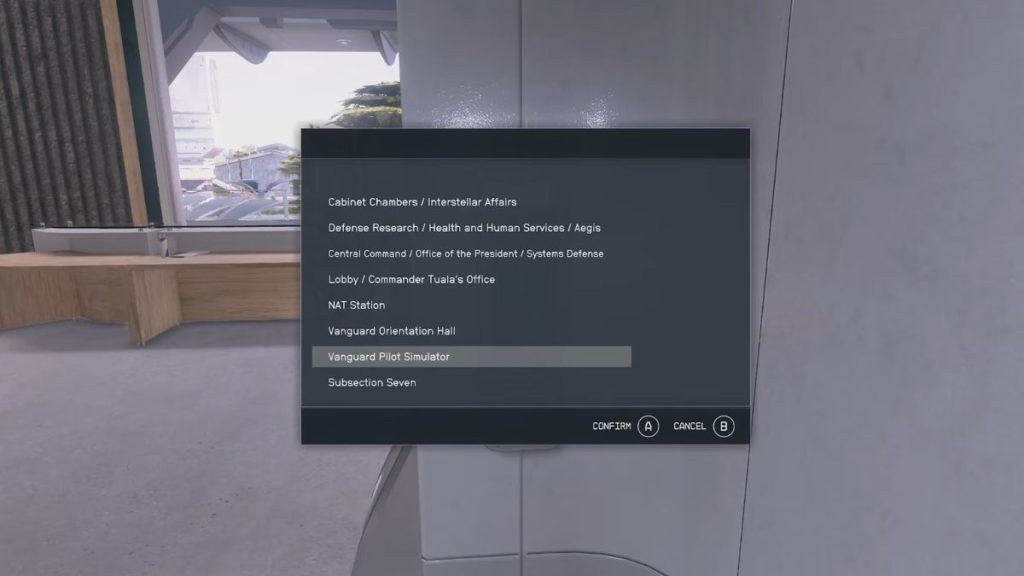 UC Vanguard. | Credits: YouTube The Beard Guys
Be sure to join the UC Vanguard early in Starfield, especially on your first playthrough. While their questline is optional, it’s widely considered one of the best in the game. You can enlist at the MAST building in New Atlantis, and during the induction process, you will be given access to the UC Vanguard Museum. There, you can explore a detailed overview of the United Colonies, learn about the major factions, and get insight into the various wars that shaped the universe.
11 Skip Out On Using Ladders
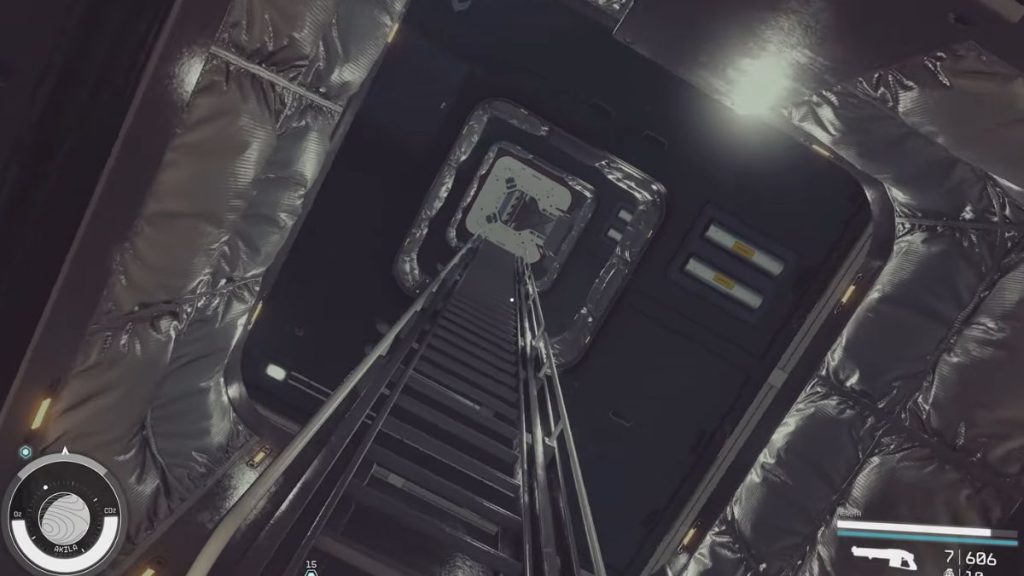 Skip out on using ladders. | Credits: YouTube The Beard Guys
Climbing up and down ladders inside a large spaceship can get frustrating and time-consuming. But remember, it’s your ship, which means there’s nothing stopping you from using your boost pack indoors. Boosting up ladders is much faster and can save you a surprising amount of time, even when it’s moving just one level up.
12 Pick the Right Traits
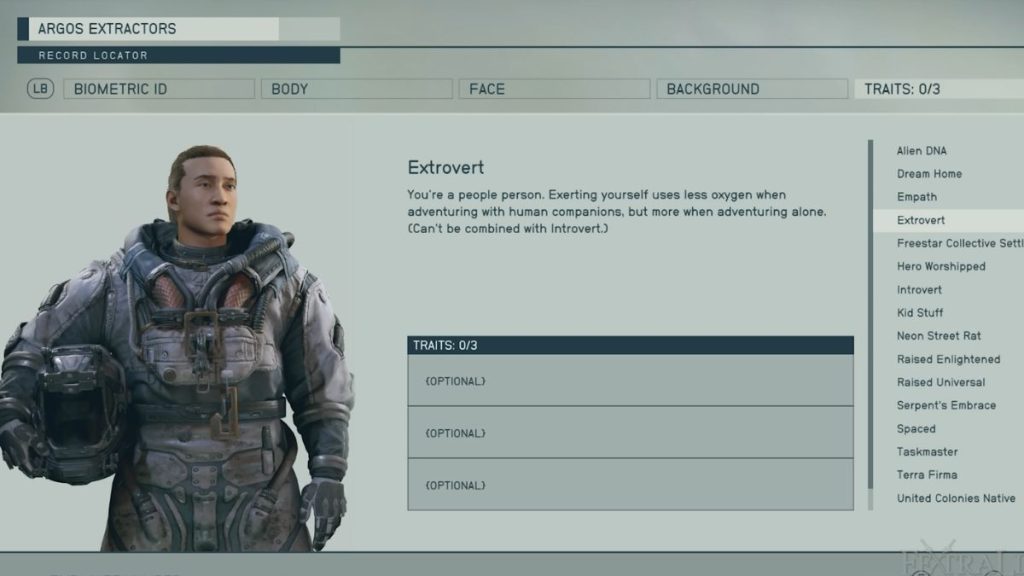 Extrovert trait. | Credits: YouTube Fextralife
Traits are unique attributes that shape your character, offering both advantages and drawbacks, though they’re generally well-balanced. You can choose any traits that suit your role-playing style, but some of the most recommended options are Extrovert, Terra Firma, and Alien DNA, as they provide helpful boosts early on.
What’s the best way to get credits in Starfield?
During the early stages, the best way to earn credits is through completing missions, looting items, and selling gear to enemy ships.
How can you heal in Starfield?
You can heal using Med Packs, food items, or sleeping in a bed.
Is Starfield available on PlayStation 5?
Starfield made its debut on PlayStation 5 on April 7, 2026, and is available for players to jump into.
| Game Name | Starfield |
| Developer | Bethesda Game Studios |
| Release Year | 2023 |
With that said, are you enjoying Starfield? Let us know in the comments below!



























 Bengali (BD) ·
  English (US) ·