.png)
 1 week ago
17
1 week ago
17
 Credit:- Pearl Abyss
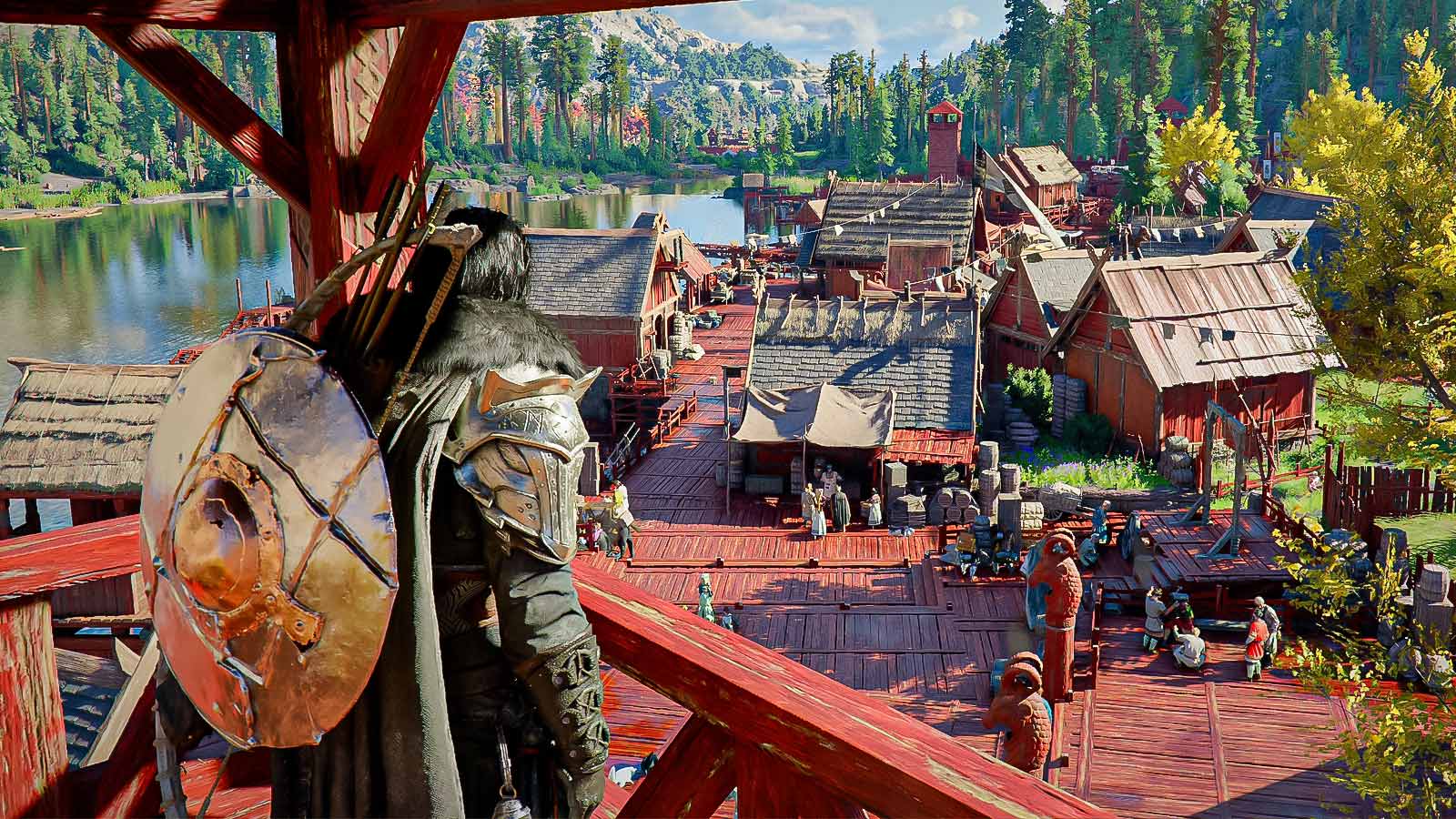
Pearl Abyss is winning the hearts of gamers right now with the awesome post-launch support for Crimson Desert. Patch after patch, the studio keeps adding features players have been asking for, and in the latest update, 1.03.00, the addition of flexible camera POV options lets players emulate the look of one of the best PlayStation titles of all time, God of War.
Known for its over-the-shoulder camera settings, God of War’s combat is not just appreciated, it’s celebrated. And now you can feel it in Crimson Desert too. Here’s how.
Best Camera Settings to Get The God of War Look in Crimson Desert
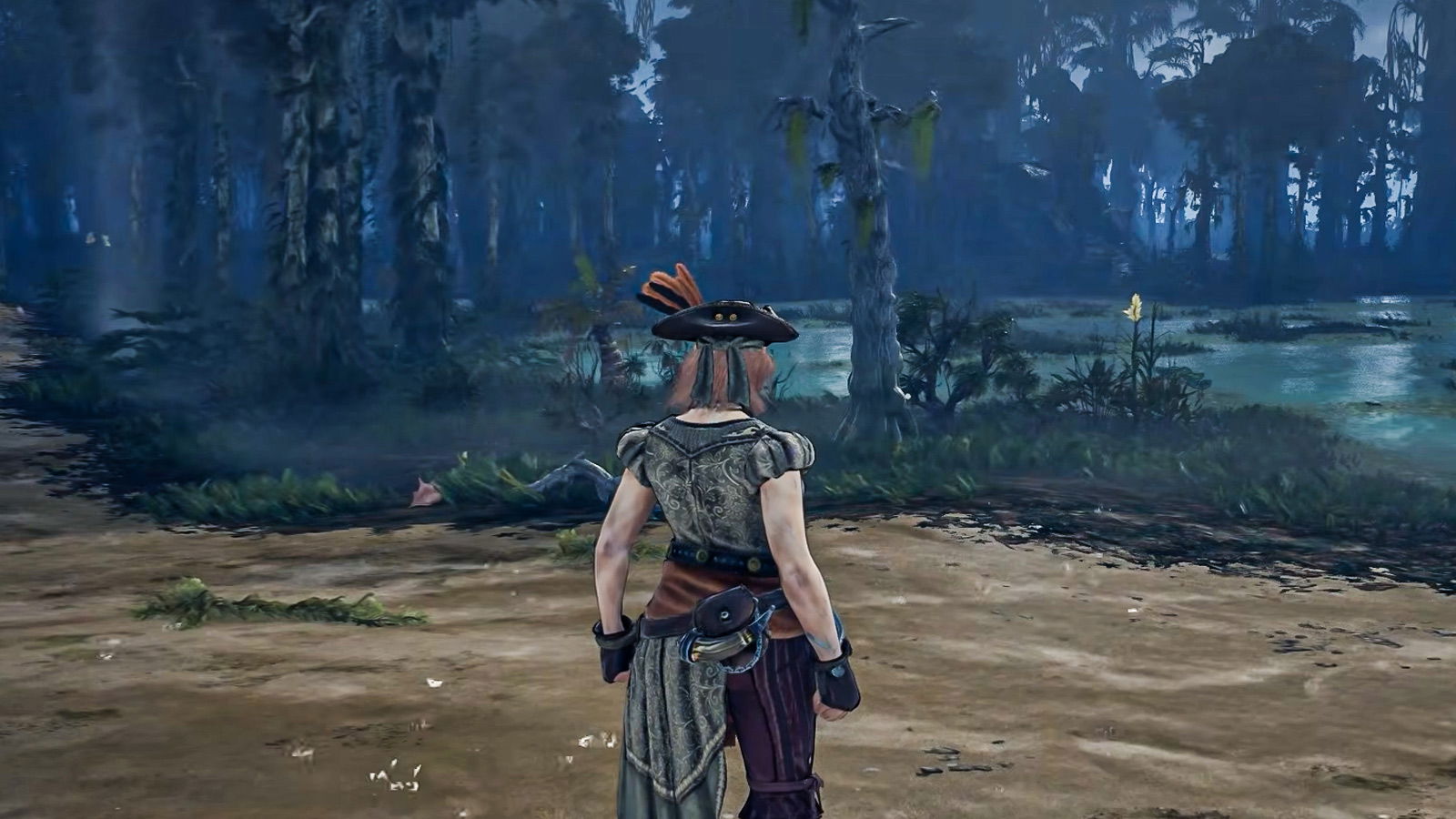
 Settings to change Camera angles in the game | Credits:- Pearl Abyss
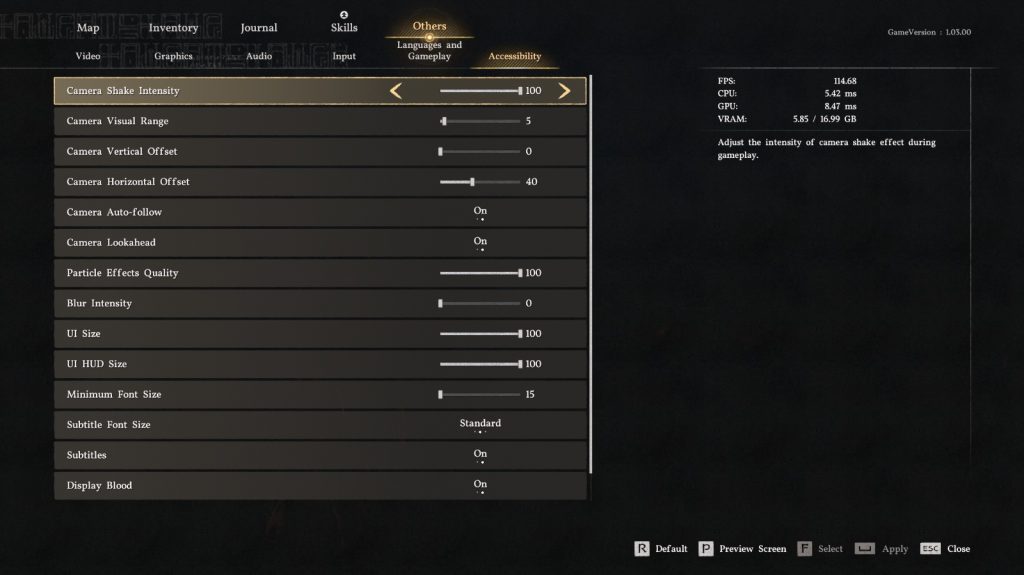
The default camera settings in Crimson Desert have been off-putting for many. However, thanks to the aforementioned recent patch updates, you can now recreate that tight over-the-shoulder perspective followed by the God of War series. Here’s how to get the updated camera look in the game:
| Camera Setting | Value |
| Camera Visual Range | 5 |
| Camera Vertical Offset | 0 |
| Camera Horizontal Offset | 40 |
The option to fiddle around with the latest additional camera options can be found under the Accessibility list, under the “Others” tab in the Settings. It would also not be a bad idea to experiment around with increasing the Horizontal Offset and Visual Range values until you feel like you have struck the perfect preference for yourself.
If you prefer to have even more control over your camera settings, then it would also be about time that you use the CDCamera Mod available on Nexus Mods, which also allows you to use pre-made camera style presets from other video games like Red Dead Redemption 2.
Why You Should Go For The Over-the-Shoulder Camera Look
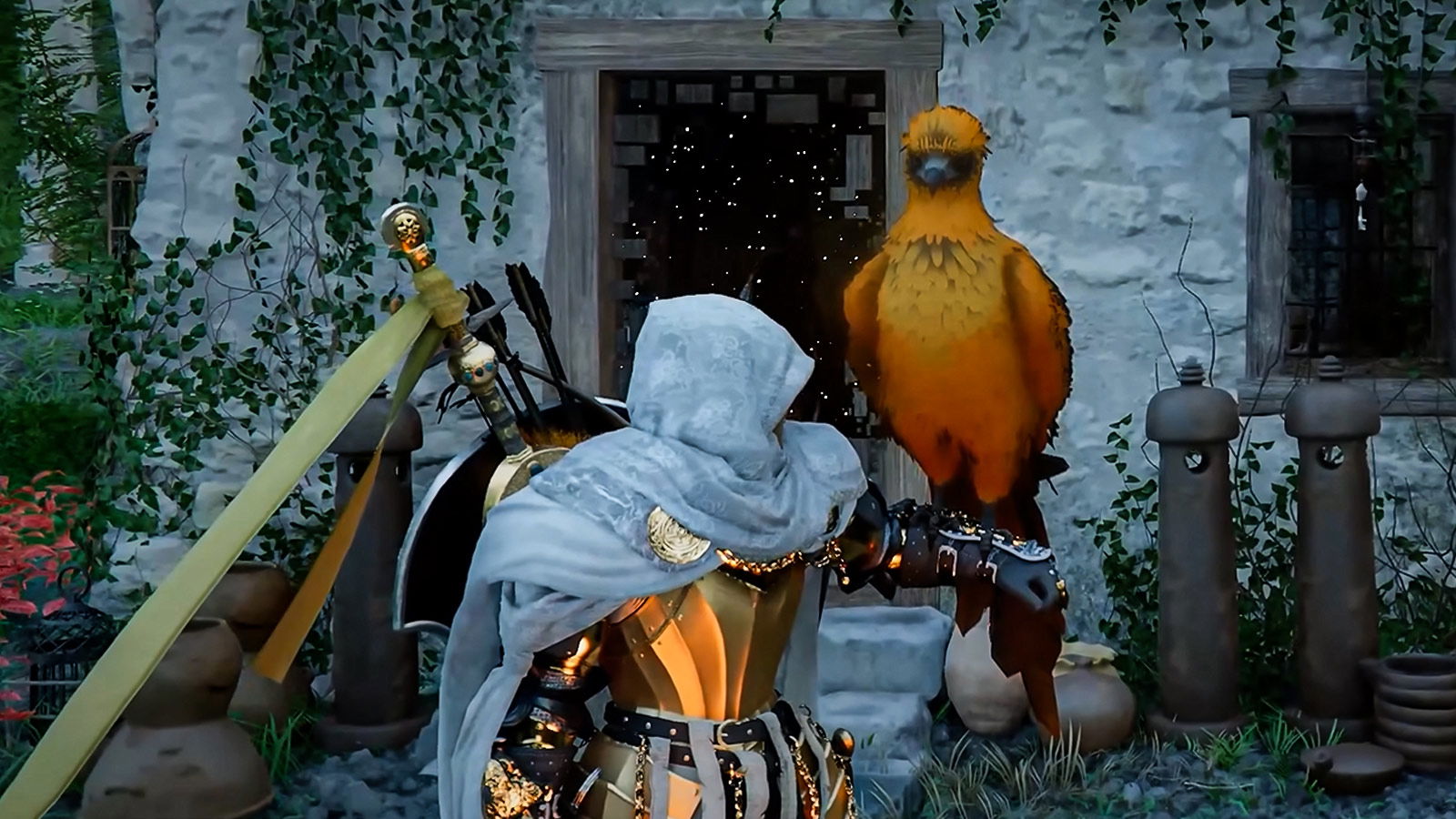
 Crimson Desert with the over-the-shoulder camera settings | Credit: Pearl Abyss
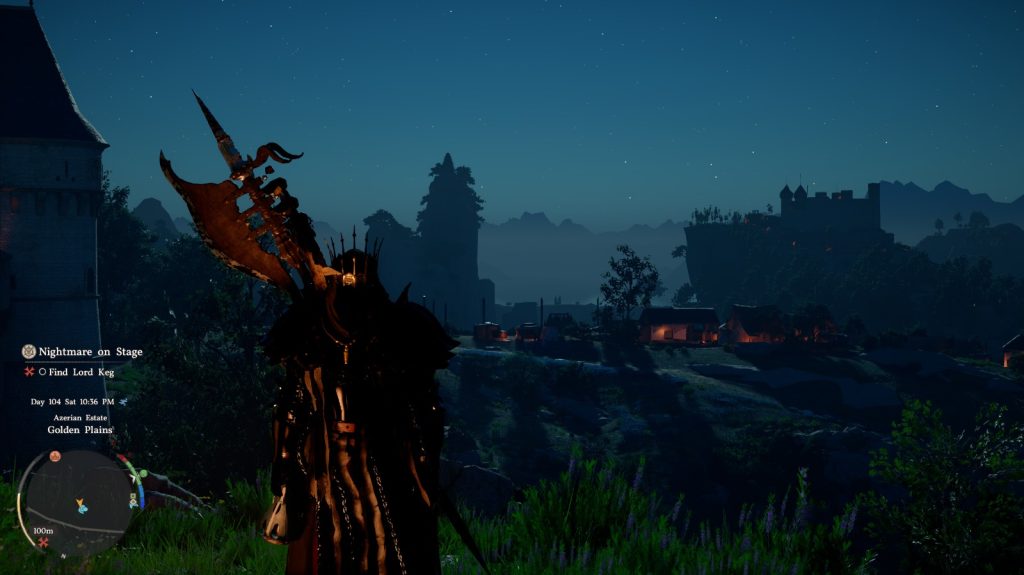
The best part about changing your camera settings in Crimson Desert is the fact that it totally changes how the game feels to play as a whole. For comparison, the default camera settings in the game make it so that the player feels they are a bit too far away from their in-game character. However, with the over-the-shoulder camera settings, the experience becomes better overall, also helping when it comes to interacting with characters and items in the world.
Even in combat, a closer camera makes it so that enemies stay in clear view without sacrificing awareness of your surroundings. In God of War, the over-the-shoulder camera angle was one of the best design choices, as it makes you feel the action rather than just watch it, and now it can be replicated right into Crimson Desert.
Give these settings a try on your next session and see how much the experience changes. If you found this guide helpful, share it with a fellow Crimson Desert player who’s been struggling with the default camera














 Bengali (BD) ·
  English (US) ·