.png)
 5 days ago
17
5 days ago
17
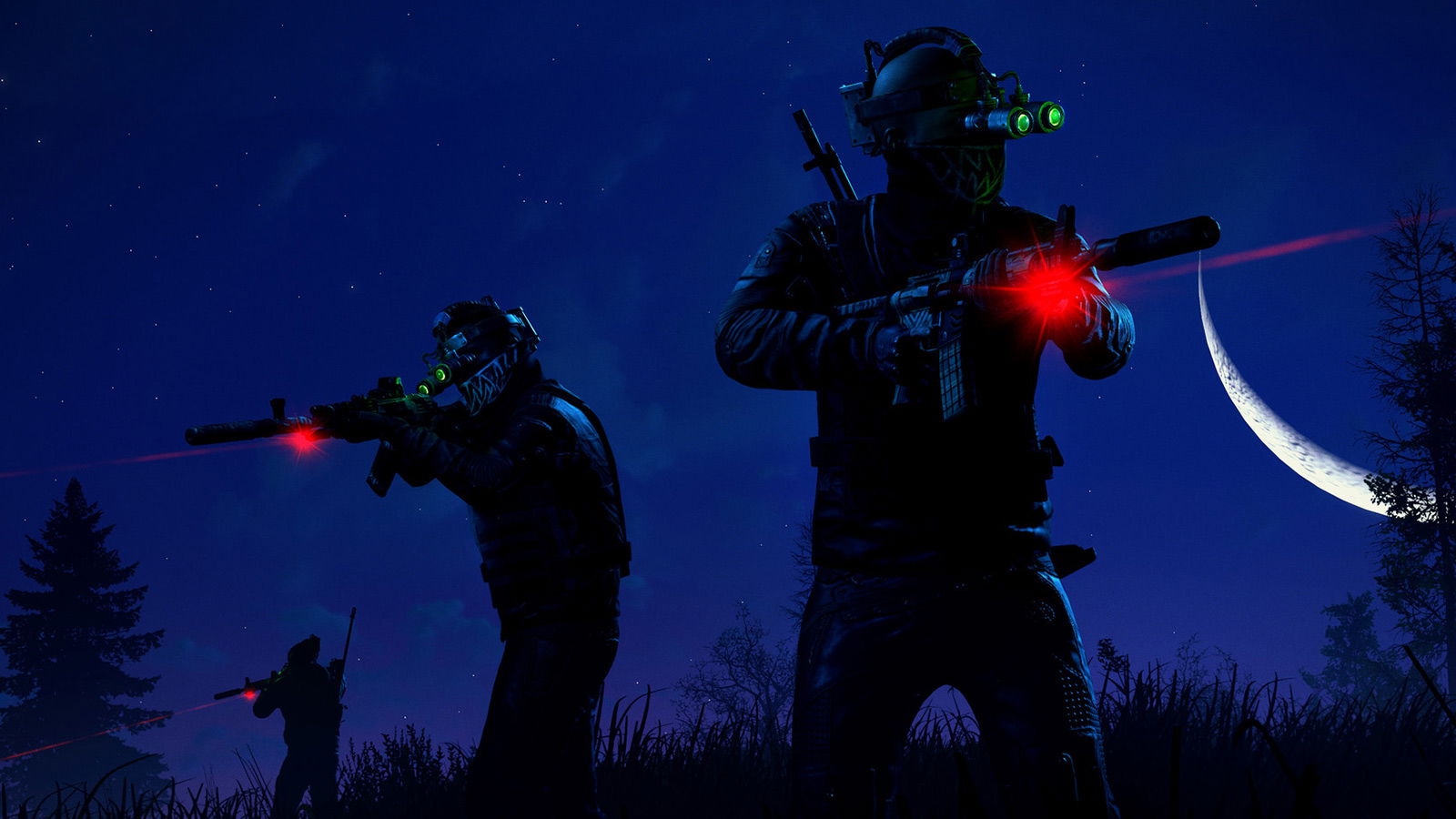
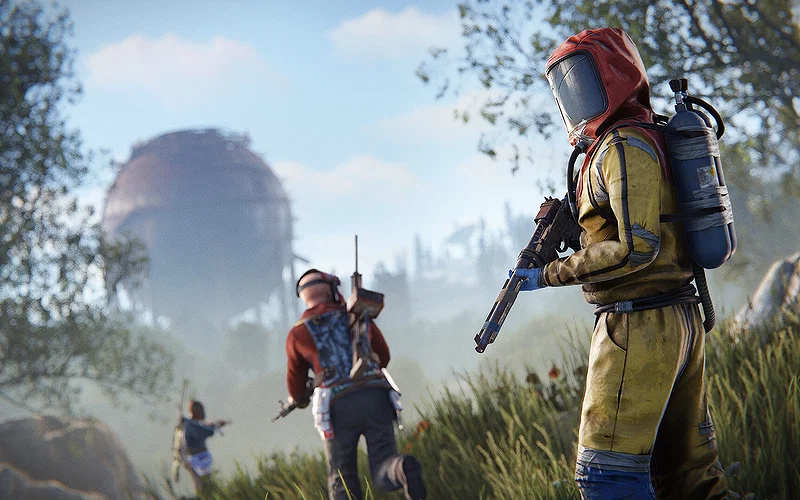
Rust is bringing back Twitch Drops once again, and this time the theme is all about Peanut’s Wasteland. Players can earn a set of exclusive, limited-time skins just by watching Twitch streams with drops enabled.
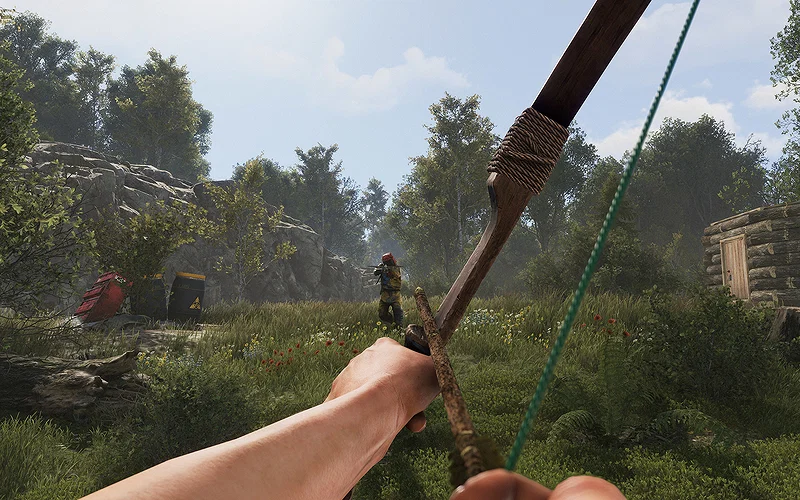
Rust already offers a massive variety of skins for almost everything, from doors and walls to weapons and basic items like outfits and deployables. Because of that, getting free skins through Twitch Drops is always a welcome bonus, and this event is no different.
Rust Twitch Drops: Full Claim Guide & Rewards List
Credits: Facepunch Studios
⛶
Credits: Facepunch Studios
⛶
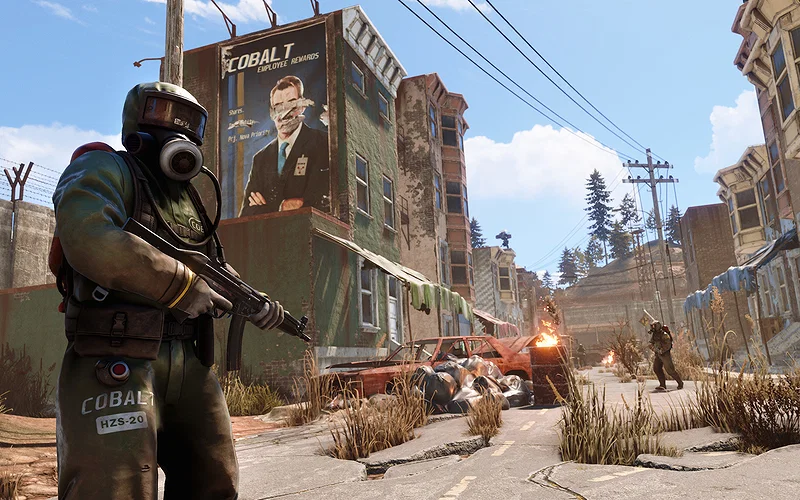
Credits: Facepunch Studios
⛶
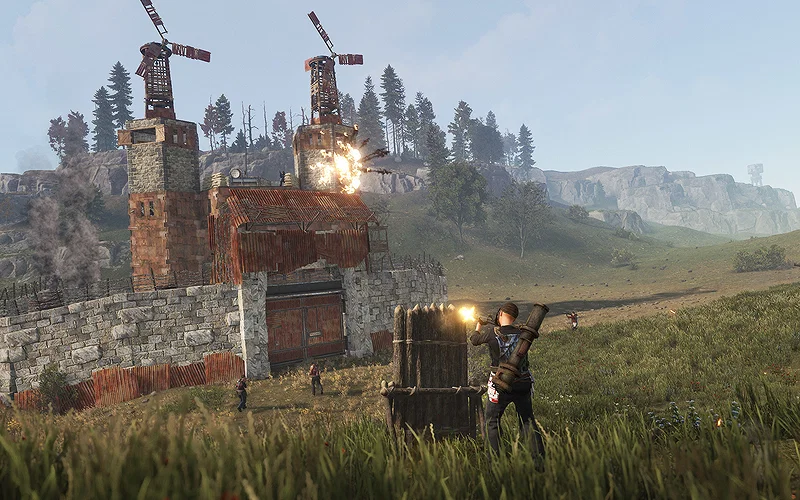
Credits: Facepunch Studios
⛶
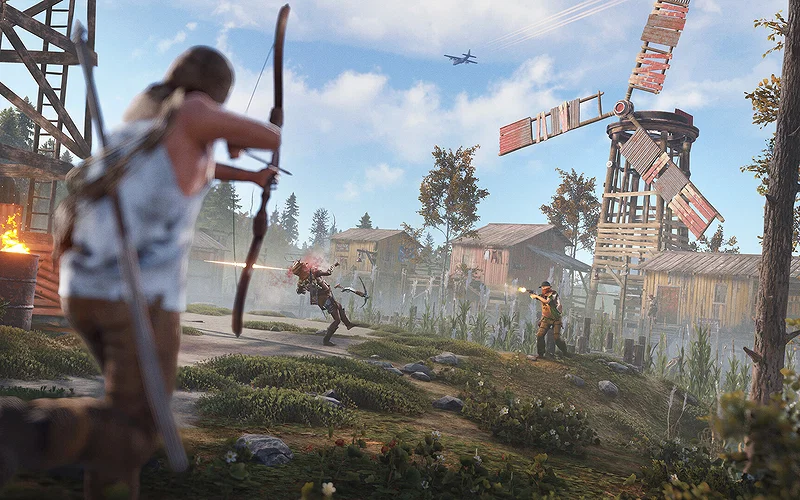
Credits: Facepunch Studios
⛶
×
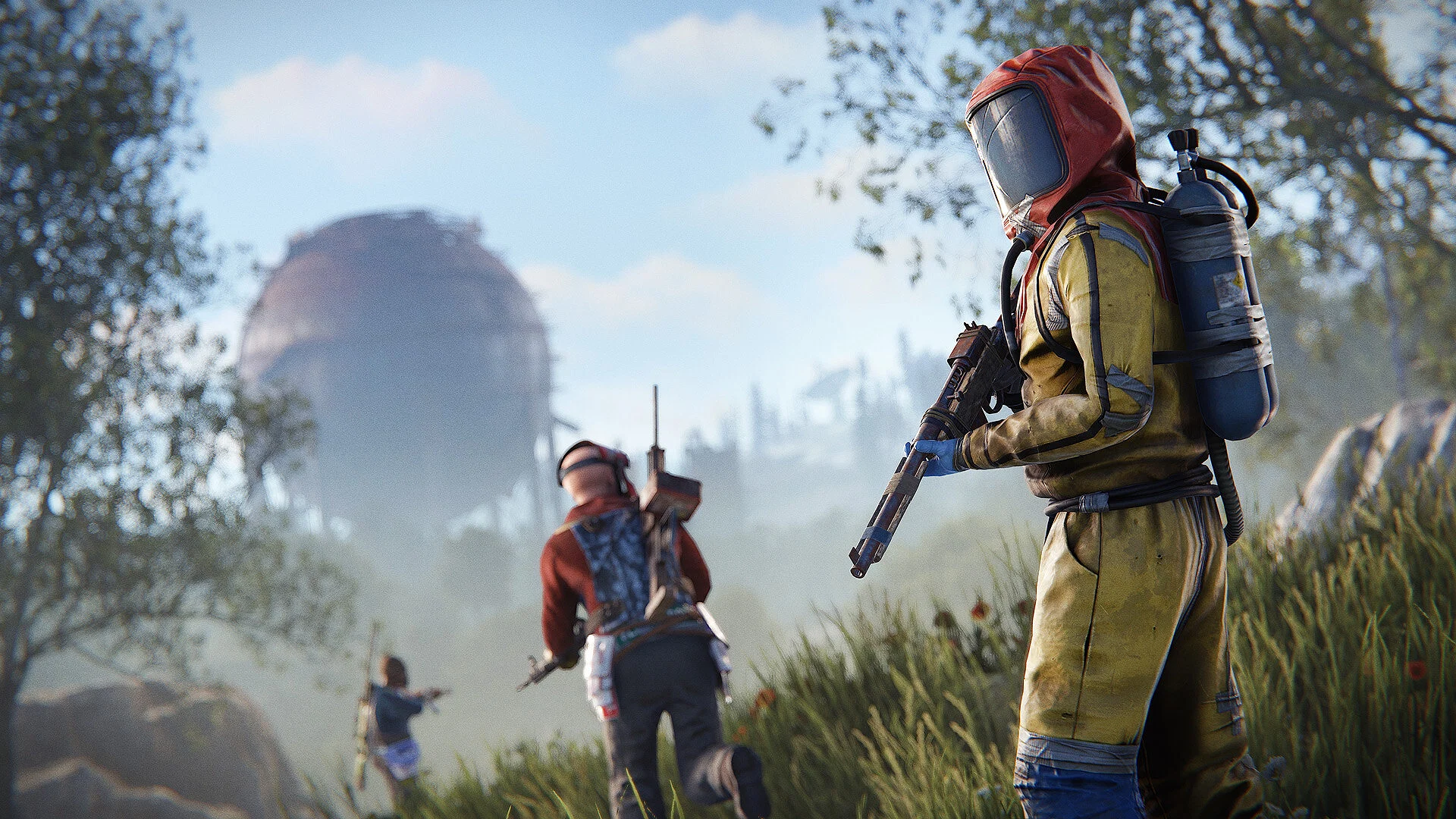
Credits: Facepunch Studios
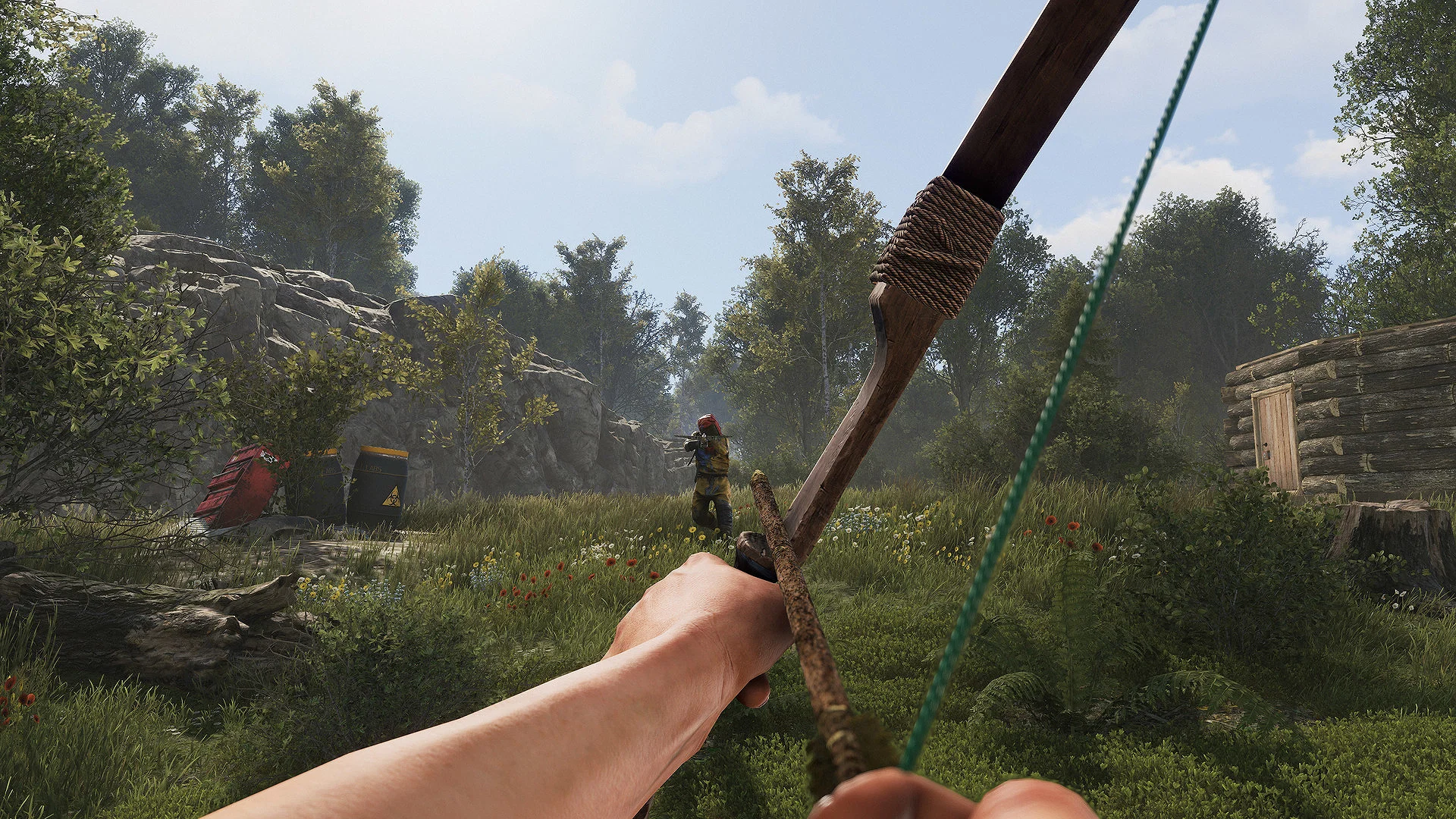
Credits: Facepunch Studios
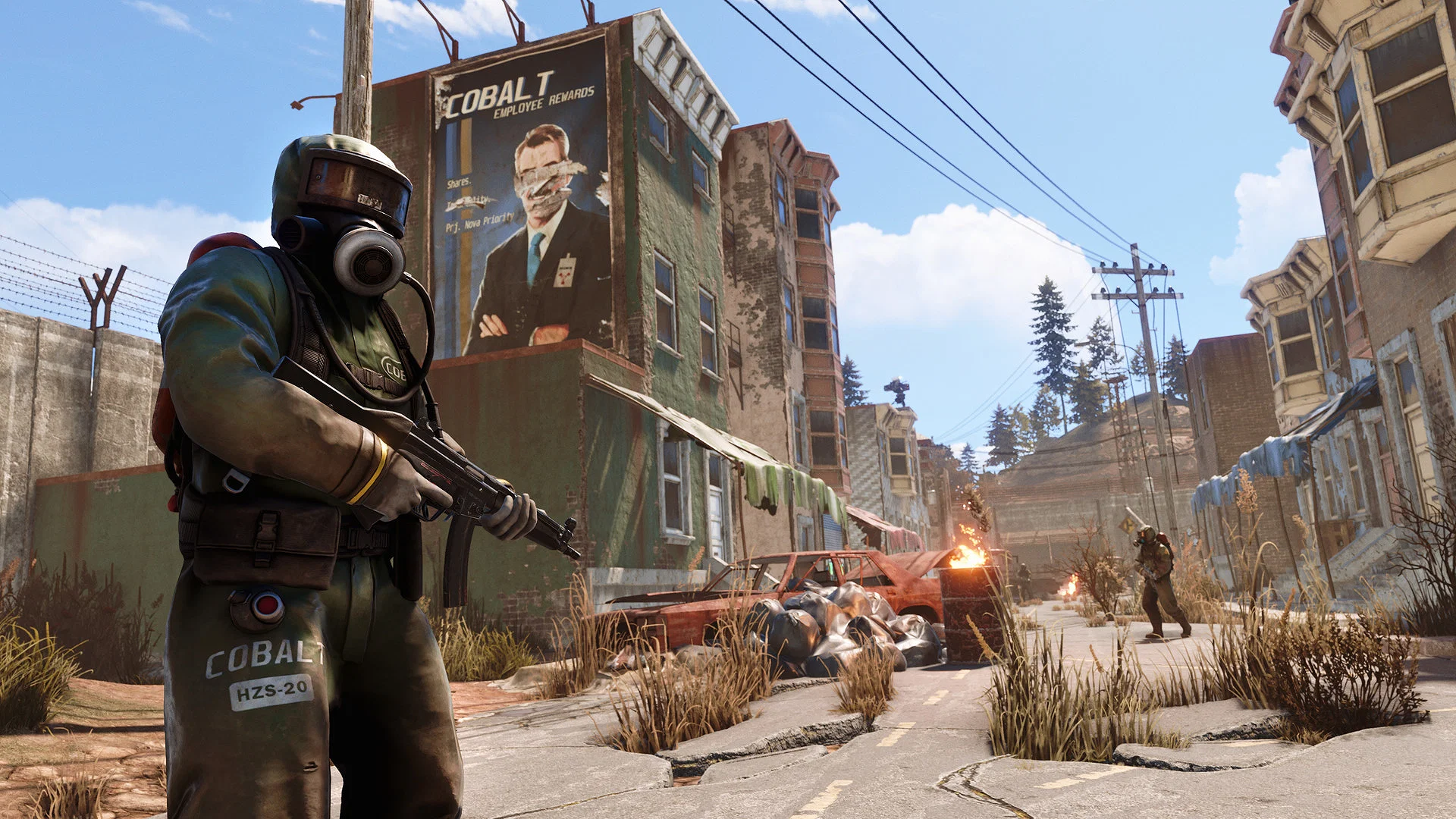
Credits: Facepunch Studios
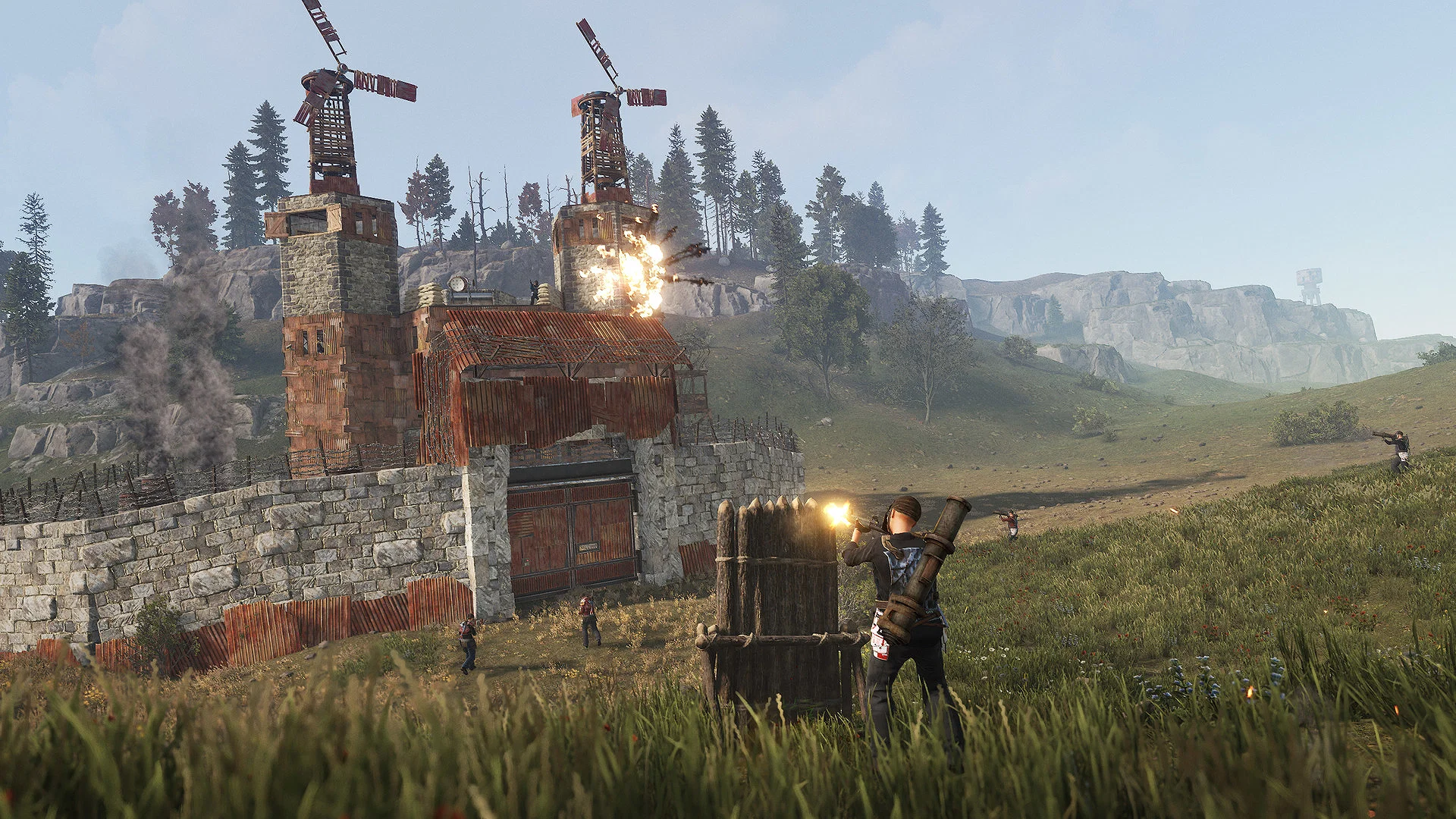
Credits: Facepunch Studios
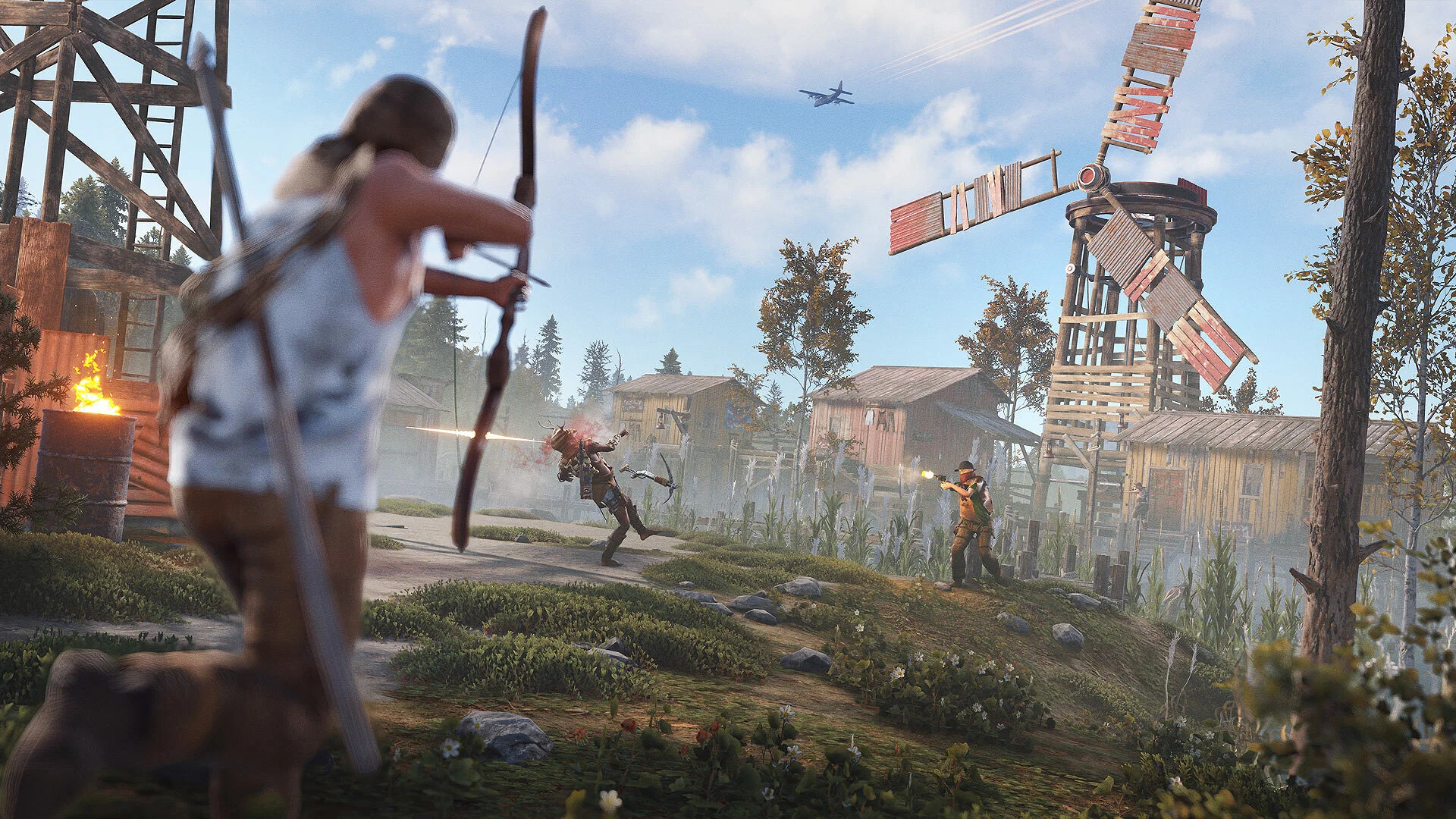
Credits: Facepunch Studios
To participate in the Rust Twitch Drops, you need to follow a simple process:
- Link your Twitch and Steam accounts.
- Once connected, simply watch any Rust streams with “Drops Enabled” on Twitch
- Your watch time will automatically track toward rewards
The Twitch drop event started on April 16 (6 PM ET) and will be available until April 27 (1 AM ET). The total number of hours you need to watch a stream is 8 hours. However, to get all the rewards, you must manually claim each drop on Twitch before progressing to the next one.
Here are all the Peanut’s Wasteland drops and their required watch times:
| TheBurntPeanut Rock (Rock skin) | 2 Hours |
| The Nutsack (Sleeping Bag skin) | 4 Hours |
| TheBurntPeanut Door (Garage Door skin) | 6 Hours |
| TheBurntPeanut L96 (L96 skin) | 8 Hours |
Make sure to do this: Each reward unlocks sequentially, meaning you must claim the previous item before progressing.
Tips to Earn Drops Faster & Common Questions
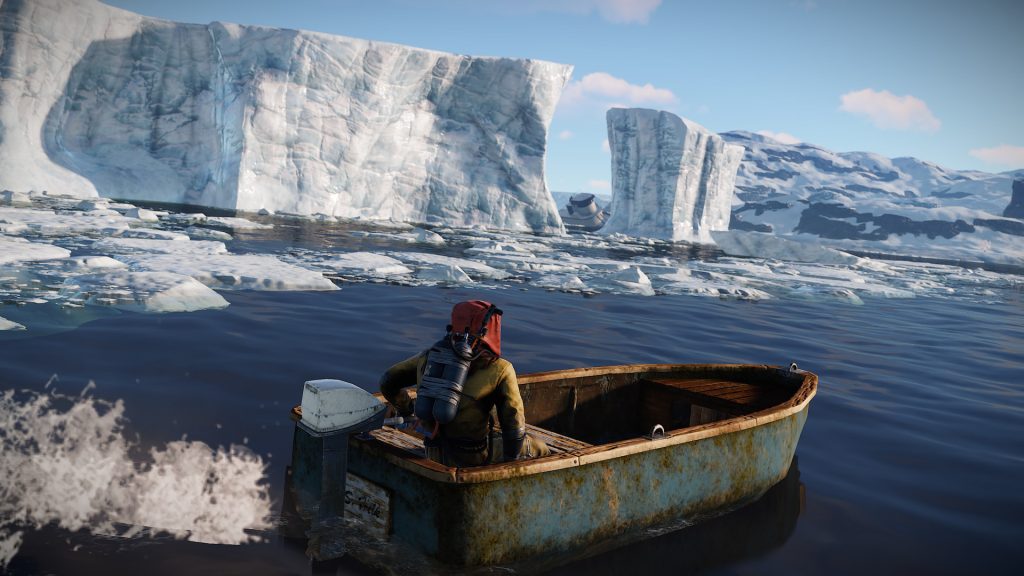 Watch Rust, get loot, pretend you worked for it. | Credits: Facepunch Studios
If you want to get through the drops efficiently, the most important rule is simple: you only gain progress on one stream at a time, so watching multiple streams won’t speed things up. It’s best to stick to a single Drops-enabled stream and let it run in the background.
You also don’t need Twitch Prime or Turbo (or to fast-track them), just a normal Twitch account connected to a Steam account with Rust in your library.
Overall, this event is one of the easiest ways to grab free skins, especially if you just leave a stream running while doing something else (or even playing the game… just don’t stream snipe).
Here are a few common questions answered:
Can I check my progress?
Yes, through the Twitch Drops Inventory page.
Do I need to watch specific streamers?
No, any Drops-enabled Rust stream works unless stated otherwise.
How long do items take to appear?
Usually, items arrive within 10 minutes after claiming.
What if I miss a drop?
If it’s still within the event window, you can continue earning it later as long as it hasn’t expired.
Which Rust Twitch Drop skin are you most excited to get from this event? Comment below to let us know.




















 Bengali (BD) ·
  English (US) ·