.png)
 1 week ago
21
1 week ago
21
Paralives throws a lot at you in the first few in-game days. With so many things, including hidden systems, mistakes are bound to happen early on. However, avoiding the mistakes might set you up alright, but it will not be enough to thrive!
These 15 beginner tips focus on things that make your first save in Paralives go more smoothly. The target is not to overcomplicate while you’re learning the ropes. This way, you can enjoy the life-sim chaos without accidentally soft-locking yourself.
1 Adjust Key Settings Before You Start
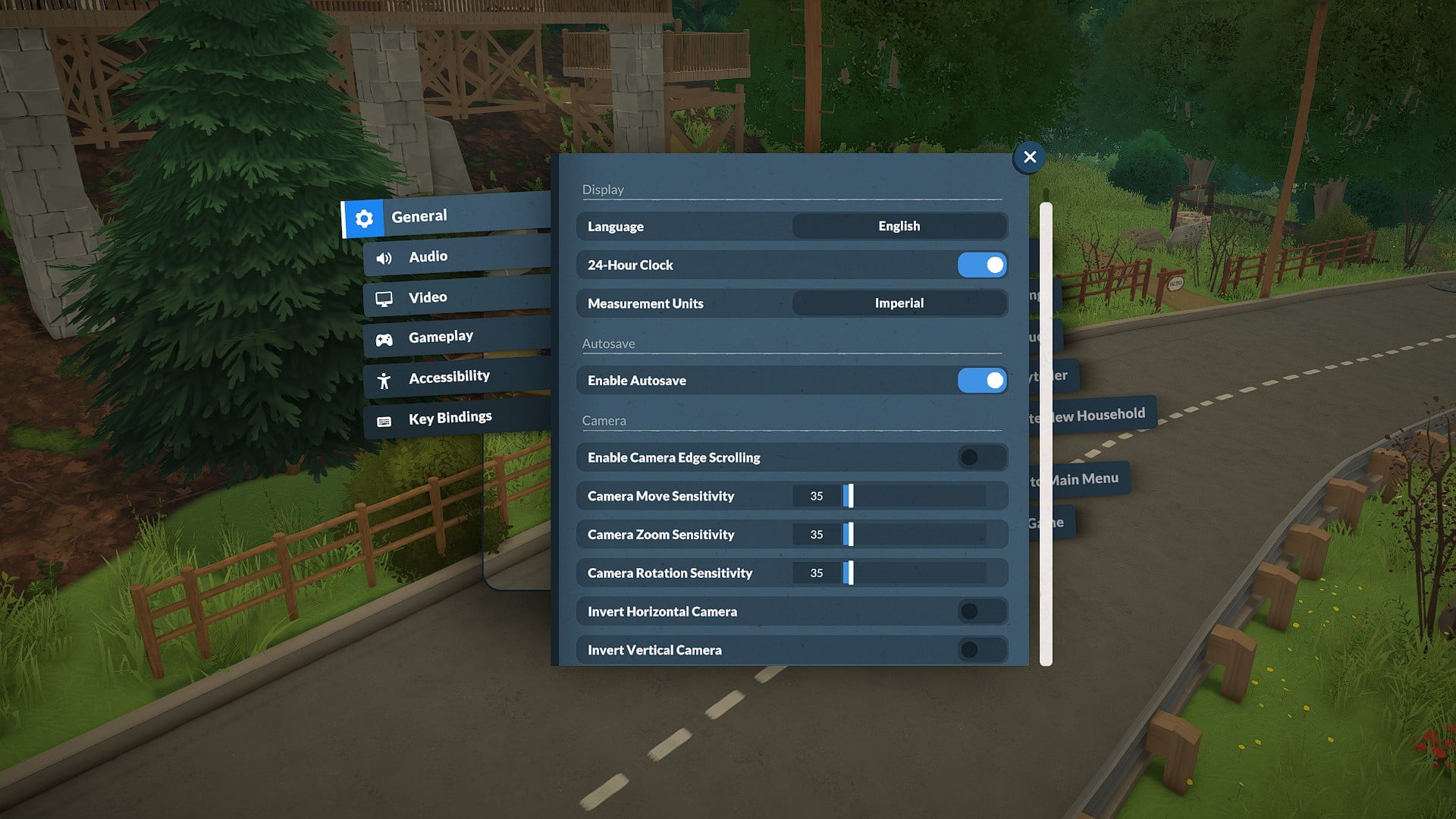 Dial in your basic settings once so the rest of the game feels natural | Credit: Paralives Studio
Before you dive in, open the settings from the three dots in the top-right. Then set your preferred clock format and measurement units so height and time displays make sense to you. Remember, color filters and colorblind options can be accessed here, too.
2 Use Clothing and Hair Variants in Paramaker
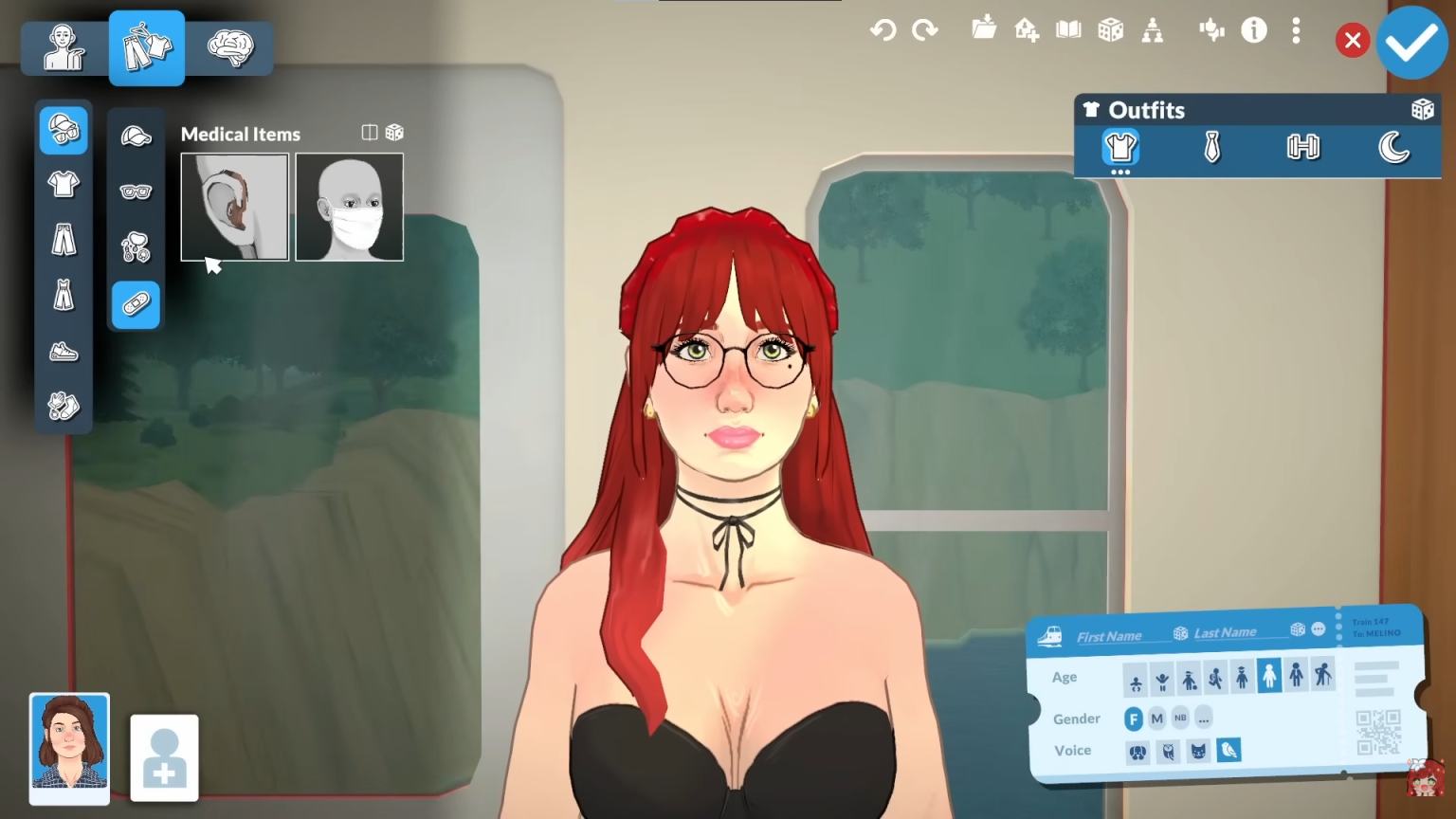 Explore the tiny icons in CAS to unlock more outfits and hairstyle options | Credit: Paralives Studio | YouTube @ezlilyy
In Paramaker, look for the small icons on the tops and hairstyles. One toggles shirts tucked in or out, another opens alternate versions of the same top.
The three-dot icon on hair lets you remove or change accessories. This gives you multiple variants from a single item without needing extra custom content.
3 Soften Outlines with Custom Skin Tones
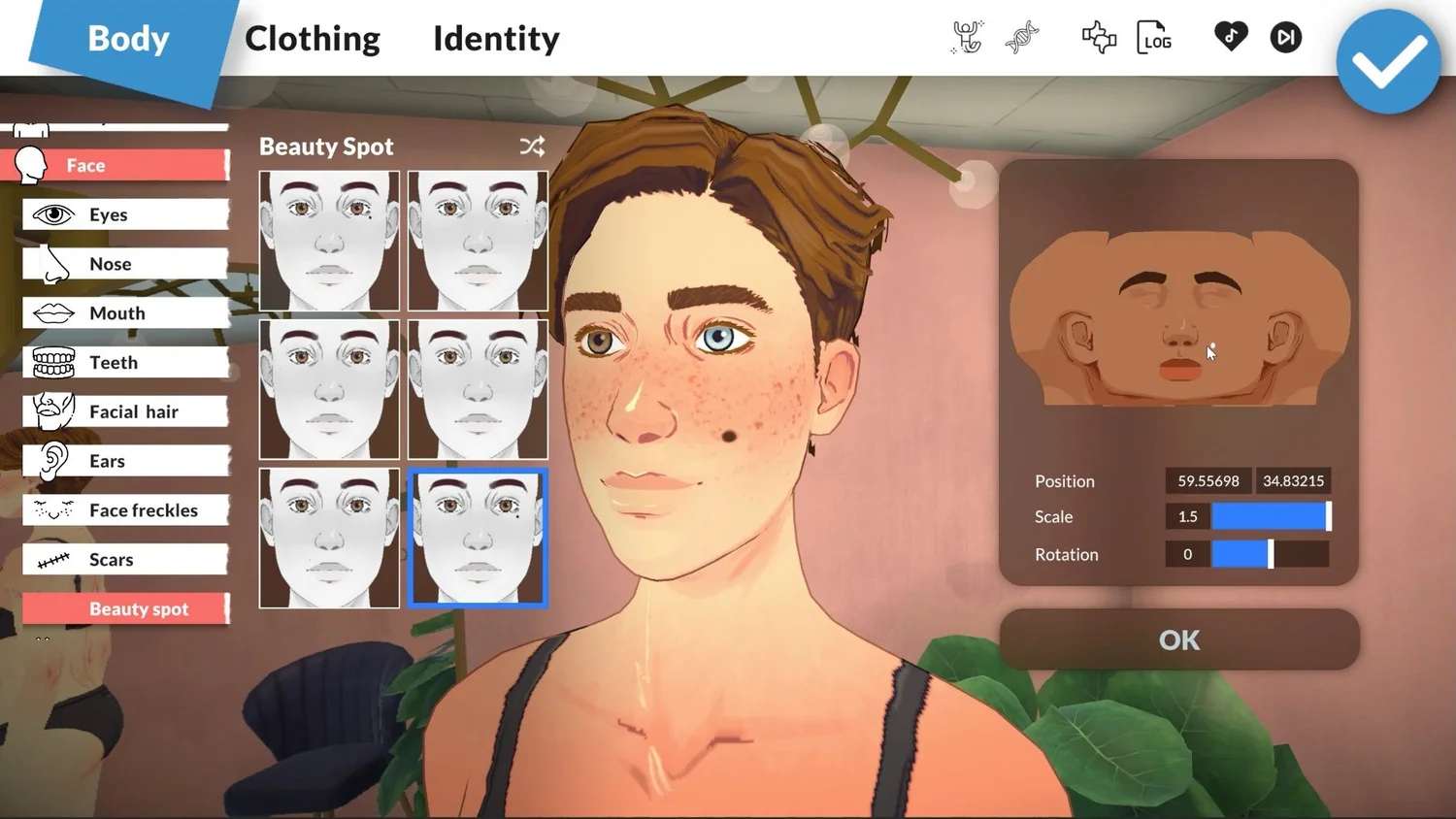 Use custom skins to control how strong or soft your Paras’ outlines appear | Credit: Paralives Studio
Do the heavy outlines on Paras bother you? You should edit a custom skin color and tweak highlights and shadows instead of installing mods. Bringing shadows closer to the base tone softens or nearly removes the dark lines.
4 Customize Your Storyteller and Starting Funds
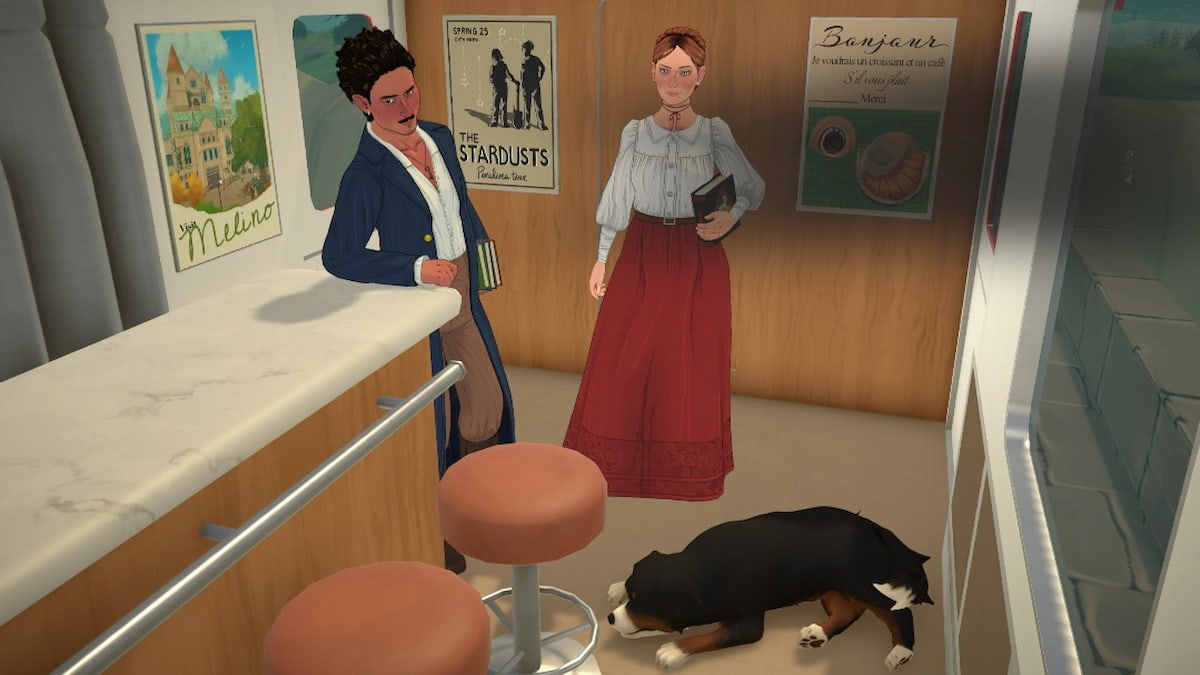 Tune your Storyteller and starting cash so the challenge matches your playstyle | Credit: Paralives Studio
From the Storyteller menu, you can swap between easy, regular, and hard, or fully customize difficulty and events at any time. You can also set starting funds to anything, from 0 paradimes for rags-to-riches to 100,000+ if you just want to build.
5 Use ‘Play Without a Lot’ for True Rags to Riches
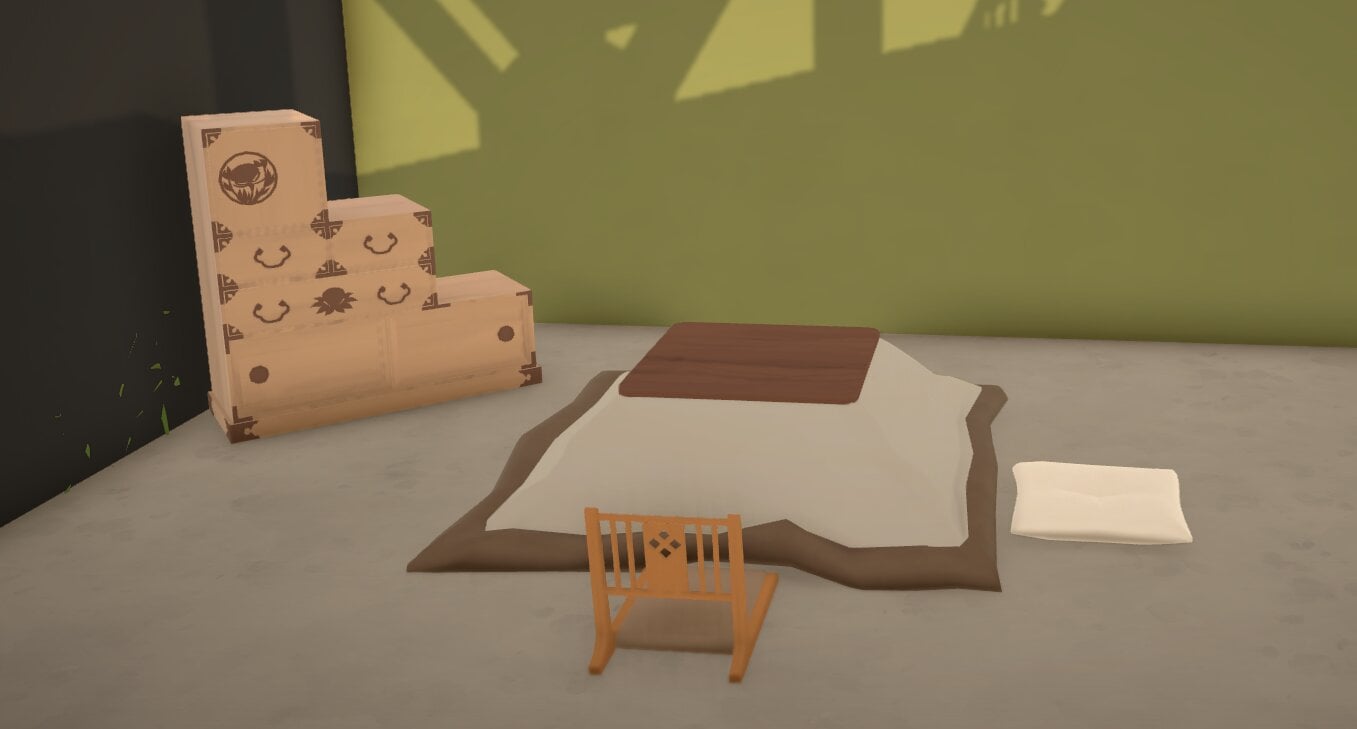 Start with no home at all if you want a genuine rags-to-riches run | Credit: Paralives Studio
Talking about rags to riches, if you want a hardcore start, click the three dots in the lower-left when choosing a home and select “Play without a lot.” Your Para begins homeless, and you’ll need to survive by selling finds and working jobs until you can afford your first property.
6 Own and Manage Multiple Homes
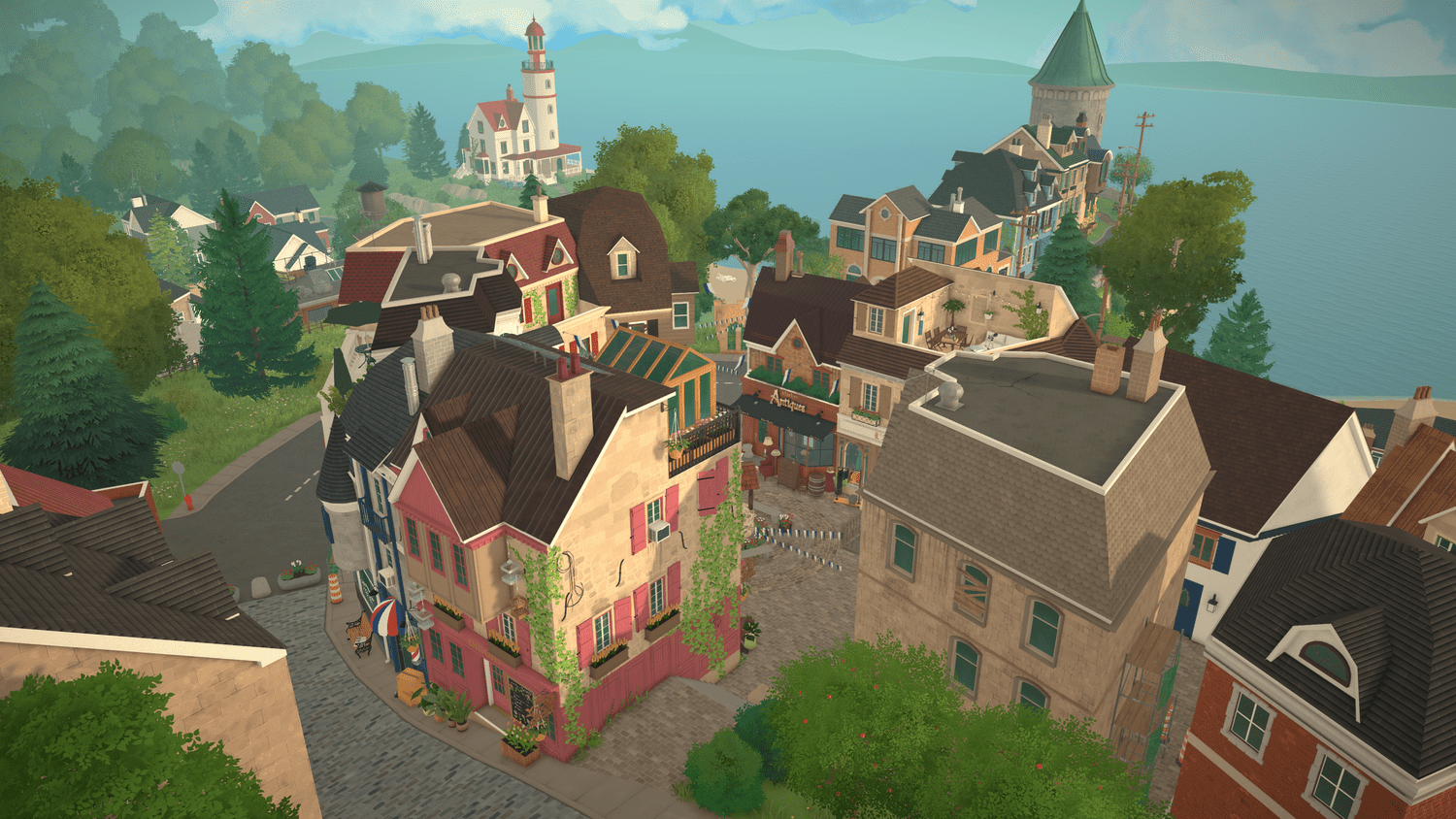 Treat extra lots as second homes, future moves, or project builds | Credit: Paralives Studio
Paralives lets you own more than one home at a time. So, you can buy additional lots as vacation houses, rentals, or themed builds. You can build on any owned lot and sell a property later via the lot icon to recover its value if you want to move or downsize.
7 Learn the Core Cheat Commands Early
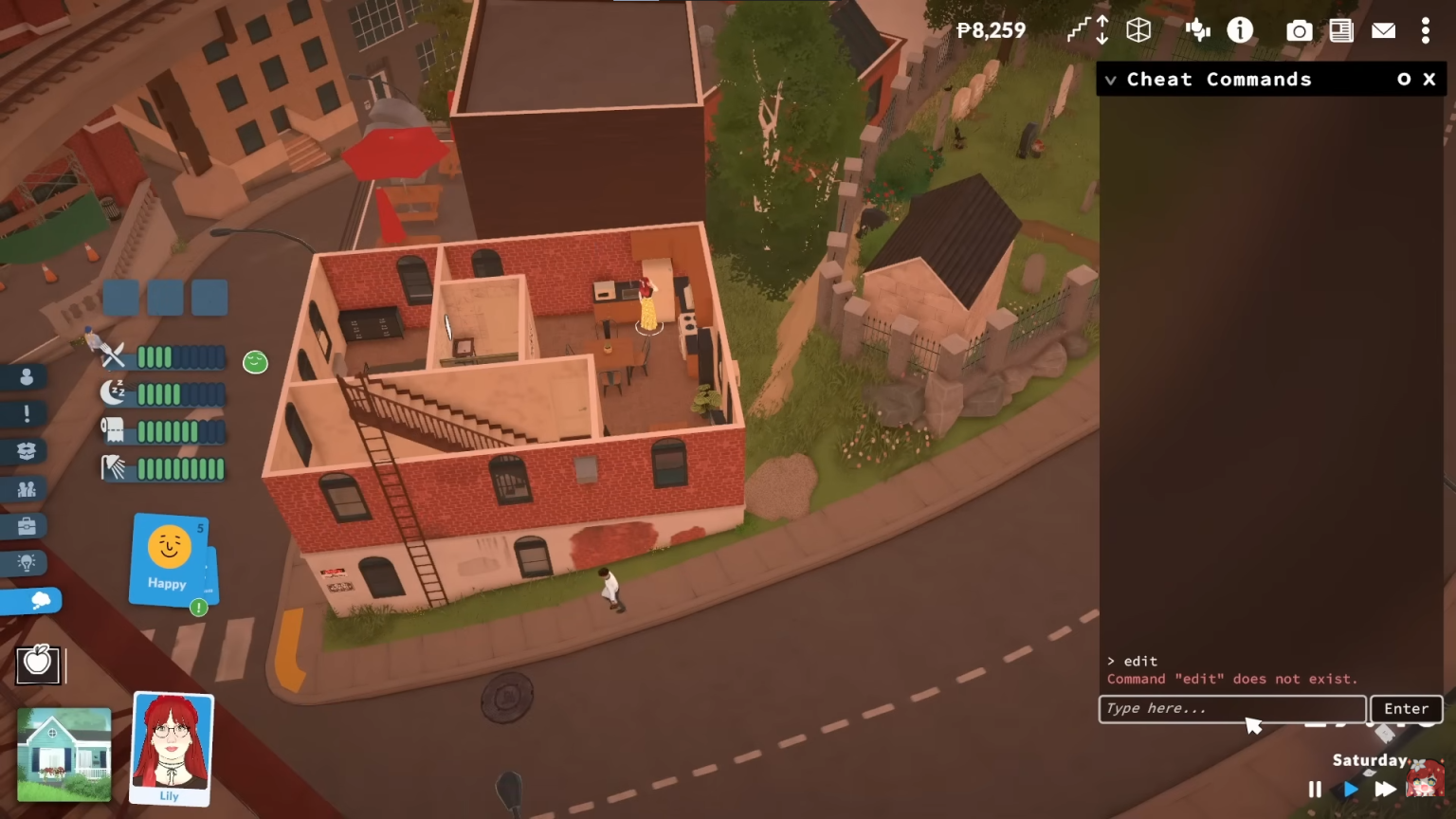 Keep a few core cheats in mind as a safety net for saves you want to rescue | Credit: Paralives Studio | YouTube @ezlilyy
Press Ctrl+F1 to open the cheat console and use common commands. Such as:
- “piggybank” for quick cash
- “setmoney” to set exact funds
- “extinguishallfires” to kill house fires
- “reliefallneeds” to instantly fix motives
- “help” to list all cheats
Keep in mind that you can type keywords like “needs” or “money” to narrow down options without scrolling.
8 Don’t Trust Firefighters
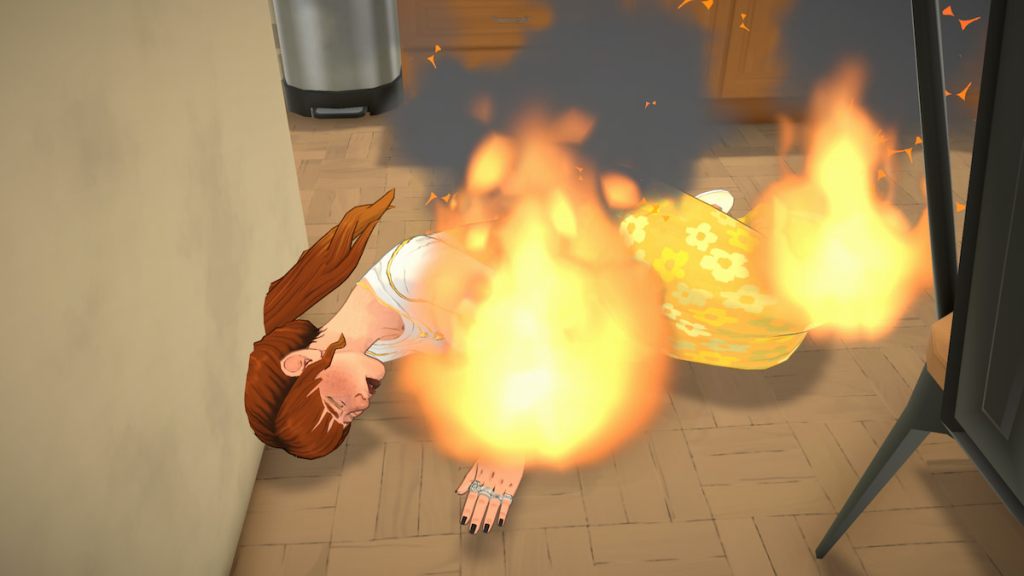 When in doubt, kill fires via cheat instead of waiting for imaginary firefighters | Credit: Paralives Studio
Since Paralives is in Early Access so right now, calling firefighters is unreliable! Sometimes they don’t answer or show up, and your house can burn down while your Para panics. Hence, even if you plan not to use any other cheats, you genuinely need the “extinguish all fires” one instead of risking your Para running into the flames.
9 Use Toggle Edit Town to Redesign Community Lots
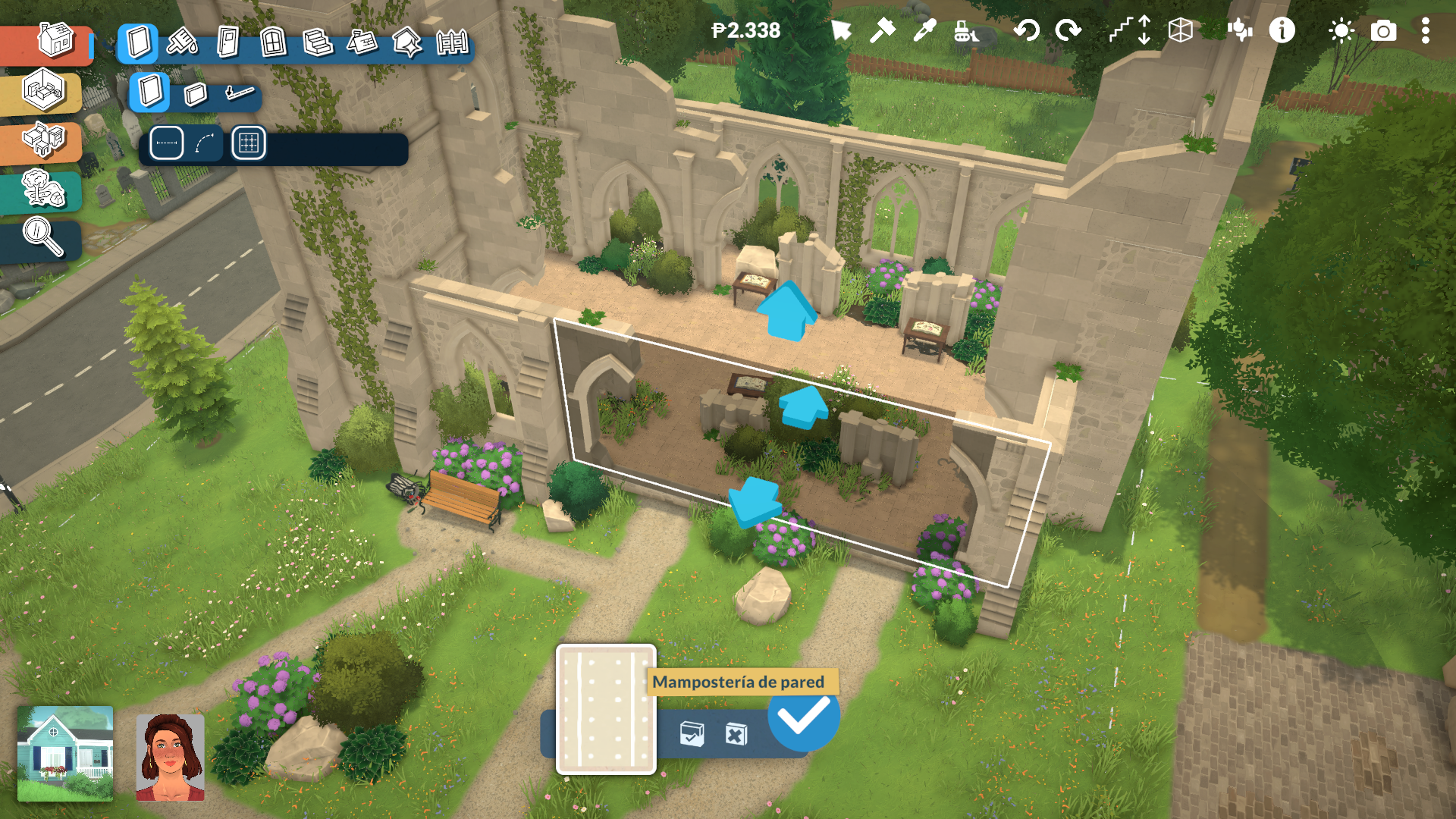 Turn on town editing to personalize shops, graveyards, and public spaces | Credit: Paralives Studio
The cheat “toggle edit town” enables full editing of community buildings such as shops, libraries, and the graveyard area. You can add furniture, create custom grave markers, or decorate public spaces, which is especially useful for storytellers who want the town to reflect their save’s events.
10 Master the Advanced Transformation Tool in Build Mode
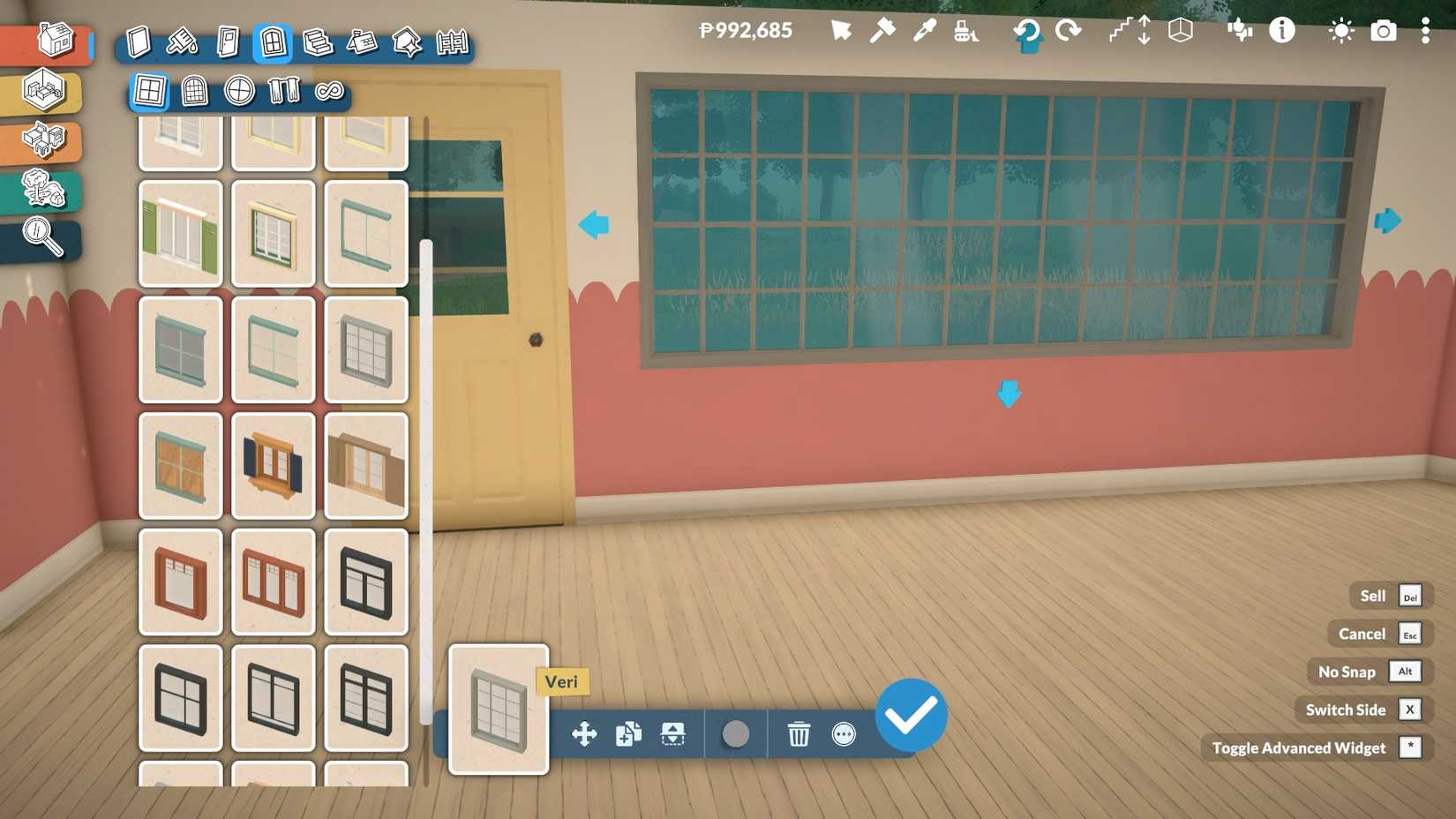 Use advanced transforms to morph standard furniture into custom-looking pieces | Credit: Paralives Studio
In build mode, click an object, then select the three-dot menu to enable the advanced transformation tool. This lets you stretch, shrink, and reshape items far beyond basic placement, allowing you to create unique shapes from standard objects.
11 Use Separators for Clean Floor and Wall Zoning
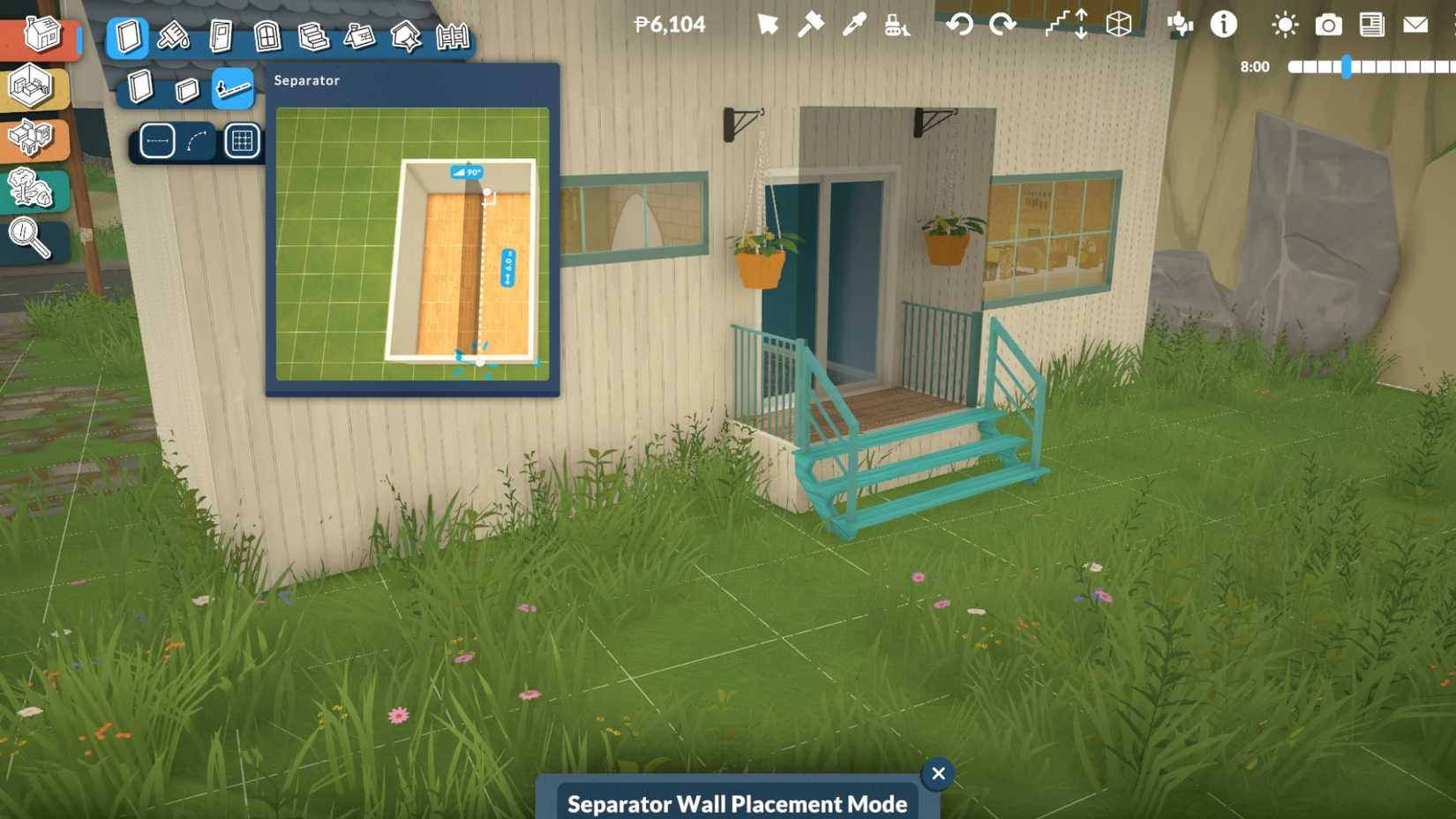 Slice up floors and walls with separators to get detailed, multi-zone designs | Credit: Paralives Studio
The separator tool lets you draw invisible wall slices on floors and walls. So, you can apply different patterns or colors to specific zones without building physical walls. It’s perfect for splitting a room into multiple visual areas.
12 Apply for Jobs via Signs and Newspaper
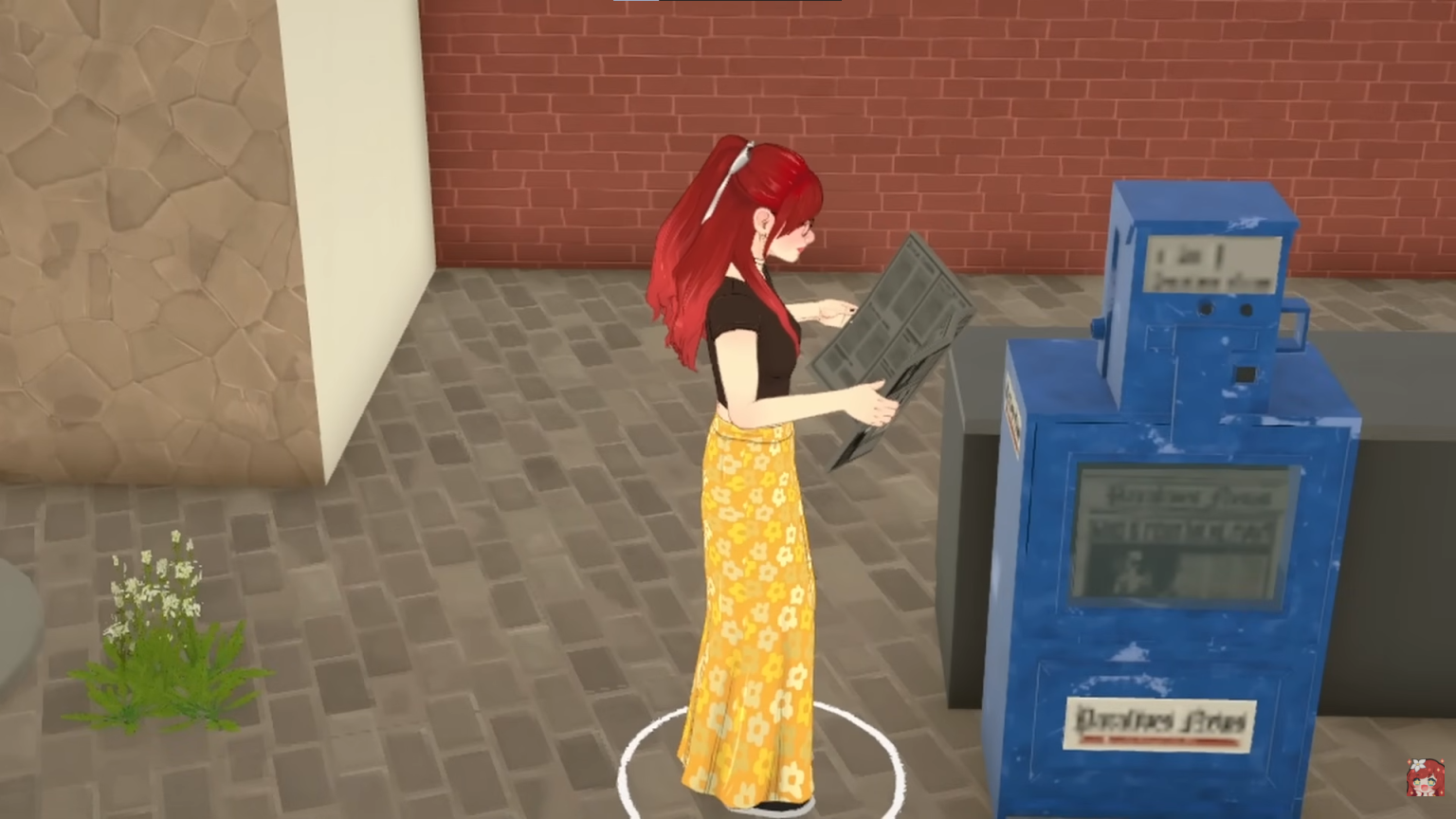 Watch for hiring posters and newspaper ads to land more immersive jobs | Credit: Paralives Studio | YouTube @ezlilyy
You don’t have to use just the phone or computer to find a job. Always look for “Now Hiring” posters on community lots and interact with them to apply for roles there. You can also claim job offers from the newspaper, assign them to a specific Para, and choose a schedule. This feels far more grounded than clicking through menus.
13 Use Group Selection for Special Interactions
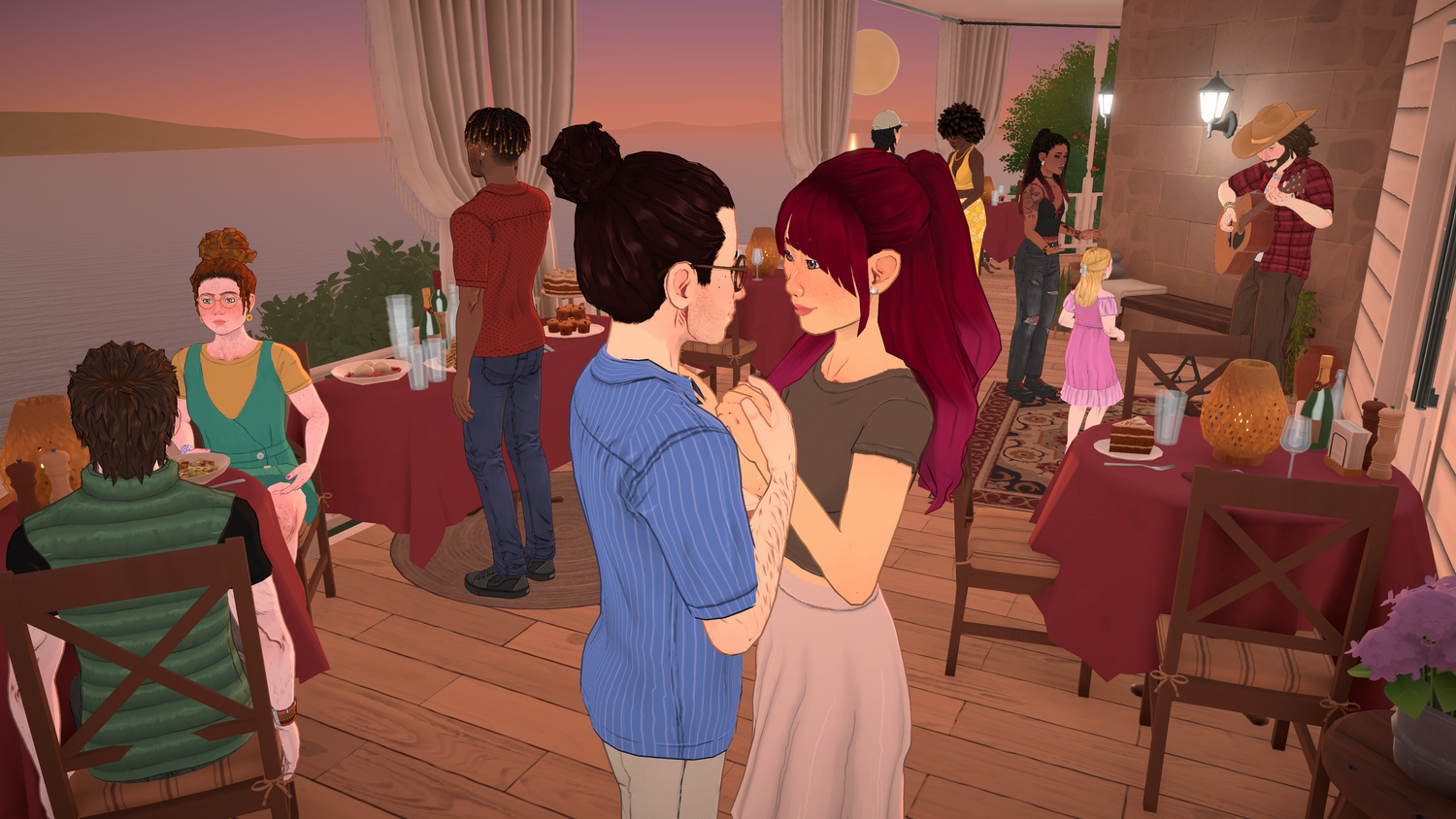 Select the right Paras together to unlock hidden family interactions | Credit: Paralives Studio
Many family interactions, like trying for a baby, bathing toddlers, or using high chairs, are hidden. These only appear when both relevant Paras are selected as a group. Drag-select or shift-select both parents, then click the bed, bathtub, or high chair to reveal actions like “try for baby,” “wash,” or “feed in high chair.”
14 Watch Museum and Community Donations
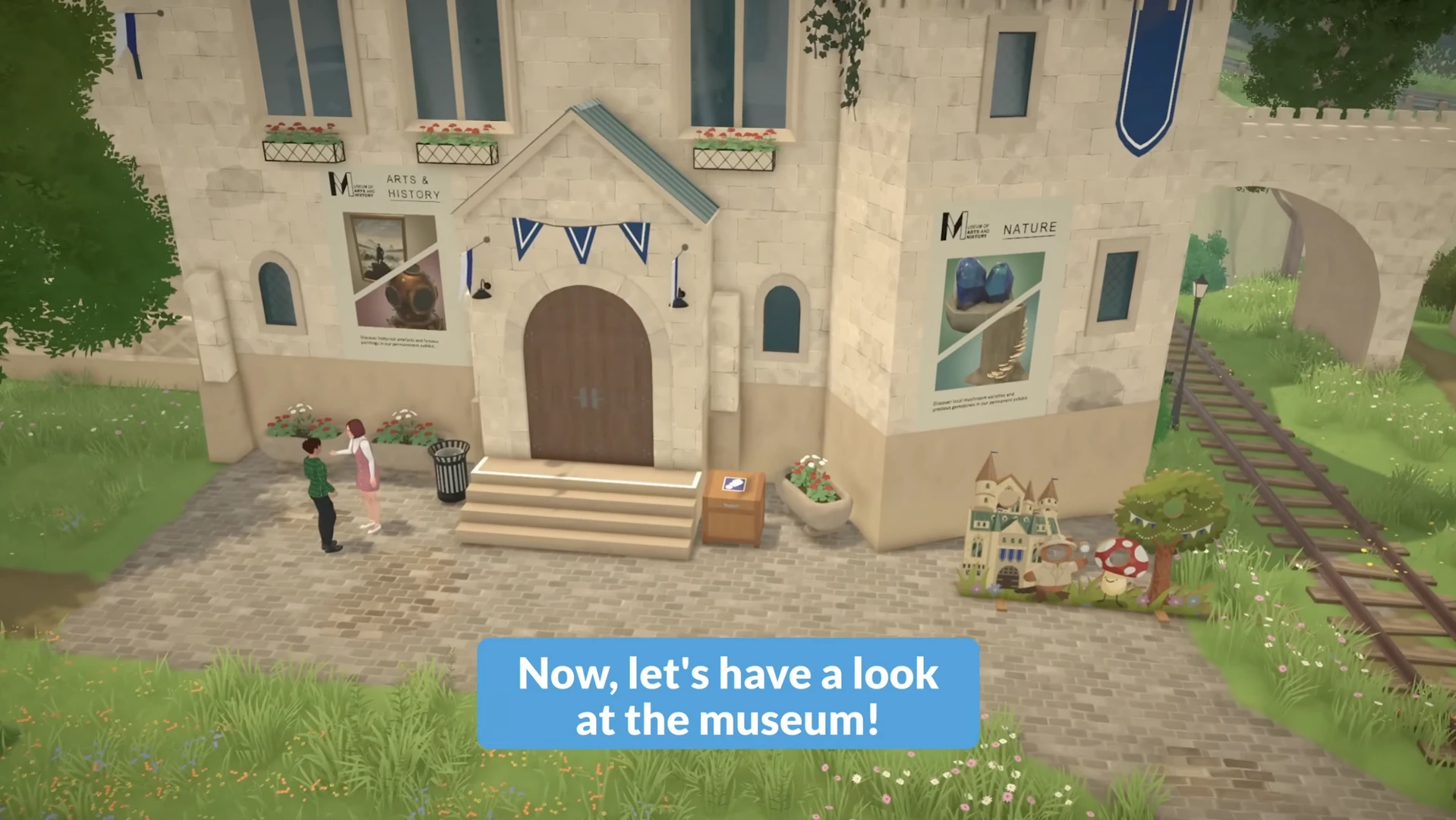 Use donation outlines and memorial hints to track your collection progress | Credit: Paralives Studio
Items you’ve already donated to the museum gain a blue outline in your inventory. These do not remain grey, making it easy to see what can safely be sold. The community center memorial also tracks bundle progress and hints at a possible future restoration once everything is completed. So, treat donations as a long-term project, not just a one-off.
15 Respect Survival: Mushrooms and Exhaustion Can Kill
 Treat food and sleep as survival systems, not cosmetic flavor | Credit: Paralives Studio
We all know that Paralives is harsher than it looks! Some wild mushrooms around town are lethal. Also, letting your Para’s energy drop too low can result in actual death, not just passing out. Avoid eating random mushrooms when desperate for food, and don’t push energy into the red if you don’t want to restart or lose a key character.
| 1 | Configure Core Settings | Set clock, units, and color filters before starting a save. |
| 2 | Use Clothing & Hair Variants | Toggle shirt layers, tuck states, and hairstyle variants via icons. |
| 3 | Tweak Outlines with Custom Skin | Adjust highlights and shadows in custom skins to soften outlines. |
| 4 | Customize Storyteller & Starting Funds | Edit difficulty and starting money to match your preferred challenge. |
| 5 | Start “Play Without a Lot” | Begin homeless for true rags-to-riches-style runs. |
| 6 | Own Multiple Homes | Buy, use, and sell multiple lots as needed during a save. |
| 7 | Learn Key Cheat Commands | Use money, fire, needs, and help cheats as controlled tools. |
| 8 | Use Fire Cheats Instead of Firefighters | Extinguish fires through cheats when emergency services fail. |
| 9 | Enable Toggle Edit Town | Unlock and customize community buildings and grave areas. |
| 10 | Use Advanced Transformation in Build Mode | Stretch and reshape objects with the advanced transform tool. |
| 11 | Design with Separators | Create invisible zones for different floor and wall styles. |
| 12 | Apply for Jobs via Signs & Newspaper | Use hiring posters and ads as alternative job entry points. |
| 13 | Group-Select for Family Interactions | Select both Paras to unlock baby, bath, and high chair options. |
| 14 | Track Donations & Bundles | Use blue outlines and the memorial to manage museum and bundle progress. |
| 15 | Avoid Dangerous Mushrooms & Exhaustion | Don’t eat random mushrooms or let energy hit zero to prevent death. |
Are you struggling in Paralives? Do you think any of these tips and tricks will help you out? Let us know your thoughts in the comments.




























 Bengali (BD) ·
  English (US) ·