.png)
 1 week ago
21
1 week ago
21
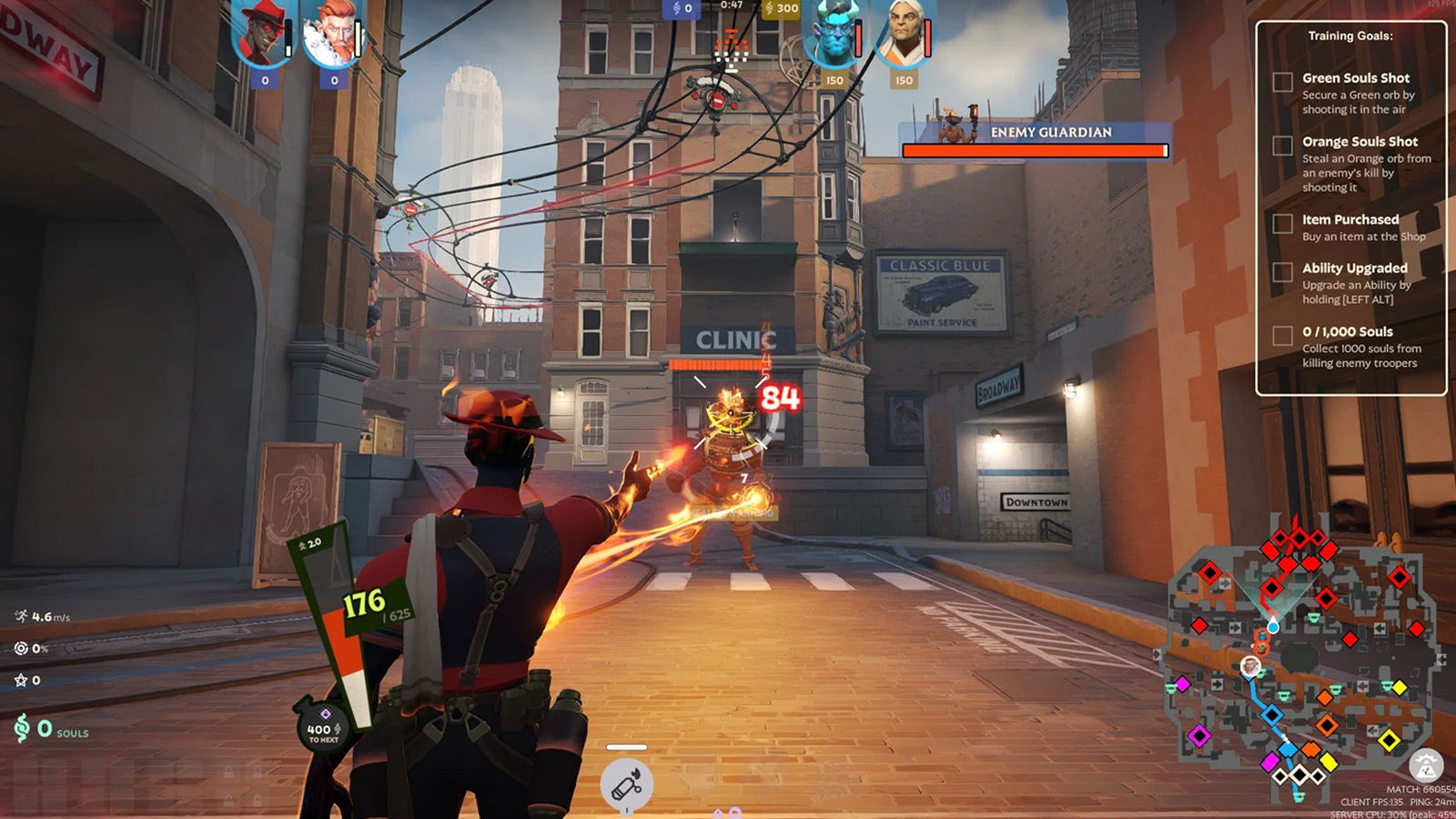
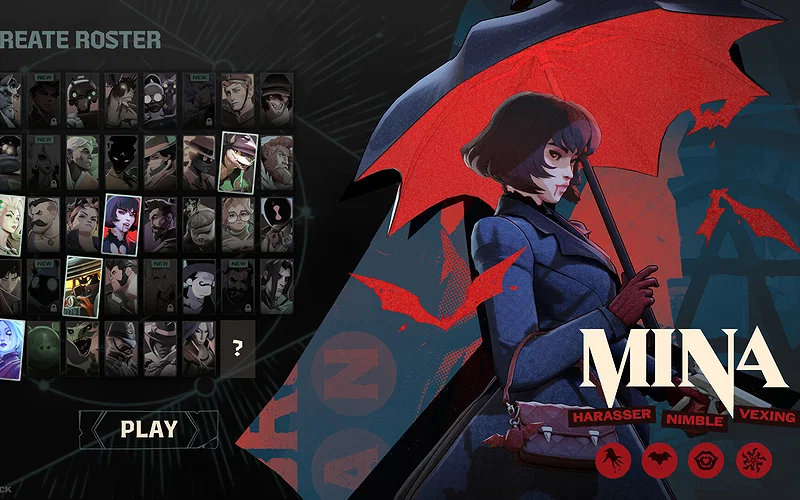
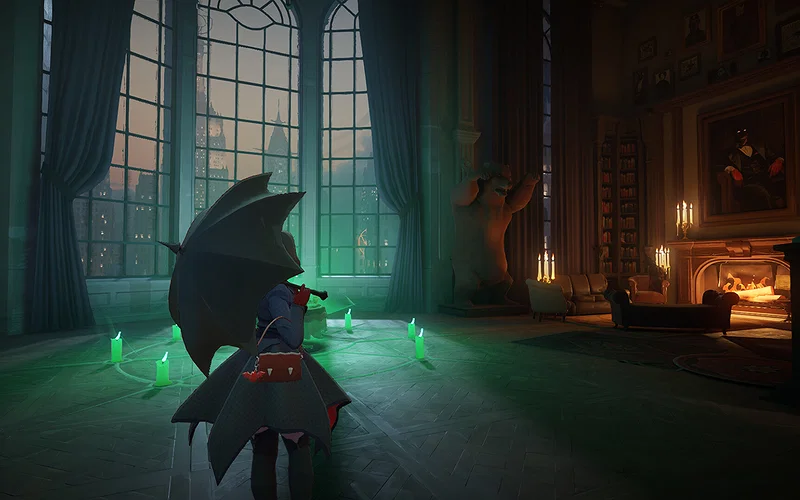
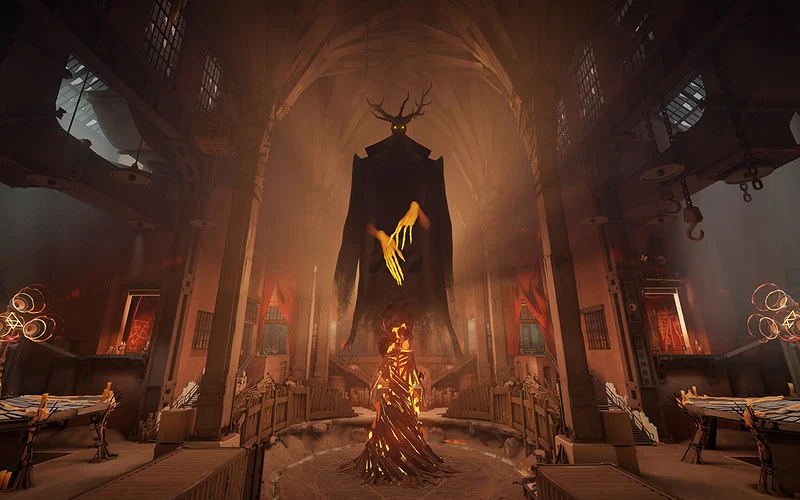
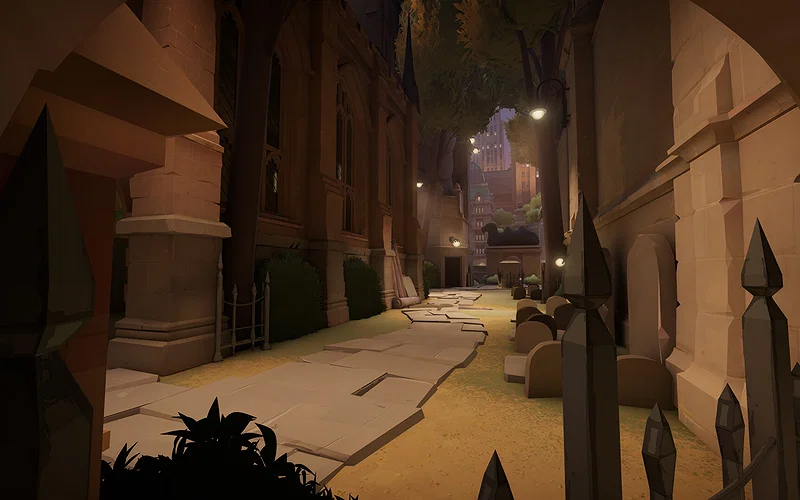
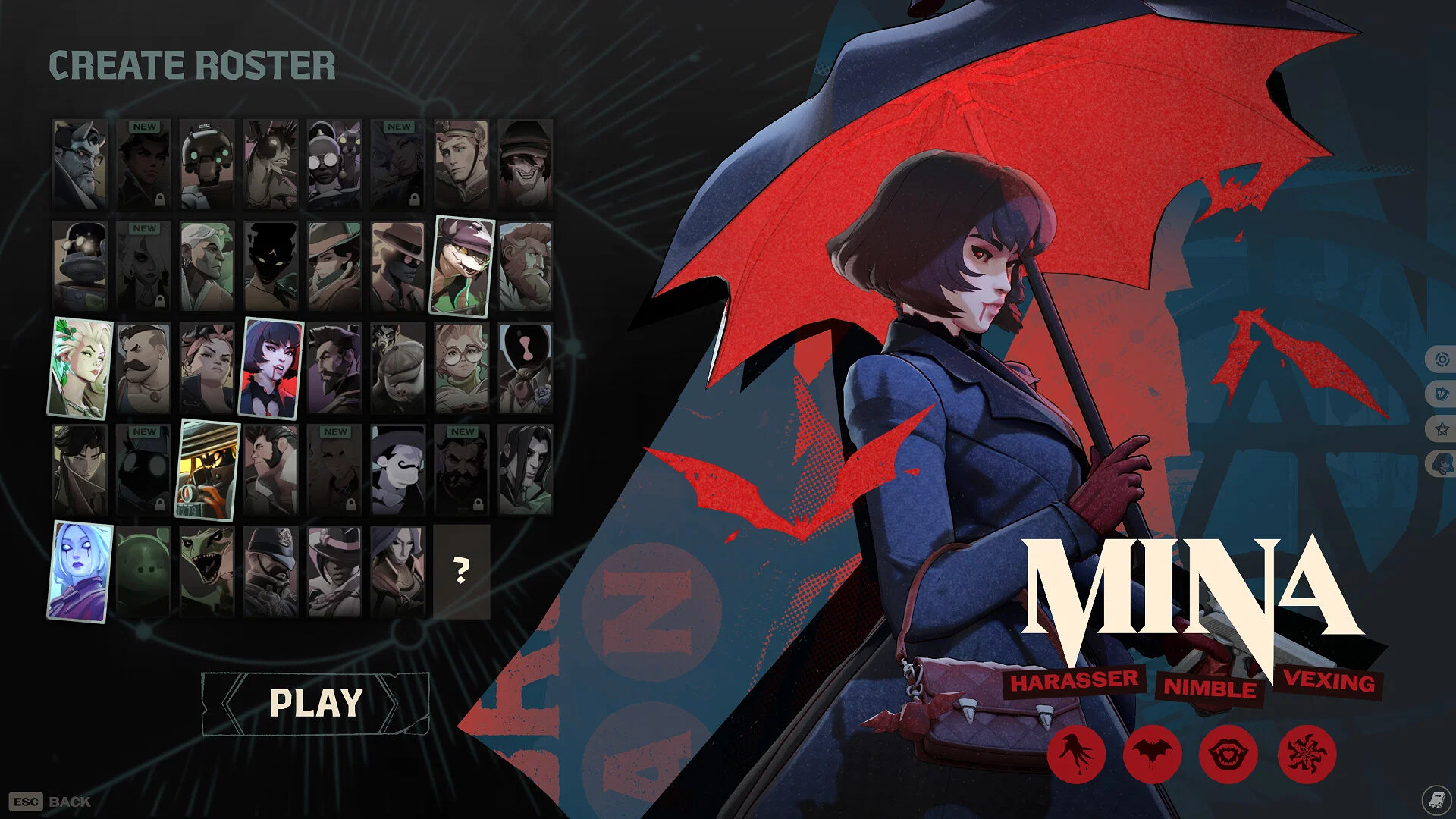
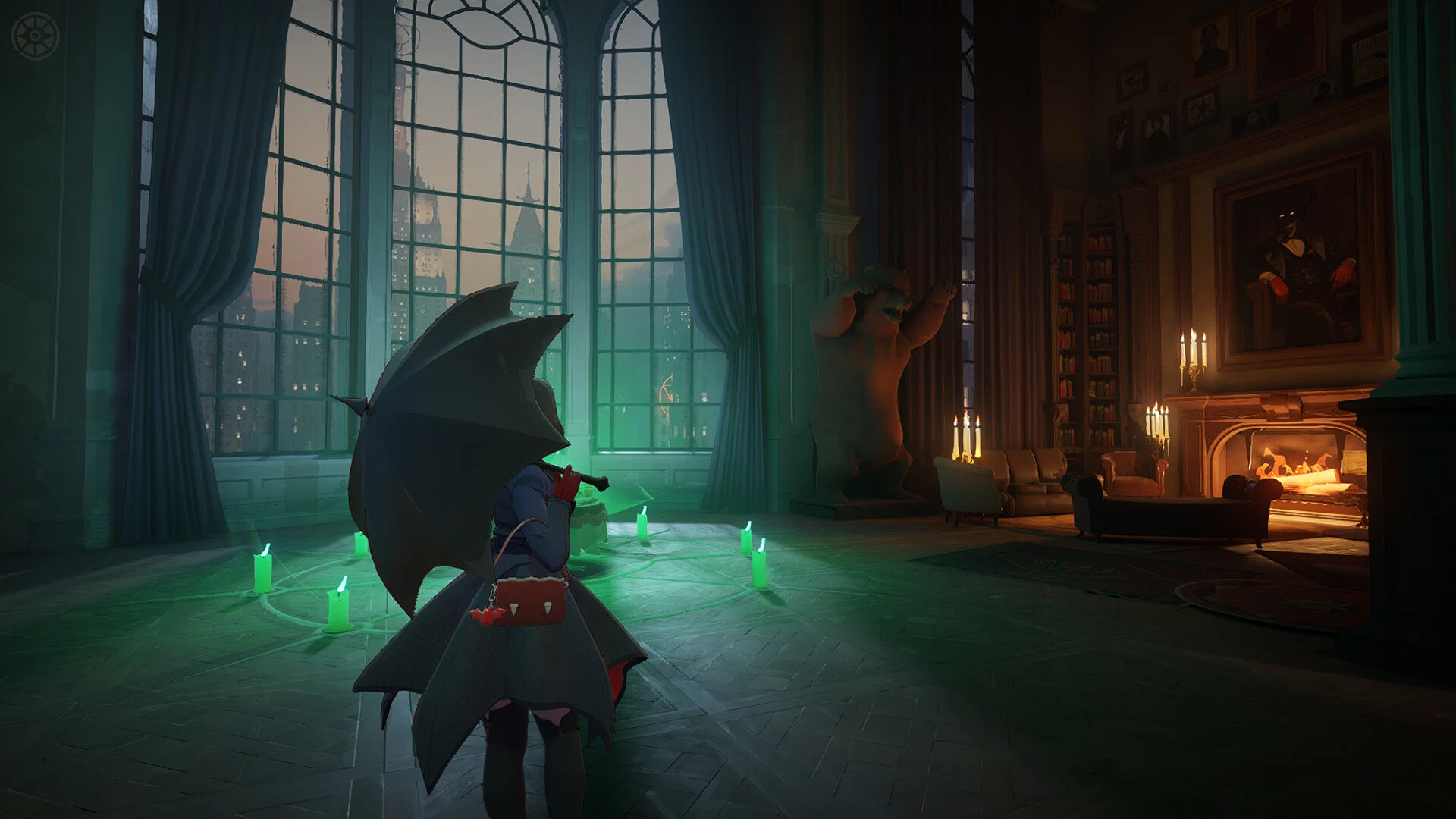
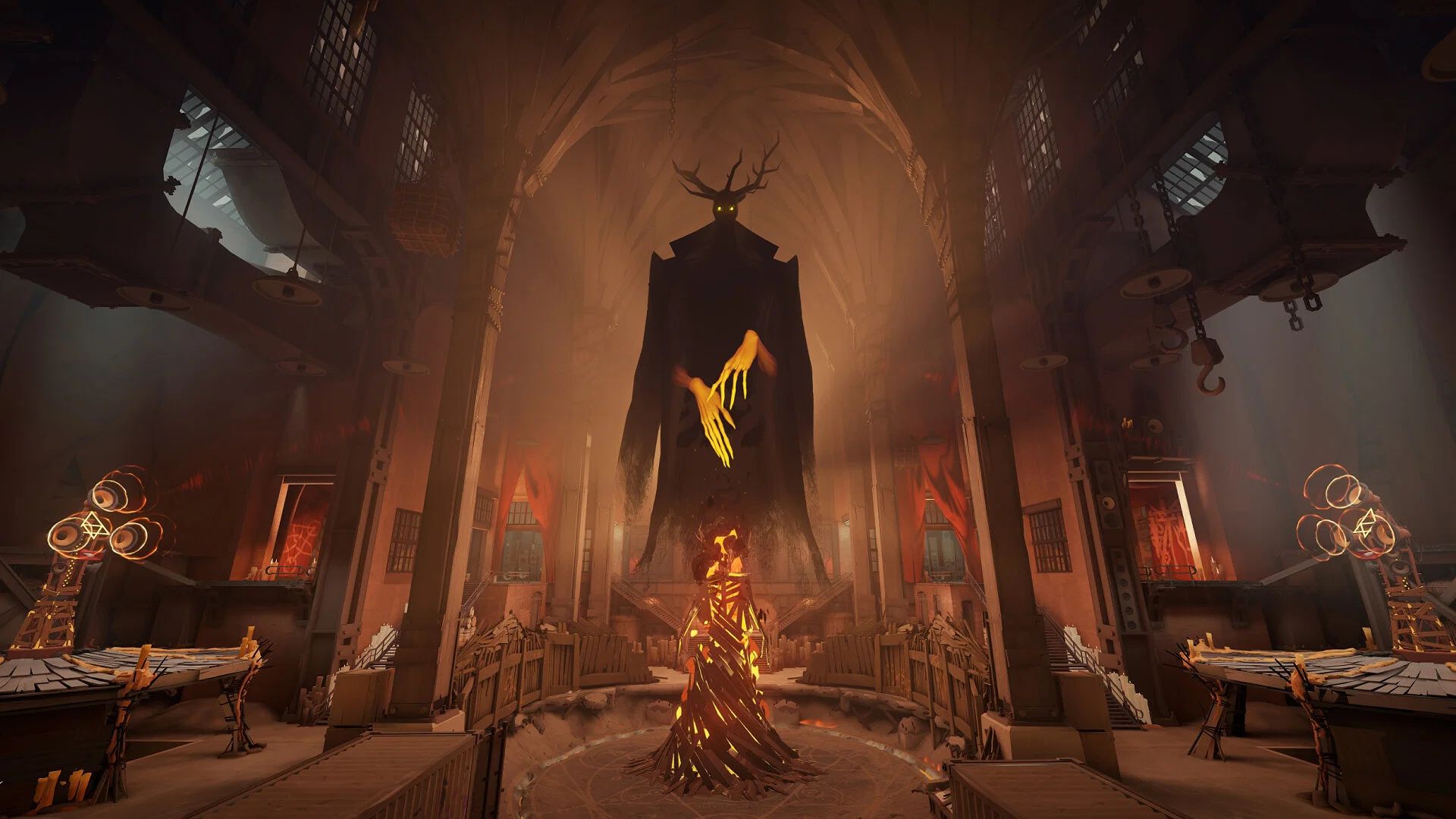
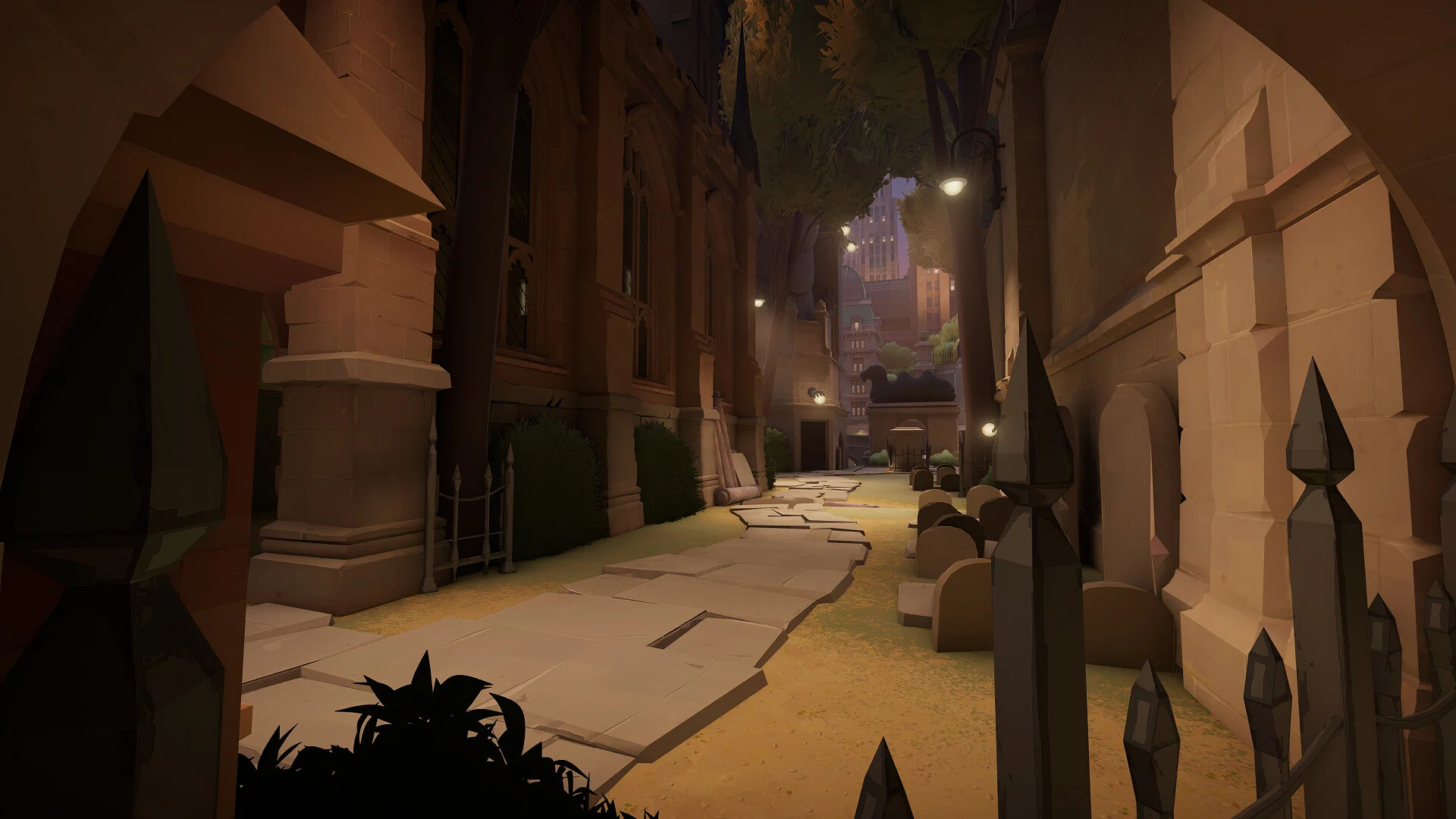
Valve’s upcoming MOBA title, Deadlock, has been an invite-only multiplayer title ever since it first appeared on Steam. If you’ve already gained access to the Early Access Playtest and want to invite your friends over to play together, you need to send invites from the game’s main menu itself. So, let’s take a look at how you can send invites to your friends to join the Playtest.
Here’s How to Send Deadlock Invites to Your Friends on Steam
Credits: Valve
⛶
Credits: Valve
⛶

Credits: Valve
⛶
Credits: Valve
⛶
Credits: Valve
⛶
×
Credits: Valve
Credits: Valve

Credits: Valve
Credits: Valve
Credits: Valve
Sending Deadlock invites to your friends on Steam is a relatively straightforward process, and the only prerequisite is that you need to have access to the closed Early Access Playtest first. So, here’s how to send invites for the Playtest on Steam:
- Launch Steam and boot up Deadlock.
- Enter the main lobby and pause the game.
- You’ll notice the “Invite a Friend to be a Deadlock Playtester” option in the bottom right corner of the screen.
- Click it, and a window will pop up, displaying all your Steam friends that you can invite and those who have already joined the Early Access Playtest.
- Click on a friend’s account and invite them to the game’s Playtest via Steam.
It’s that simple, and once you send an invite to a friend on Steam, they’ll receive it in around 3 days or less at the email address linked to their Steam profile. After they’ve received the invite via email, they can click “View Invite” and add the game to their Steam library. So, if you already have access to the Playtest, don’t hesitate to invite your friends.
How to Gain Access to Deadlock’s Early Access Playtest
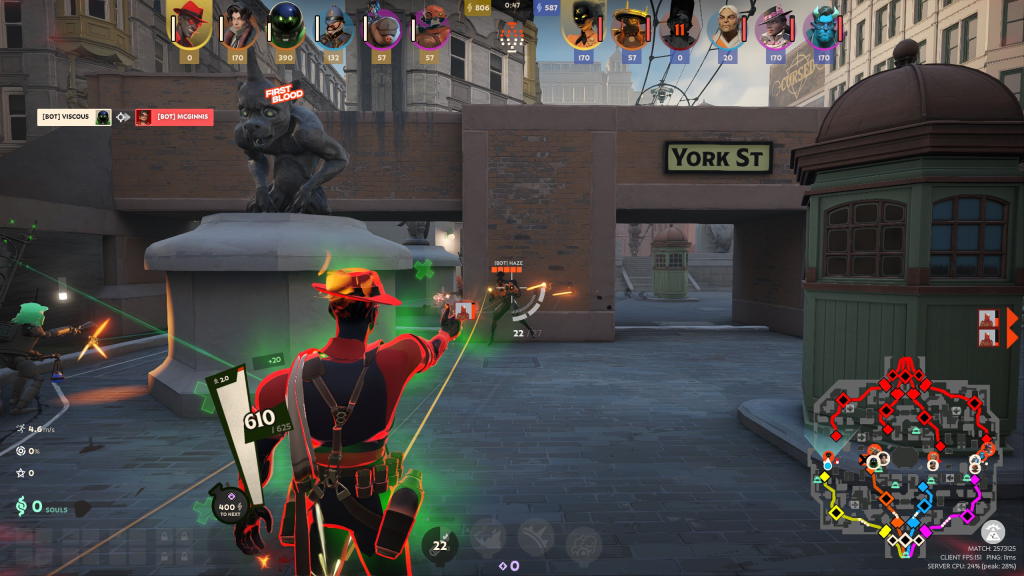 Make generous friends who have the game and ask them for an invite! | Credits: Valve
As we mentioned earlier, Deadlock’s Playtest is invite-only, so there’s no way to gain access apart from asking friends who already have the game on Steam for an invite. However, if you don’t own the game and do not have friends who own it either, the only way to gain access to the Early Access Playtest is by scouring platforms and forums to get an invite:
- Search the game’s Community Hub on Steam for players giving out invites, but beware of potential scams. Verify their credibility before you add them as a friend.
- The game’s official subreddit, r/DeadlockTheGame, is a solid platform to search for players sending out invites. Check out the Community Highlights and the Megathread for invites, and feel free to ask for one in the replies.
- Join the game’s Community Discord and search the deadlock-invite-giveaway channel for players who can send you invites.
Invites will arrive via your email from Valve, so refrain from clicking on links and direct messages to gain access to the Playtest. After you get an invite, you can follow the steps mentioned above to send invites to your Steam friends and welcome them into Deadlock’s Early Access Playtest.
| Game | Deadlock |
| Developer | Valve |
| Release Date | To Be Announced |
So, do you have access to Deadlock’s Early Access Playtest yet? Let us know your thoughts and opinions on the upcoming MOBA in the comments section below.



























 Bengali (BD) ·
  English (US) ·