.png)
 8 hours ago
6
8 hours ago
6
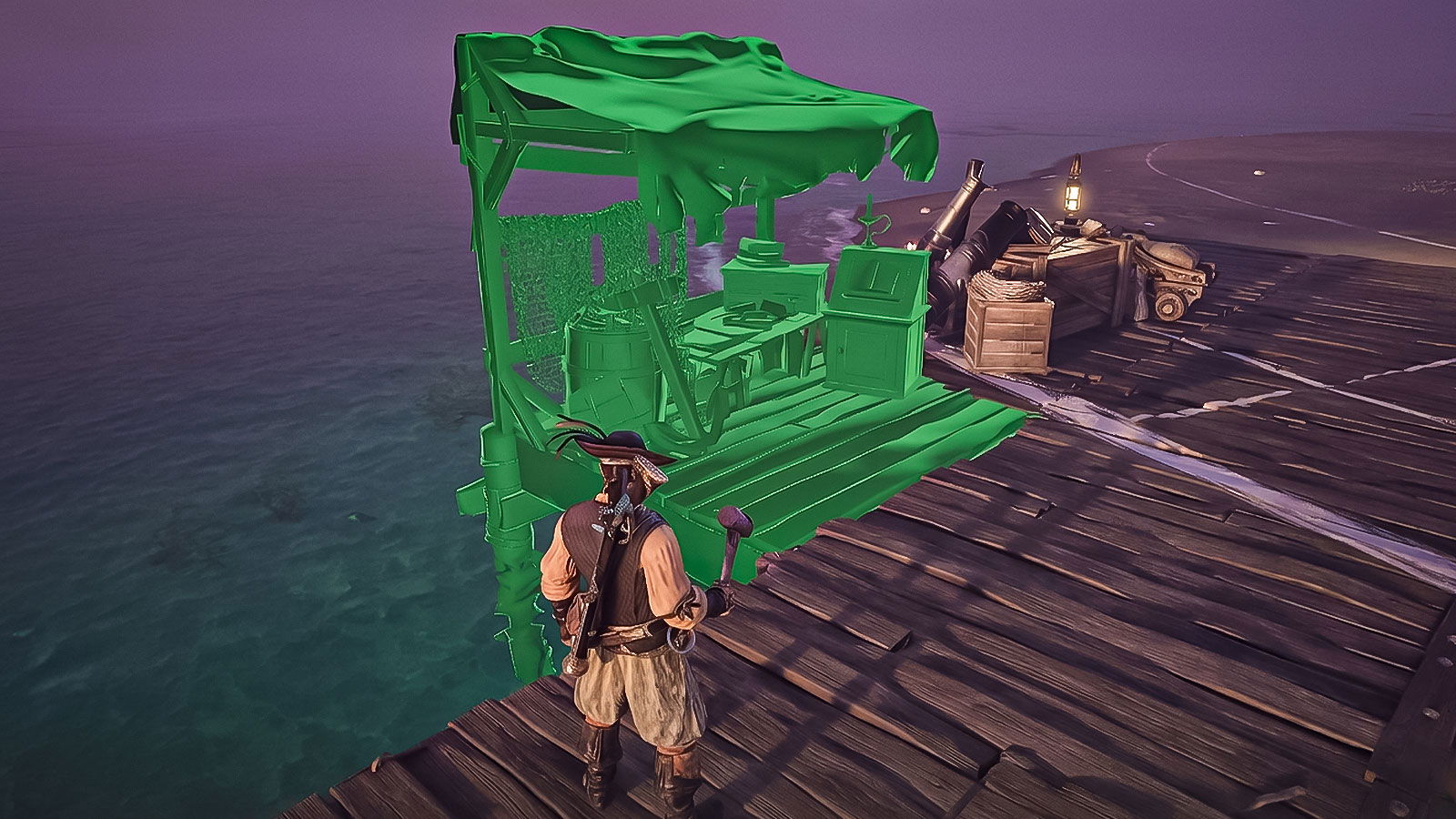 Credit:- Windrose Crew
The Wharf in Windrose is needed to customize, repair, and upgrade all the ships in the game. You can construct the Wharf using 10 Wood and 10 Coarse Fabric from the Utilities section of your build menu.
However, this blueprint is locked at the start of the game. You must first complete a couple of quests and progress to a third one to even get the blueprint. Feeling confused? Don’t! In this guide, we’ll tell you each and every step you need to take to build your very own Wharf.
Part 1: How to Unlock the Wharf Blueprint
The Wharf is not available by default and cannot be found in the wild. You must progress the main story.
1. Complete the main quests I Need A Bigger Boat and Rescuing the Crew
 I Need A Bigger Boat questline in Windrose | Credit: Windrose Crew
These quests need to be completed to progress to the Seafarer questline.
2. Accept the Seafarer quest
You will get the quest immediately after completing the I Need A Bigger Boat quest.
3. Build a Shipwright’s Workshop using 15 Wood, 10 Coarse Fabric, and 5 Copper Ingots
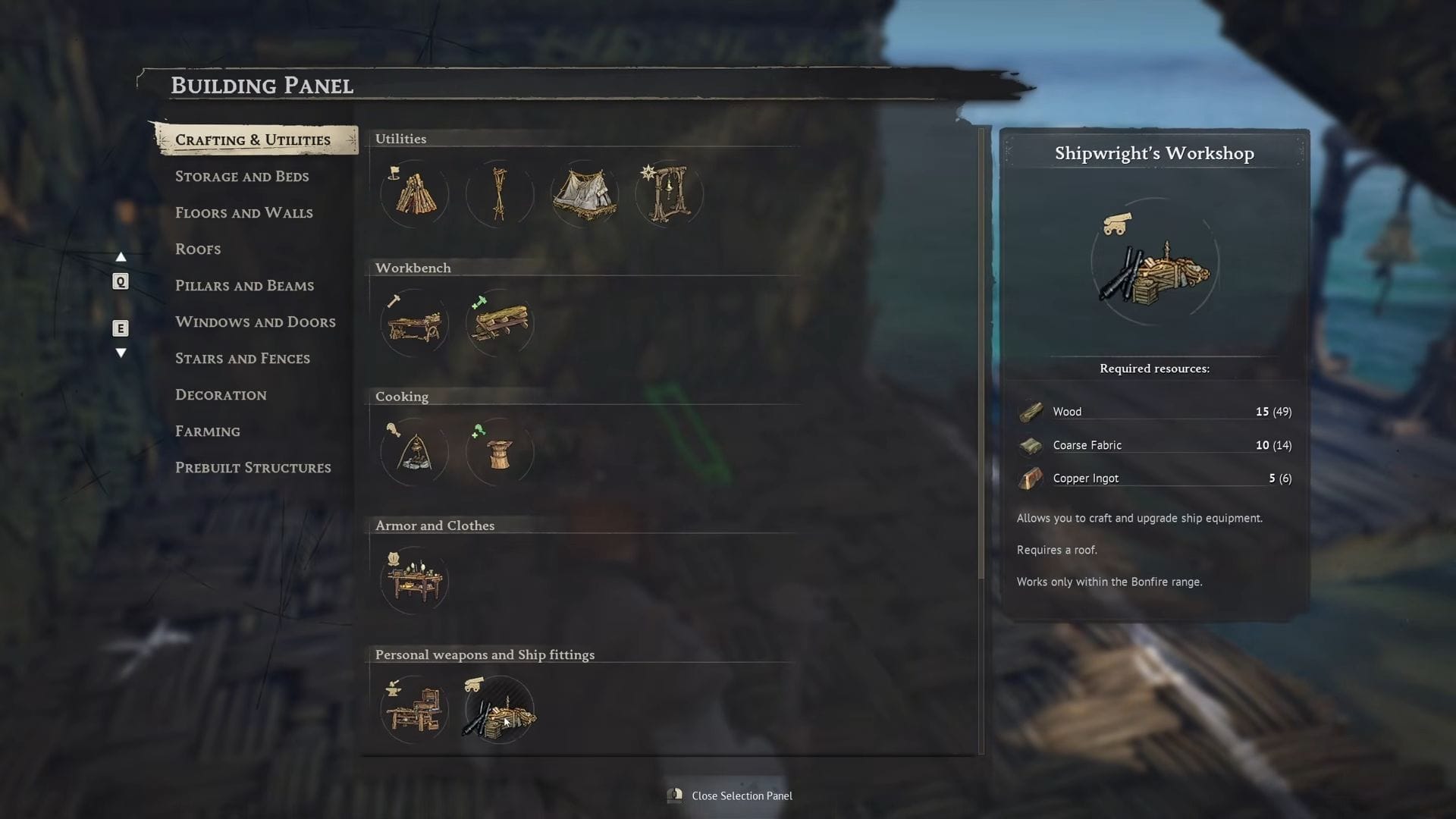 Shipwright’s Workshop building menu | Credit: Windorse Crew | YouTube @JasonPlaysNMS
This is the first objective of the Seafarer questline.
4. Construct a roof directly over the Shipwright’s Workshop, so the game allows you to use it
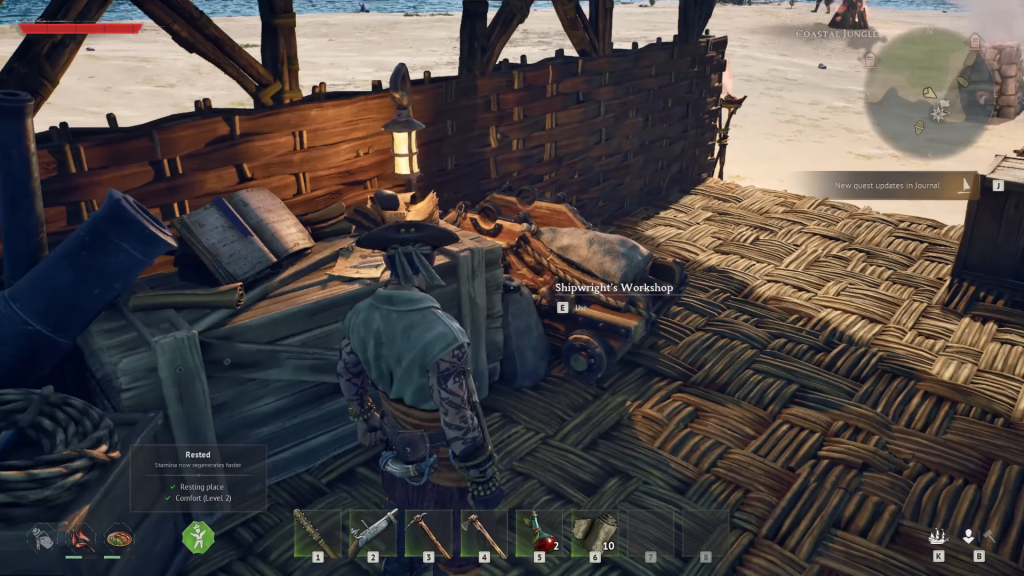 Shipwright’s Workshop under the roof | Credit: Windrose Crew | Youtube @1UPTips
Or you can construct the Shipwright’s Workshop under a roof to begin with. Either way, a roof is necessary.
5. Interact with the Shipwright’s Workshop
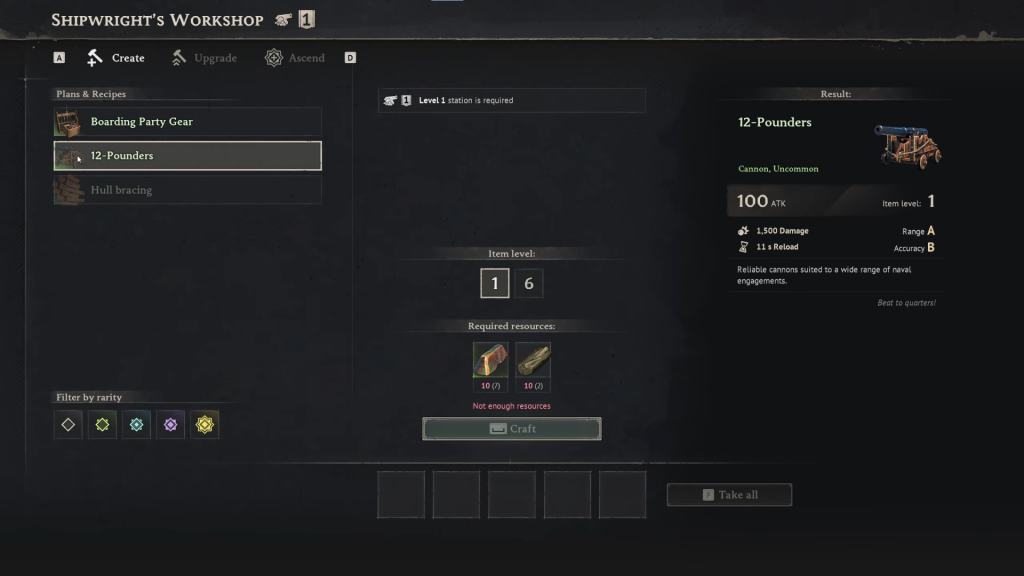 You have three options and can choose any one | Credit: Windrose Crew | Youtube @1UPTips
It will give you three construction options, and you must complete one to progress.
6. Craft at least one 12-pounder Cannon
We recommend the cannon, as it will be useful after the Wharf is constructed.
Part 2: How to Build the Wharf
Once the 12-pounder Cannon finishes crafting, the game will silently add the Wharf to your building manual.
1. Gather 10 Wood by chopping down trees
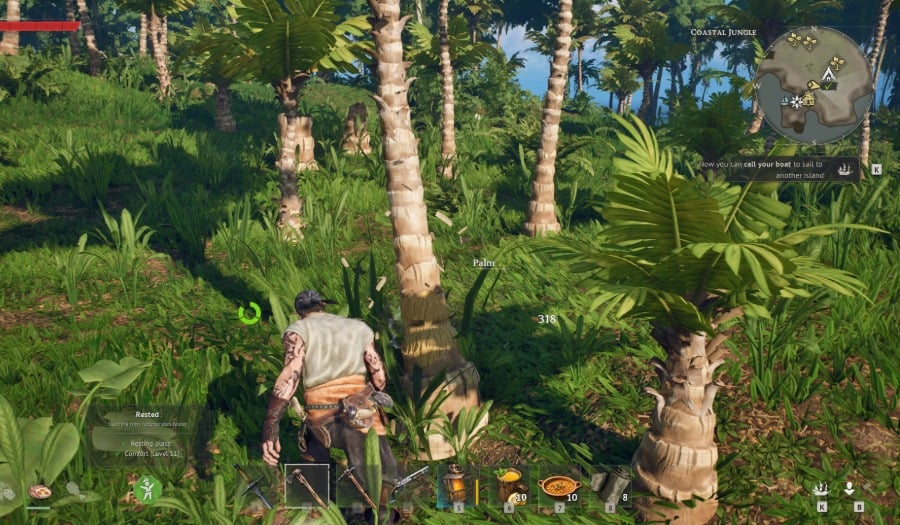 Chopping trees in Windrose | Credit: Windrose Crew
You need to have at least 10 Wood in your inventory.
2. Gather 10 Coarse Fabric by processing plant fiber at a standard Workbench
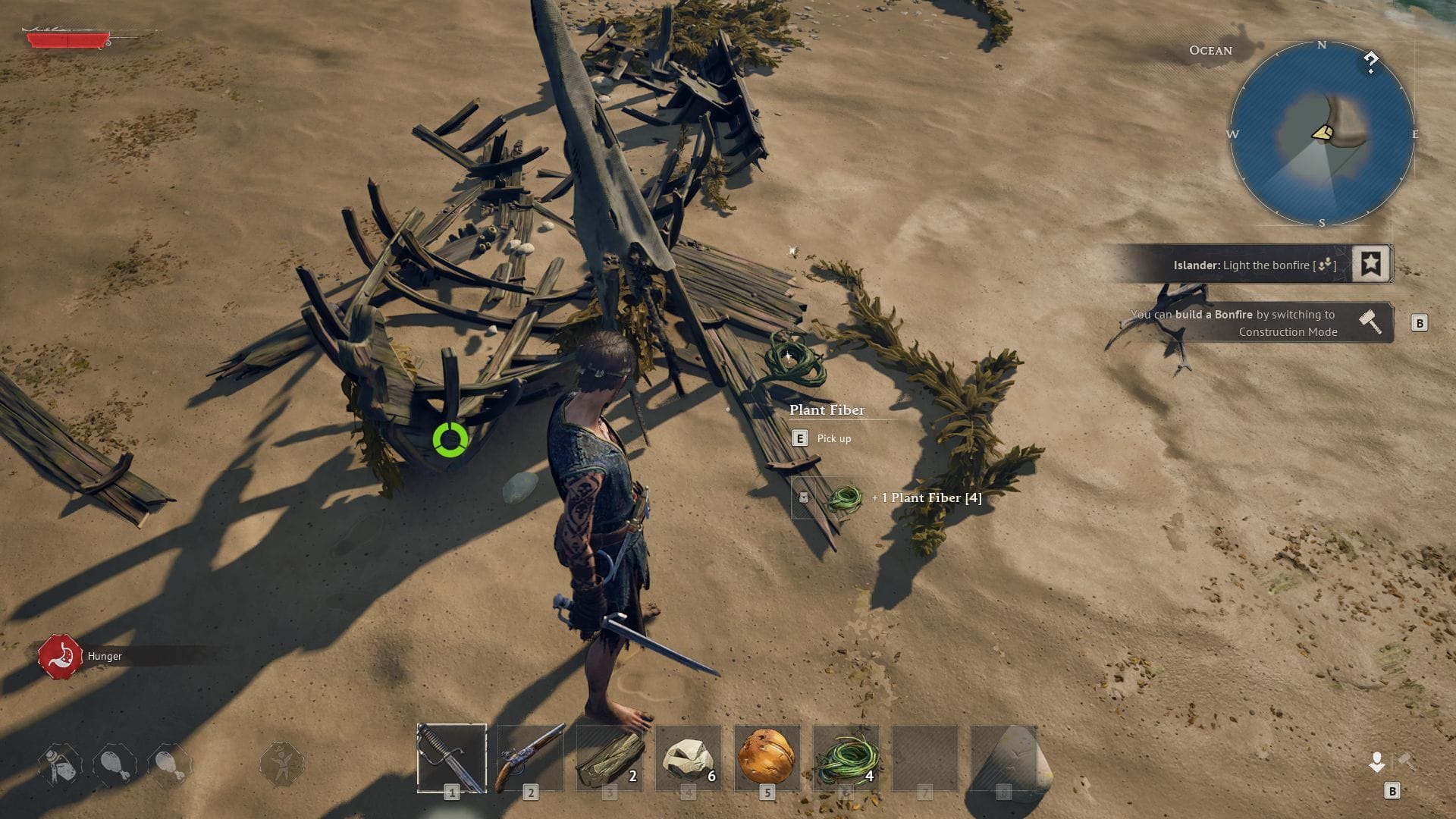 Gather plant fiber to get coarse fabric | Credit: Windrose Crew
Alternatively, you can do these steps prior as well, but it’s better to know the reason for foraging.
3. Walk to the coastline near your base bonfire
Being at the coastline is paramount.
4. Press “B” on your keyboard to open the Build Menu
If you’re using alternate controls, press the assigned key for Build Menu.
5. Navigate to the Crafting and Utilities tab and select the Utilities sub-menu
Now you will be able to finally see Wharf on your screen.
6. Select the Wharf blueprint
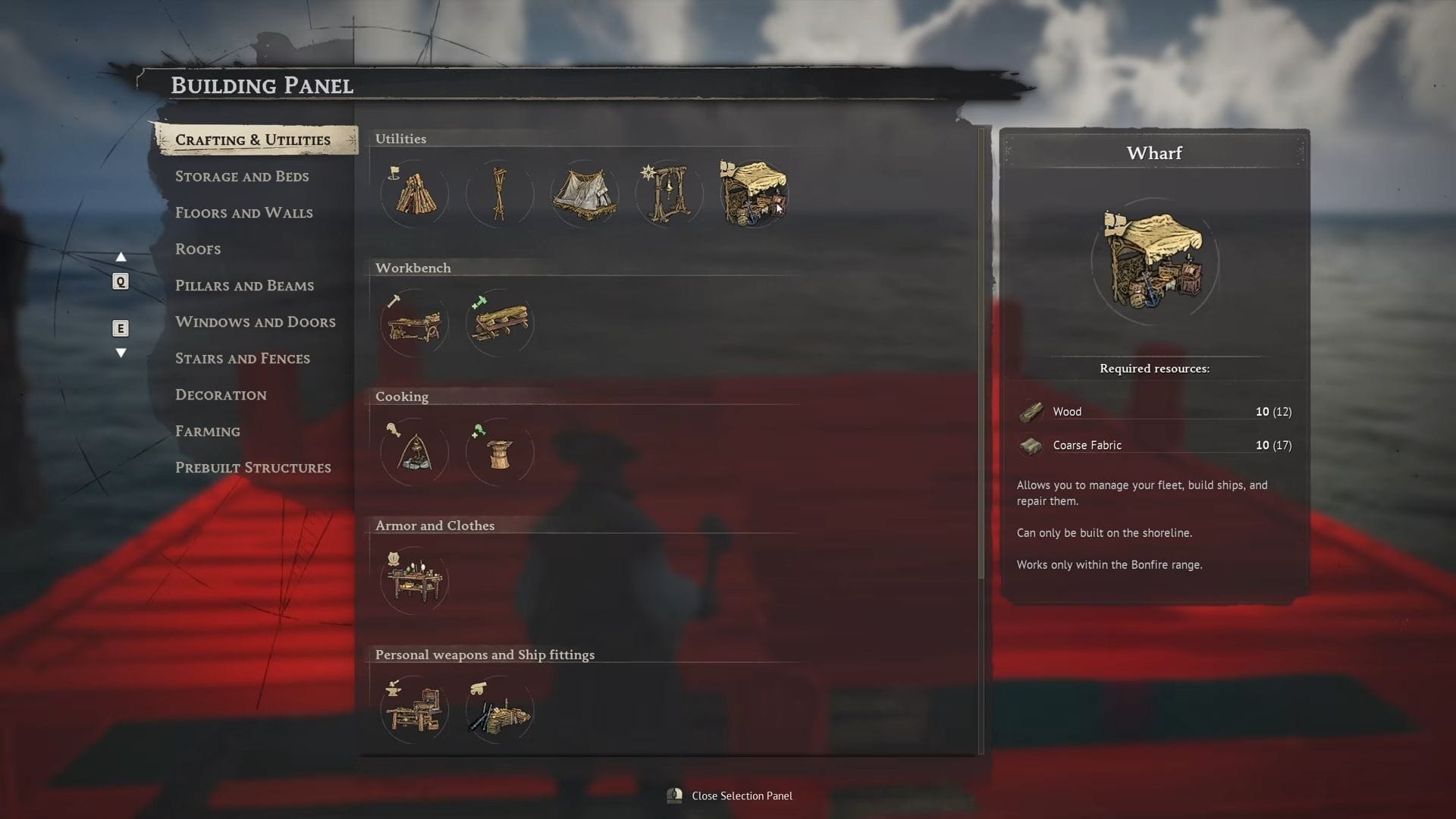 The Wharf option is finally here | Credit: Windorse Crew | YouTube @JasonPlaysNMS
It’s located right next to the Fast Travel Bell.
7. Place the Wharf directly in the water near the shore
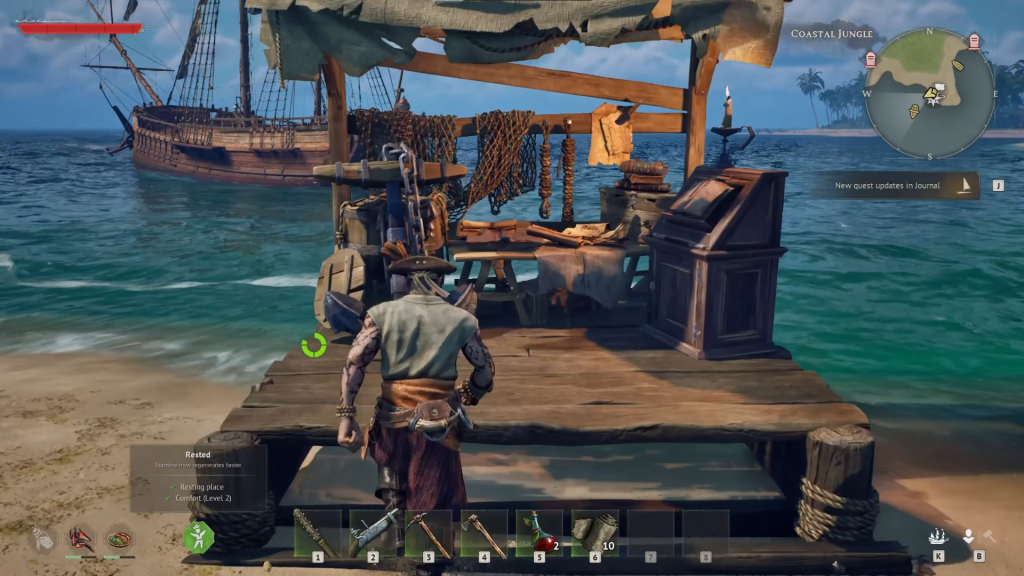 There you have it, your own Wharf | Credit: Windrose Crew | Youtube @1UPTips
It’s essential to place the Wharf at the shore since it won’t work anywhere else.
| Prerequisite Quests | “I Need A Bigger Boat” & “Rescuing The Crew” |
| Shipwright’s Workshop Cost | 15 Wood, 10 Coarse Fabric, 5 Copper Ingots |
| Unlock Action | Craft a 12-pounder Cannon at the roofed Workshop |
| Wharf Building Cost | 10 Wood, 10 Coarse Fabric |
| Wharf Menu Location | Press “B” > Crafting & Utilities > Utilities |
| Placement Rules | Must be placed in the water along the coastline |
Are you enjoying Windrose? Let us know your thoughts in the comments.





























 Bengali (BD) ·
  English (US) ·