.png)
 2 weeks ago
16
2 weeks ago
16
Crimson Desert has just gotten another update, and it’s hard to believe we’re already nine updates deep. The team at Pearl Abyss has really knocked it out of the park, and with Version 1.09.00, we have even more new features to work with, including some highly requested features.
Greymanes, Patch Version 1.09.00 is rolling out.
This patch adds a controller remapping feature, new pets, and improvements to seed planting, along with various bug fixes and stability improvements.
Check the details and the status of the update's availability on your platform in… pic.twitter.com/X9cQY4fcJH
With Version 1.09.00, we can finally remap the controller buttons to set our own button binds for actions within the game. One of the biggest complaints that we had at launch was the lack of customization in the controls, and that has been fixed. Other than that, we have new pets and other fixes as well.
Let’s take a look at the official Crimson Desert Version 1.09.00 patch notes for all the details.
Crimson Desert Version 1.09.00 Update Details
-

Image Credit: Pearl Abyss
-

Image Credit: Pearl Abyss
-

Image Credit: Pearl Abyss
-

Image Credit: Pearl Abyss
-

Image Credit: Pearl Abyss


Fellow Greymanes,
Here are the fixes and improvements that have been added this patch.
Major Updates
This patch adds a controller remapping feature, new pets, and improvements to seed planting, along with various bug fixes and stability improvements.
Update Schedule
The patch is rolling out across all platforms.
Please refer to the Update section below to see the state of the patch for each platform.
Update Steam (PC): Patch available now
Steam (Mac): Patch available now
PlayStation: Patch available now
Xbox: Patch available now
Epic Games Store: Patch available now
Mac App Store: Patch available at a later time (in-progress)
Crimson Desert Version 1.09.00 Official Patch Notes
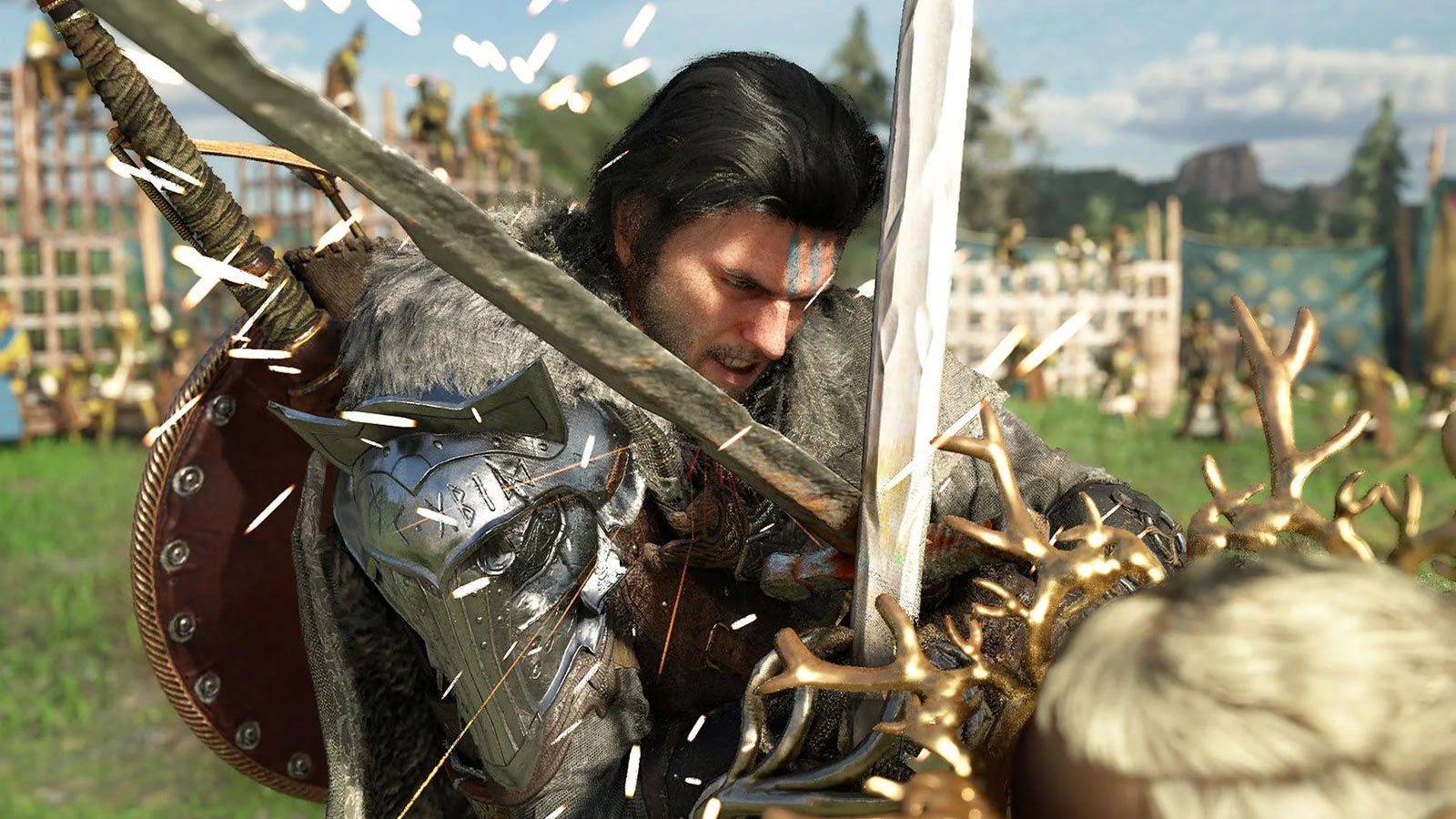
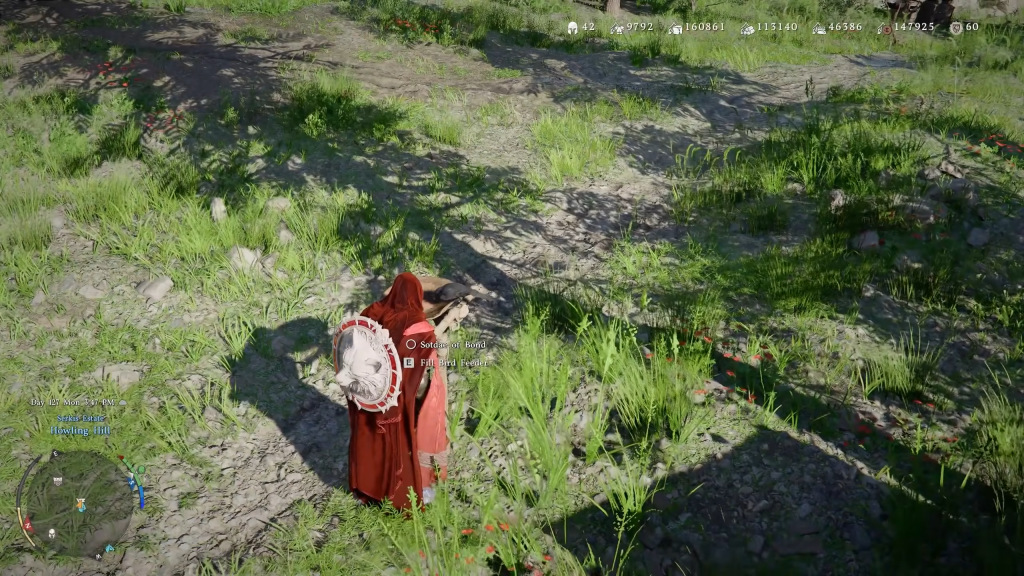 Crimson Desert has gotten yet another big update. | Image Credit: Pearl Abyss
New Additions
- Added a controller remapping feature.
- Added approximately 30 species of small animals that can be registered as pets.
- Added new skills for Oongka and Damiane.
- The input command for each skill is the same as Kliff’s “Blinding Flash Finisher”.(Heavy attack while using Blinding Flash)
- Added animations for picking up and putting down certain pets.
Major Improvements
Content
- Fixed an issue where checking colors while dyeing and customizing characters was difficult depending on the surrounding light sources.
- Fixed an issue where legendary fish could be donated.
- Fixed an issue where, even after obtaining certain knowledge, some related challenges would not be completed.
- Fixed an issue where “Pond Management” mode could not be entered in certain situations.
- Fixed an issue where controls would become unresponsive if the character died after entering the “Pond Management” menu while taking damage.
- Fixed an issue where bears would try to eat fish dropped on the ground but fail to do so.
- As part of ongoing improvements, certain 2D visual assets have been replaced to better align with the game’s art direction.
Controls
- Improved farming so that seeds can now be assigned to and used from quickslots.
- Fixed an issue where the player would enter Photo Mode while examining items.
- Fixed an issue where the “Magic Scythe” could not be used if the Inventory was full.
- Fixed an issue where the “Scythe” could not be used in safe zones.
- Fixed an issue where the “Mining Knuckledrill” could not be used while clinging to a wall.
Combat / Action
- [Kliff] Fixed an issue where using “Evasive Kick” while unarmed would not consume Spirit.
- [Kliff] Fixed an issue where “Blinding Flash Finisher” could be used even with insufficient Spirit.
- [Oongka] Adjusted the amount of stagger meter increase from “Quaking Fury”.
UI
- Improved the dispatch UI so that comrades with the missions’ required skills appear at the top.
- When carrying out a mission repeatedly, “Repeating Mission” now appears in the UI.
- [Keyboard/Mouse] The cursor now disappears when examining documents.
- Fixed an issue where the number of comrades would appear as 0 in the camp resources UI.
- Fixed an issue where the QTE input icon would not appear if certain input options were customized.
- Fixed an issue where the UI would freeze when re-entering the game after being returned to the title screen due to an error in certain situations.
- Fixed an issue where the “Clean” interaction input would appear even for fish that cannot be cleaned.
Graphics & Settings
- [PC] Fixed an issue where shadows of some distant objects were not rendered correctly when the “Raytraced Sun/Moon Light Shadows” option was enabled.
- [Mac] Fixed an issue where “Raytraced Sun/Moon Light Shadows” option was not being applied.
Localization
- Fixed various localization errors and improved localization quality across all languages.
Others
- Fixed an issue where audio would play when examining certain documents such as books and bounty notices, if the Voice Language was set to English.
- Fixed an issue where sound effects would not play when cooking with a special cooking tool.
- Fixed an issue where the game would occasionally crash when moving to the “Tree Branch” crafting recipe tab from the crafting UI.
- [Damiane] Fixed an issue where repeatedly hitting sanctum cores with element-imbued attacks would cause their effects to stack, dropping performance.
- [Damiane] Fixed unnatural animations when evading while falling from a high place.
- Fixed an issue where player landing animations would appear unnatural in certain situations.
- Fixed an issue where the animation for putting down a corpse would appear unnatural when interacting with something else while swimming with a corpse.
- Fixed an issue where the equipment would appear transparent when switching to another tool while a tool was drawn.
- Fixed an issue where the player’s equipment would switch to another weapon when attacking while certain tools were equipped.
(Last updated: 2026/5/29 06:25 UTC)
Please be aware that the following known issues information may contain spoilers, including quest names, boss names, etc.
Known Issues
- Greymane faction quests cannot be progressed while playing as Damiane or Oongka.
- The pet that was last unsummoned does not appear at the Greymane Camp.
- If the “Evasion Control” option is set to “Hold,” the default Evasion key still functions even after the Evasion key has been changed.
- If Damiane dies immediately after using the Shield Toss skill, she can no longer use her shield or related skills.
- If this issue occurs, you can resolve it by saving and reloading.
- NPCs required for quest progression cannot ride together on Legendary Animal mounts.
- [Mac] The colorblind filter is not applied to the UI when “Colorblind Mode” is enabled.
- [PlayStation] The screen may freeze if characters are entered rapidly while using the virtual keyboard to set the name of a pet or horse.
- Please enter characters slowly with brief pauses when changing names. We apologize for the inconvenience.
- On NVIDIA GTX 1060 GPUs, enabling ‘FSR Upscaling’ and ‘Frame Generation’ causes the screen to appear white.
- When using FSR4 upscaling, an issue occurs in rainy environments where rain disappears, or the screen becomes blurry or distorted.
We can finally fix some of Crimson Desert’s complicated control issues with Version 1.09.00. Pearl Abyss has really taken our feedback to heart. But are there any other changes or new features that you want to see in Crimson Desert in the future? Let us know in the comments!

























 Bengali (BD) ·
  English (US) ·