.png)
 6 days ago
14
6 days ago
14

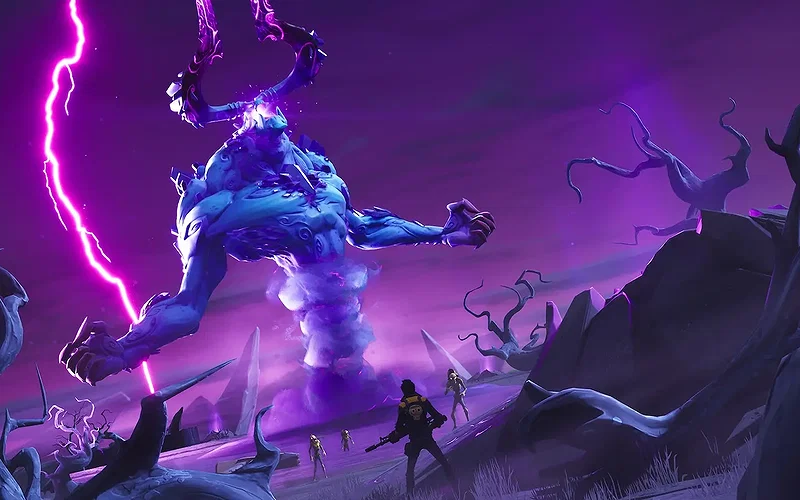
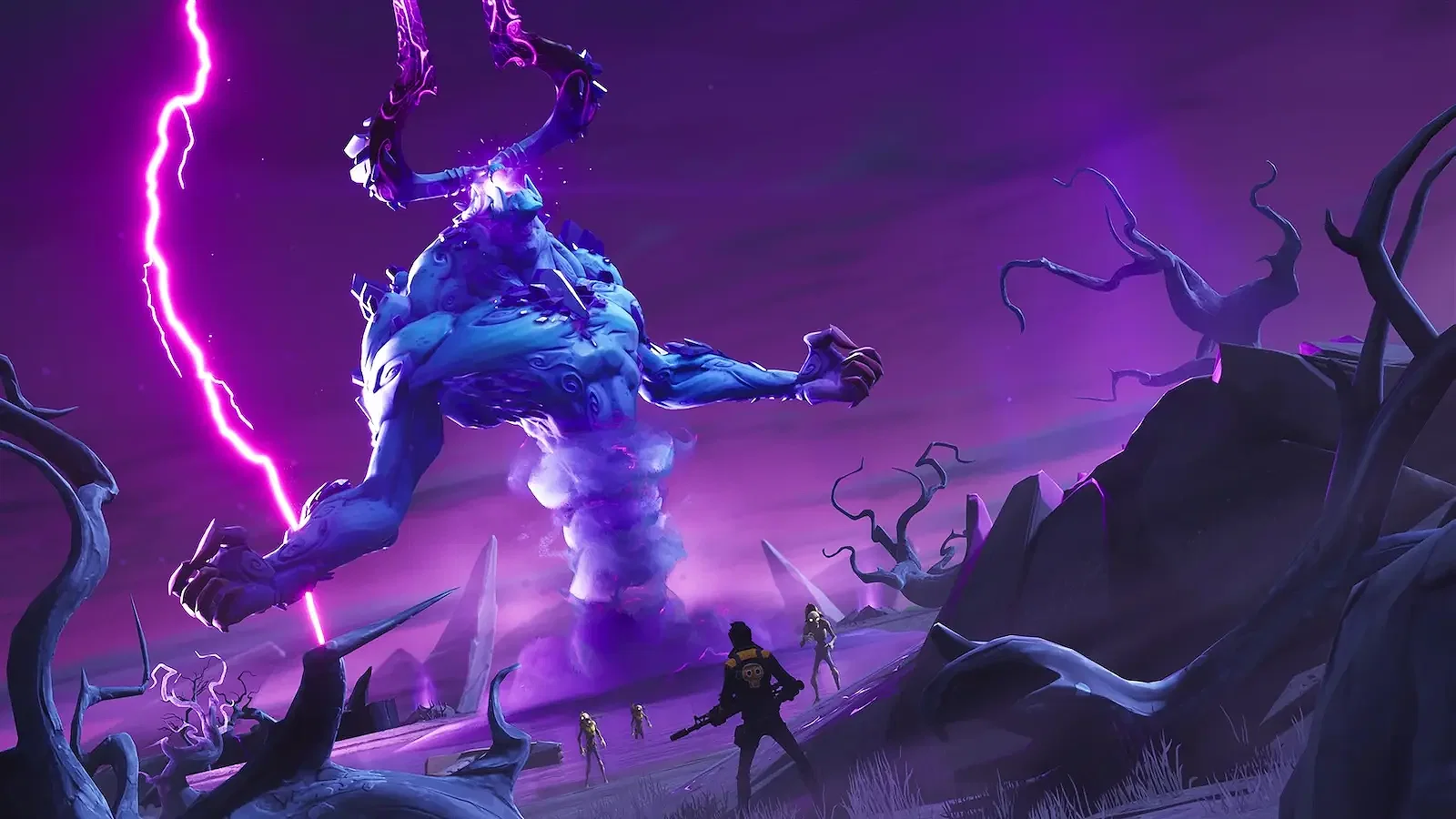
Fortnite Save the World has officially embraced the free-to-play model after spending years as a paid game mode. To celebrate this exciting occasion, Epic Games has activated Twitch Drops for the game mode until April 20, 11:59 PM ET, allowing players to earn exclusive rewards by watching streamers on their Twitch accounts for a specified duration.
Before we expand on the claiming process, let’s take a look at everything you can get by watching Fortnite Save the World livestreams on Twitch.
Complete List of All Fortnite Save the World Twitch Drops
 Get free goodies by tuning into Fortnite livestreams on Twitch! | Credits: Epic Games
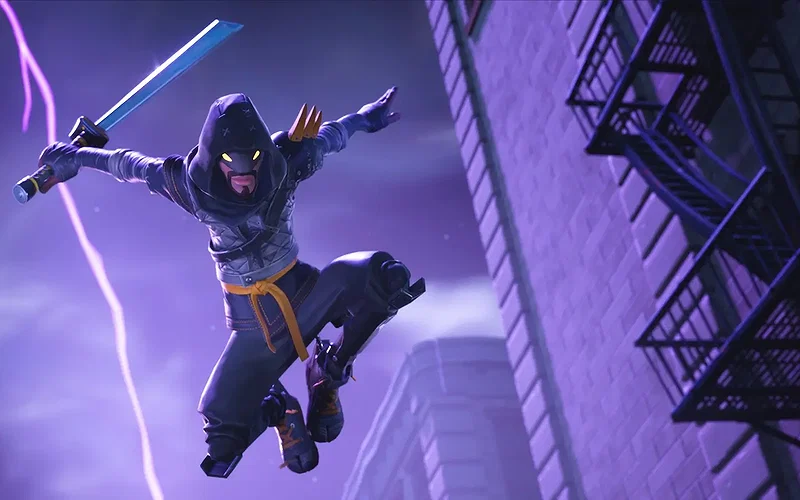
As part of the Fortnite Save the World Twitch Drops, players can earn three exclusive rewards. All you need to do is watch eligible Fortnite livestreams on Twitch with Drops enabled to get the following rewards:
| REWARDS | TIME DURATION | END DATE |
| Save the World Mood Emoticon | Watch a Fortnite livestream for 30 minutes | April 20, 11:59 PM ET |
| Storm Chasers Spray | Watch a Fortnite livestream for 1 hour | April 20, 11:59 PM ET |
| Legendary Urban Assault Headhunter Hero | Watch a Fortnite livestream for 4 hours | April 20, 11:59 PM ET |
Players have 3 days to claim these rewards before they expire, so watch participating livestreams under the Fortnite category for 4 hours to grab all Fortnite Save the World Twitch Drops together. With that said, here’s how you can claim the Twitch Drops.
How to Claim Fortnite Save the World Twitch Drops?

Credits: Epic Games
⛶

Credits: Epic Games
⛶

Credits: Epic Games
⛶
Credits: Epic Games
⛶
Credits: Epic Games
⛶
×

Credits: Epic Games

Credits: Epic Games

Credits: Epic Games

Credits: Epic Games
Credits: Epic Games
To claim the Fortnite Save the World Twitch Drops, you must link your Epic Games and Twitch accounts. If you don’t link these accounts, your watch time won’t count, and you won’t receive any rewards. Follow the steps below to connect your Epic and Twitch accounts:
- Head to the Epic Games Store website and log in to your account.
- Click on your profile in the top right corner and select “Account” to open your account settings.
- Select the “Linked accounts” option and locate the Twitch icon.
- Click on “Connect” and follow the instructions on the screen to link your Epic account to Twitch.
- After you’ve linked both accounts, open the Fortnite category on Twitch.
- Start watching Fortnite livestreams with the Drops/Drops-enabled tag.
- Twitch will track your progression for the Drops, and once you reach a milestone, check the Drops Inventory page under the Drops & Rewards tab on the platform.
- Claim the rewards, and you’ll receive them in your Fortnite Locker within 24 hours.
It’s worth noting that the Mood Emoticon and the Spray are usable in Battle Royale, but the Legendary Urban Assault Headhunter Hero is Fortnite Save the World-exclusive. The Fortnite Save the World Twitch Drops will be available until April 20, 11:59 PM ET, so start watching Drops-enabled livestreams as soon as possible to add these rewards to your Locker.
So, have you claimed the Fortnite Save the World Twitch Drops yet? What do you think about the rewards? Let us know your thoughts and opinions in the comments section below.



























 Bengali (BD) ·
  English (US) ·