.png)
 1 week ago
22
1 week ago
22
Outbound is one of the coziest surprises of 2026! It’s a gorgeous, vehicle-based survival game where you explore biome-rich maps and live an off-grid life with up to three friends.
However, don’t let the pastel visuals fool you. A few hours in without the right knowledge, and you’ll find yourself stranded and in all sorts of trouble. Don’t worry, we have your back.
Whether you’re hopping in solo or with a full four-player squad, these 10 tips will save you a ton of frustration in those all-important early hours of Outbound.
1 Pick the Right Vehicle From the Start
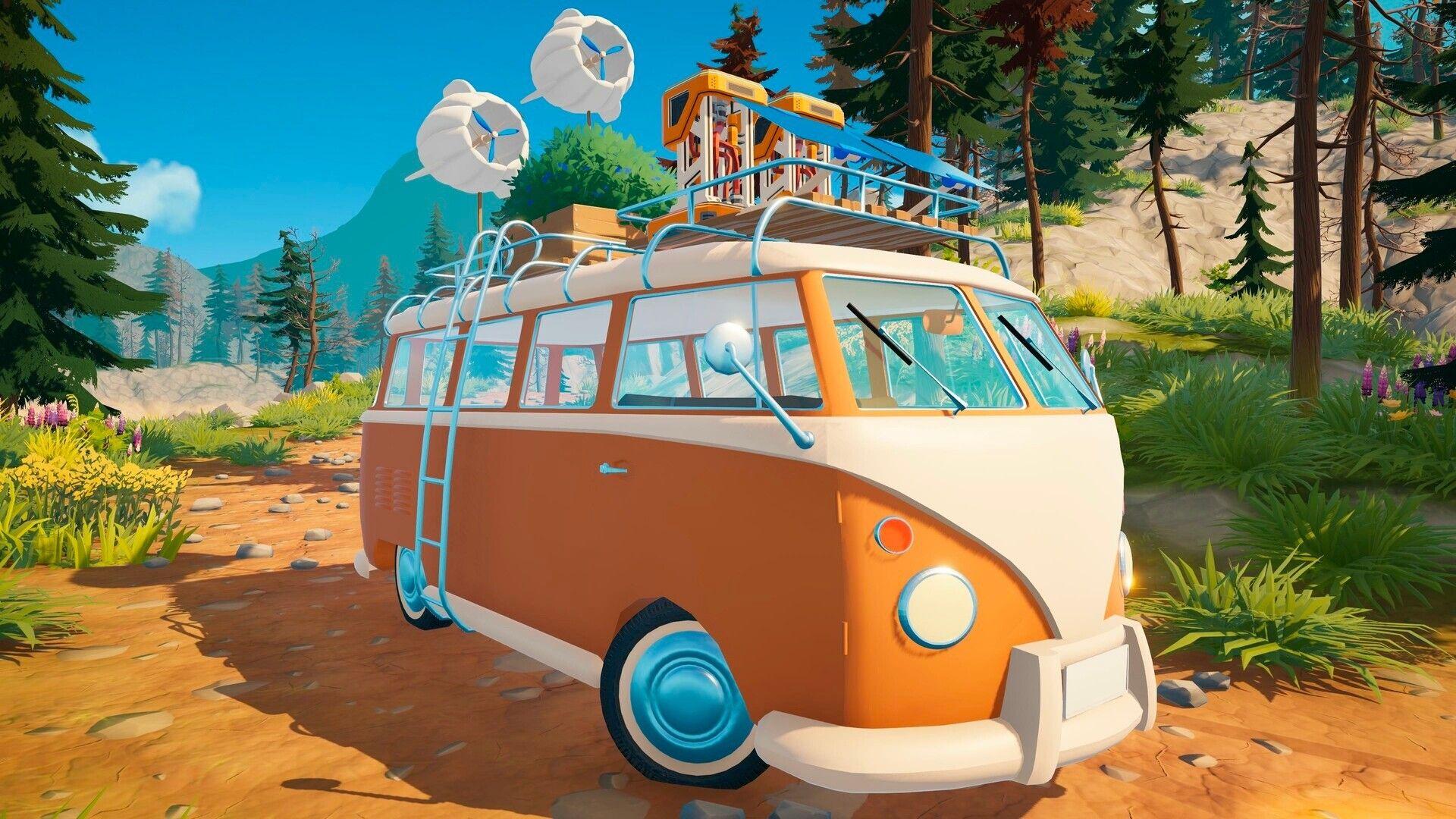 Choosing your first vehicle in Outbound is really important | Credit: Square Glade Games
Before you even hit the road, Outbound asks you to choose your vehicle. Remember, this decision shapes your entire early game. There are three base vehicle options to choose from (the school bus is a separate DLC).
However, don’t focus on handling and speed stats. Outbound is not a racing game, and honestly, none of the vehicles are built for speed anyway. Just go with the large vehicle and don’t overthink it.
2 Don’t Skip the Tutorial Area
 The starting zone teaches you more than you think | Credit: Square Glade Games
We’ve all been guilty of rushing past tutorials, but Outbound‘s opening area is genuinely worth your attention. It is the gateway to the world and has several important lessons to teach.
You will learn the basic loop of gathering, crafting, and depositing resources in the tutorial area. While Outbound has a mandatory tutorial mission, we recommend sticking to the safe place a bit longer.
3 Collect Absolutely Everything You See
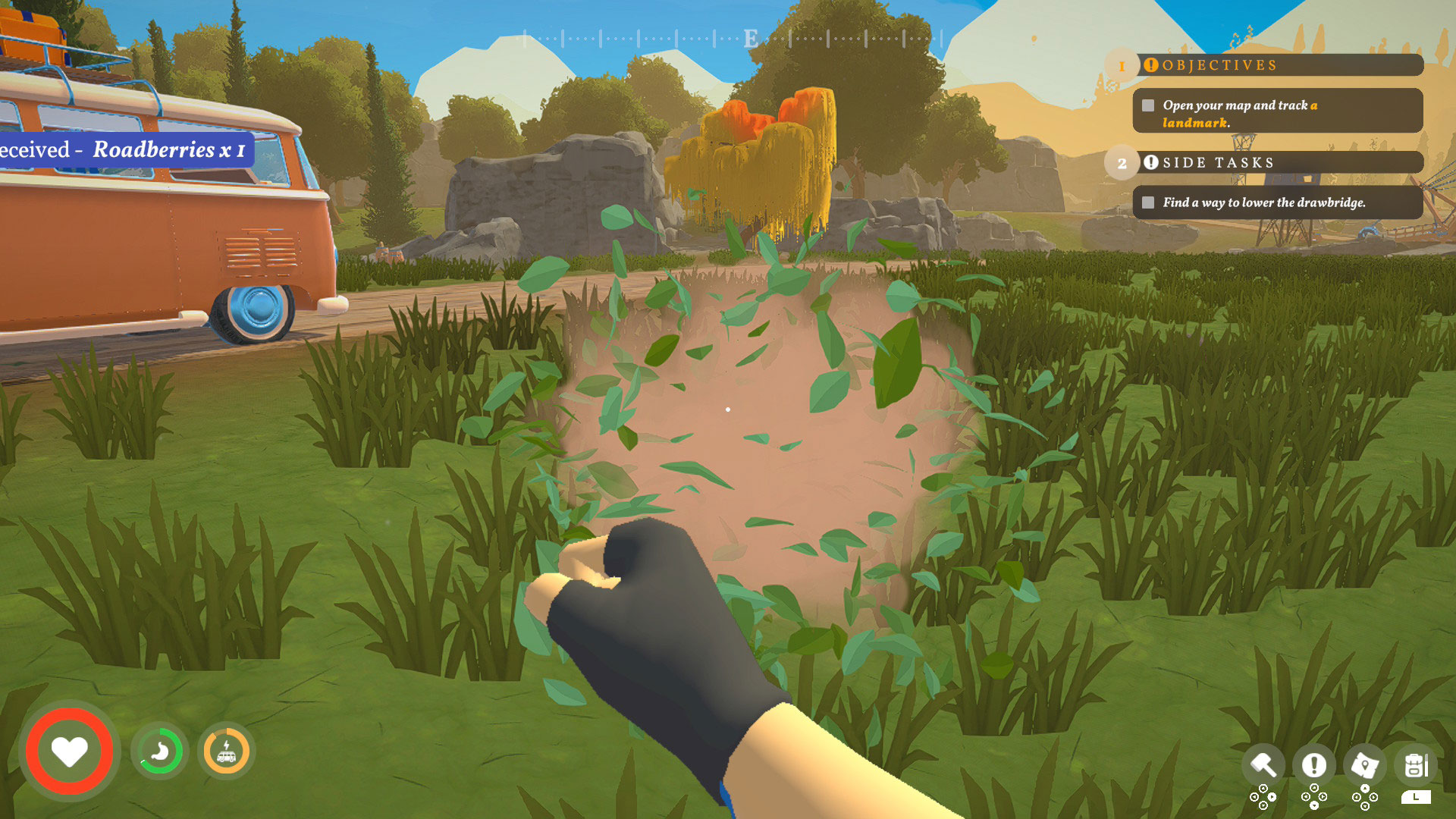 Gathering valuable resources scattered across the world | Credit: Square Glade Games
This cannot be stressed enough; you have to loot everything! Scrap metal, Everwood logs, fiber bushes, roadberries, rocks; just grab them all.
Keep in mind, the vehicle’s storage inventory is essentially unlimited, so there’s no real reason not to hoard. Your personal backpack starts with only 20 slots, so offload into your vehicle’s deposit point frequently.
4 Prioritize Signal Towers Early
 These towers are your tech tree | Credit: Square Glade Games
Signal towers are scattered all across Outbound‘s maps. They function essentially as your progression system.
The very first tower is free; however, subsequent towers require a coupon/voucher token to unlock their downloads. Keep in mind that scrap metal tends to spawn in clusters around them. So always check.
5 Build a Recycler ASAP
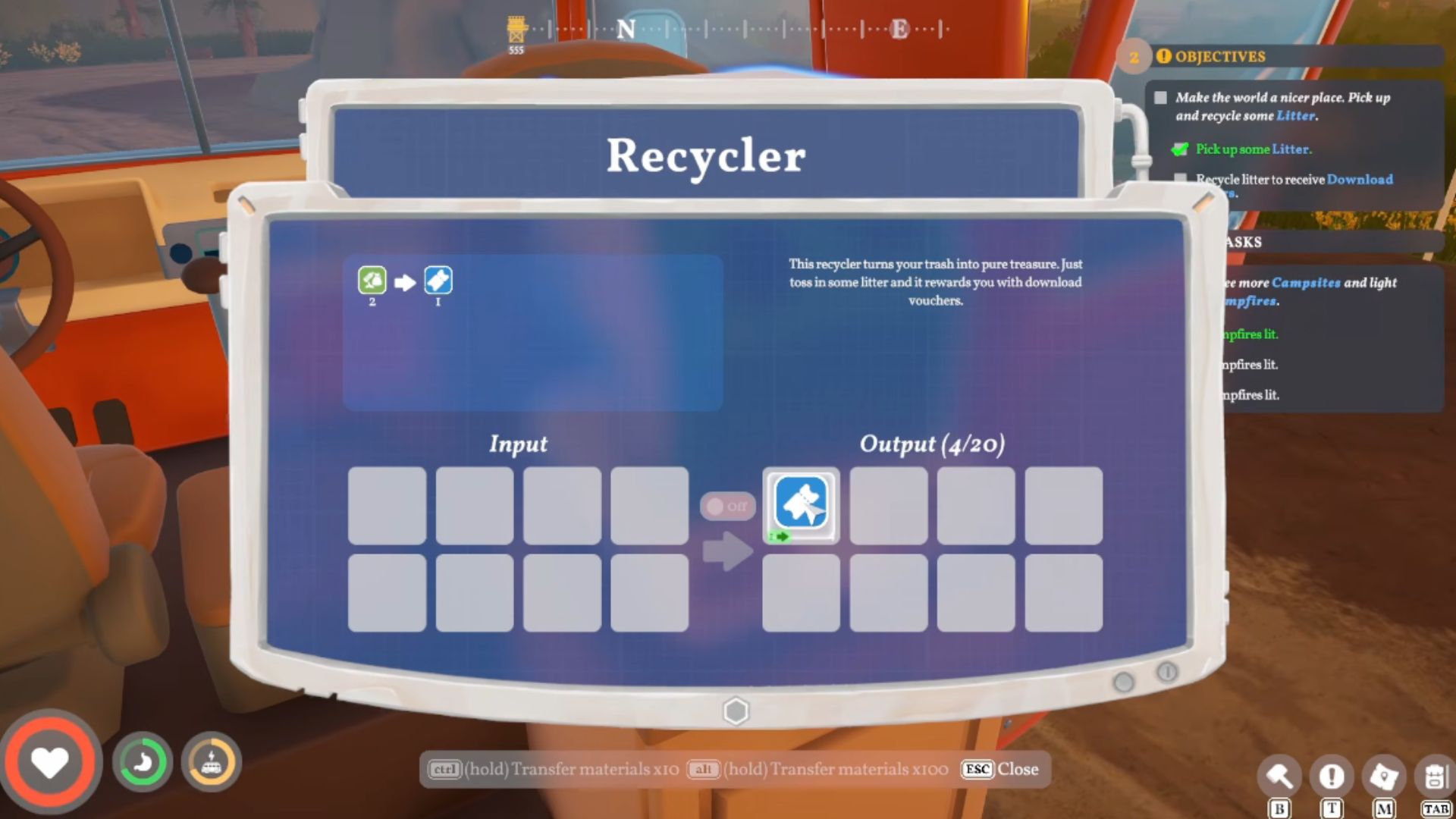 The recycler turns litter into valuable coupons | Credit: Square Glade Games
You might think litter around the campsites and roadsides is present as environmental dressing. It is not!
Litter is one of your most important early resources. Build a recycler on a counter in your vehicle, load it up with litter before you sleep, and by morning, it’ll have converted that trash into coupons
6 Lock Your Coupons in Your Backpack
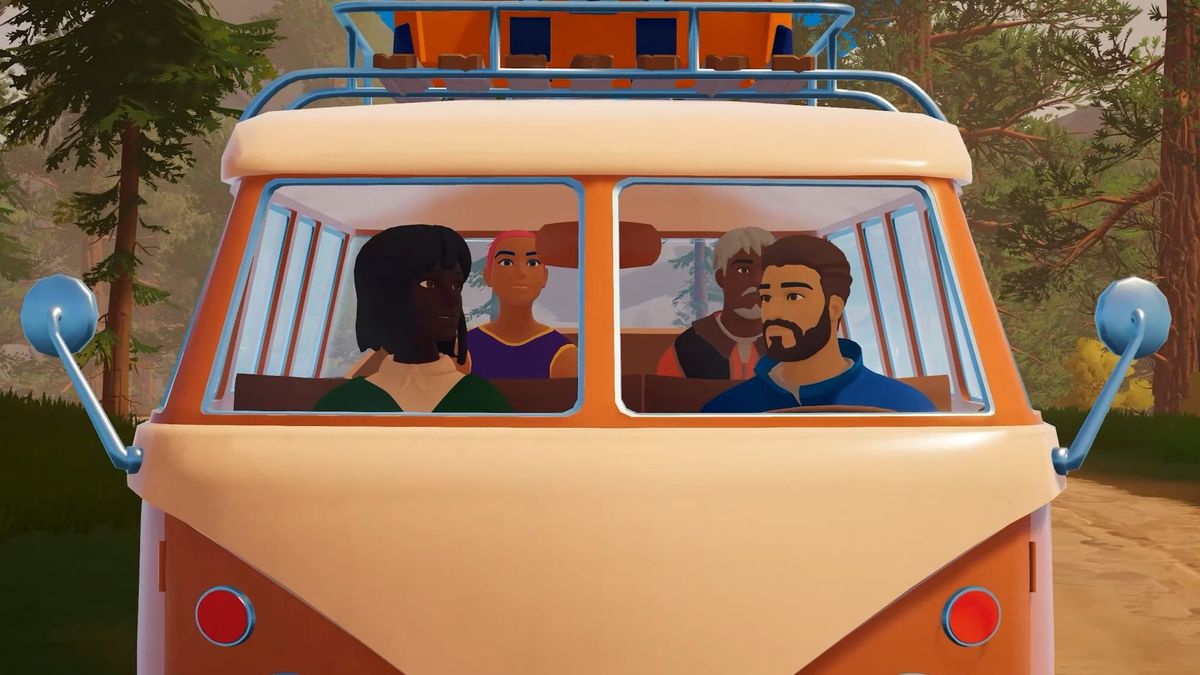 Managing inventory and keeping coupons locked is important | Credit: Square Glade Games
When you walk up to your vehicle’s deposit point and offload your backpack, it dumps everything. Including your hard-earned coupons in the vehicle storage. This is an issue, for when you’re out on foot and need those coupons to unlock a tower.
The fix is simple: open your inventory, click on your coupons, and lock them in place. Locked items won’t get offloaded when you deposit at the vehicle.
7 Manage Your Inventory Weight to Keep Sprinting
 Sprinting across the open world needs a well-managed inventory | Credit: Square Glade Games
Your character has a stamina bar that depletes as you sprint. At the start of the game, it’s very low.
However, there’s a second layer to movement. If the backpack is full, you literally cannot sprint regardless of stamina. So, make a habit of depositing into your vehicle before your pack fills up, not after!
8 Keep Your Vehicle Battery Charged
 A dead battery means a dead journey | Credit: Square Glade Games
Outbound‘s vehicles are electric, and keeping your battery topped up is an ongoing responsibility. The power sources change from burning wood to wind turbines as you progress.
Keep in mind that each map also has at least one dedicated charging station. This is a roadside station where you can quickly recharge your battery for free. Utilize them all!
9 Use Your Homing Boots When You Get Lost
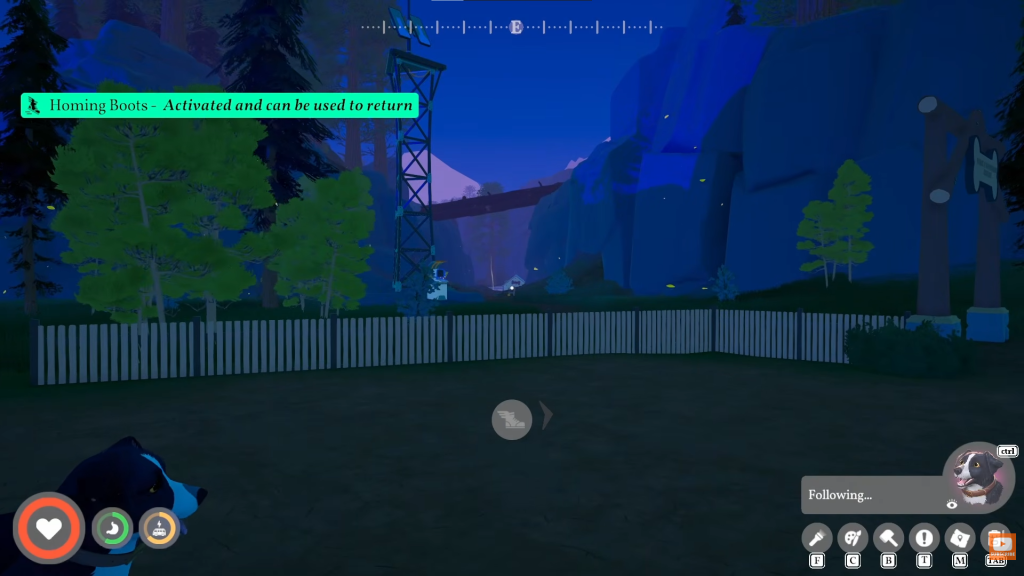 Homing Boots helping players navigate back after a long expedition | Credit: Square Glade Games | YouTube @surtrplays
As the in-game day gets late, your character becomes too tired to sprint. If you’ve been wandering far from your vehicle, and the sun is setting, it feels way too long.
That’s exactly what Homing Boots are for! Unlock and craft them early, and when it gets dark, just point yourself toward your vehicle, hold Shift, and activate the boots, and they’ll carry you back quickly.
10 Embrace Cooking and Farming
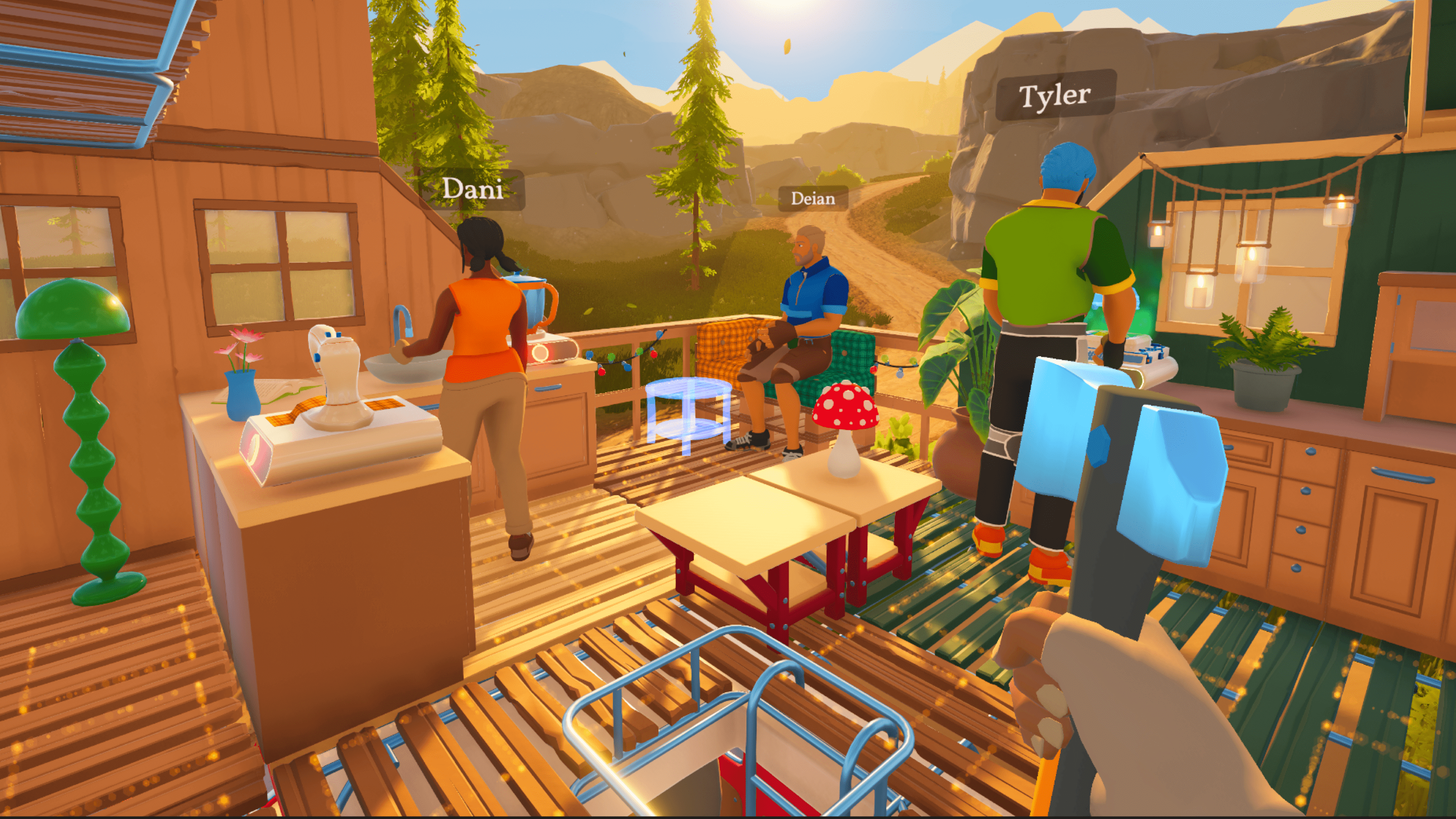 Roadberries will only get you so far; you need sustained nourishment | Credit: Square Glade Games
Food is a real mechanic in Outbound. Your hunger drops over time, and hitting zero starts chipping away at your health. Early on, you will survive on roadberries (10 nutrition each) and whatever else you find. However, there’s a much better system waiting for you.
Once you unlock the food processor, you can combine two roadberries into roadberry jam, which has 22 nutrients. Later, you’ll grow tomatoes, carrots, wheat, coconuts, and even harvest things like coast berries.
Farming and cooking become especially worthwhile in co-op, but are equally good for solo players. An additional benefit is that it frees up inventory slots in your backpack, since each item packs more nutrition.
| 1 | Pick the right vehicle | Set your building space and carry capacity for the whole game |
| 2 | Don’t skip the tutorial | Required for multiplayer; teaches core mechanics |
| 3 | Collect everything | Vehicle storage is unlimited; scrap metal is always scarce |
| 4 | Prioritize signal towers | Towers unlock tools, workstations, and building blueprints |
| 5 | Build a recycler ASAP | Converts litter into coupons passively overnight |
| 6 | Lock coupons in your backpack | Prevents tokens from being accidentally deposited |
| 7 | Manage inventory weight | A full backpack prevents sprinting regardless of stamina |
| 8 | Keep your battery charged | A dead battery means a stuck vehicle; use roadside charging stations |
| 9 | Use Homing Boots at night | Quickly returns you to your vehicle when you are too tired to sprint |
| 10 | Cook and farm eventually | Cooked food packs more nutrition per slot, freeing up valuable backpack space |
Is Outbound a multiplayer game, or can it be played solo?
Outbound supports both solo and co-op play with up to four players. However, you must first complete the tutorial area before multiplayer mode becomes available.
Do I need to worry about dying in Outbound?
You can die, either by letting your hunger hit zero or by taking fall damage, but the consequences are minimal. You respawn with some health and need to patch yourself up, but you won’t lose significant progress. That said, keeping your hunger and health topped up is still a good practice.
How many maps are there in Outbound, and are they very different?
There are four maps in total, each featuring distinct biomes and new resources. For example, the second map features a coastal road and a Paws and Whiskers Lodge, where you unlock a companion animal, while later maps include a canyon biome where your vehicle can overheat and where unique materials like clay become critical.
Which of these tips and tricks helped you the most in Outbound? Do you have others for a strong start in Outbound? Let us know in the comments.






























 Bengali (BD) ·
  English (US) ·